Can OBD2 Detect an EVAP Leak? Codes Explained
Quick Answer Yes. On most gasoline cars, OBD2 can detect an EVAP leak, but it detects a failed seal test,…
Quick Answer Yes. On most gasoline cars, OBD2 can detect an EVAP leak, but it detects a failed seal test,…
Quick Answer SAE J1850 is a legacy OBD2 communication protocol used in many vehicles built between roughly 1996 and 2007,…
Quick Answer Yes, an OBD2 scanner can work on many hybrid cars. A basic scanner can often read standard engine…
Quick Answer An ELM327 adapter can read ABS codes on some vehicles when paired with compatible diagnostic software, but a…
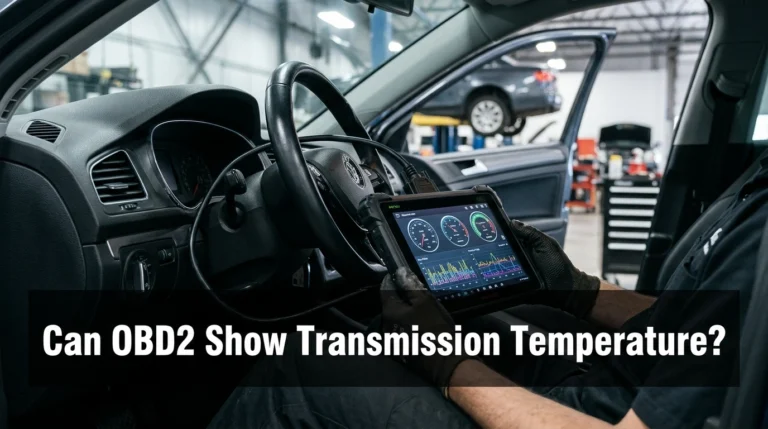
Quick Answer Yes, an OBD2 scanner can show transmission temperature on many vehicles, but not every scanner or vehicle supports…
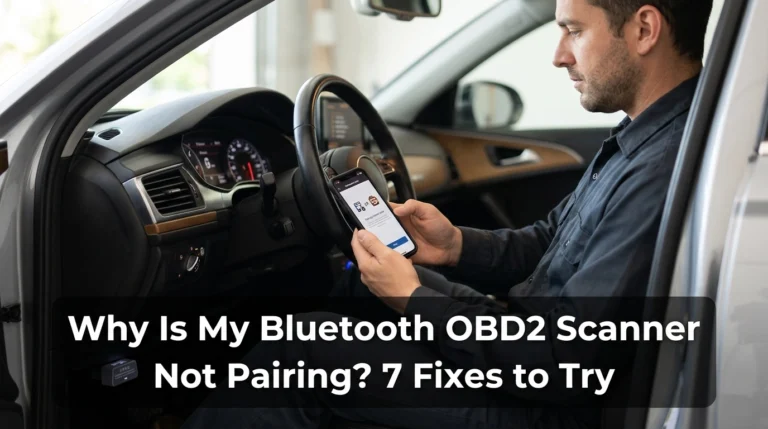
Quick Answer If your Bluetooth OBD2 scanner is not pairing, first confirm that the adapter is compatible with your phone…

Quick Answer No, all OBD2 adapters are not the same. They differ in supported communication protocols, connection types, diagnostic features,…
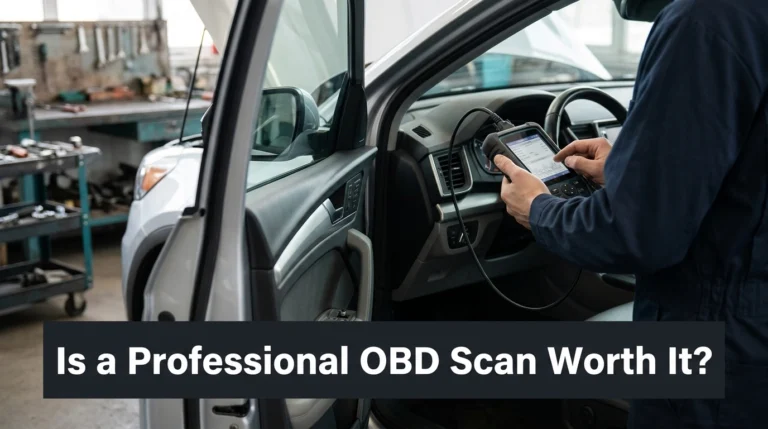
Quick Answer Yes, a professional OBD scan is worth paying for when your car has recurring warning lights, unexplained drivability…
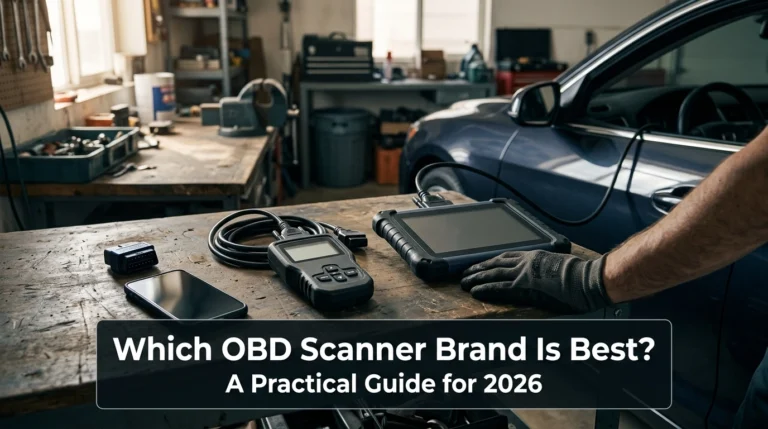
Quick Answer BlueDriver is a strong choice for everyday drivers who want smartphone-based diagnostics and helpful repair information. Autel and…
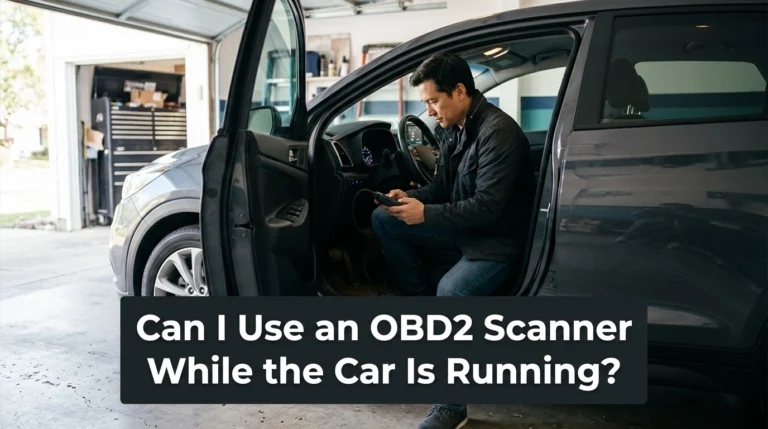
Quick Answer Yes, you can use many OBD2 scanners while the engine is running, particularly to view live engine data…
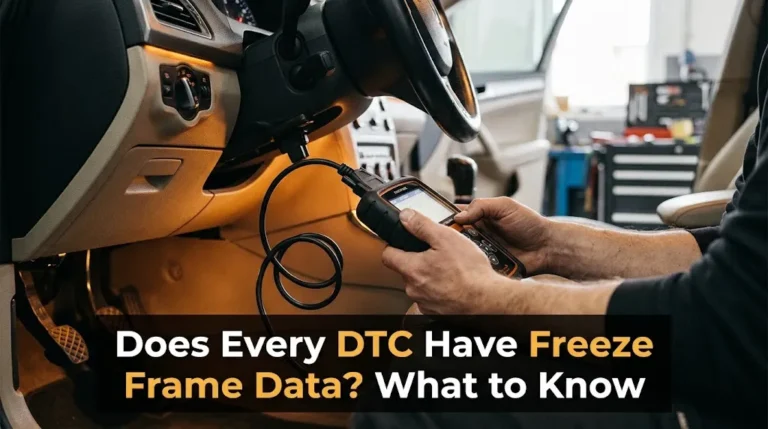
Quick Answer No, not every Diagnostic Trouble Code (DTC) stores freeze frame data. While standard Powertrain (P-code) emissions-related codes almost…
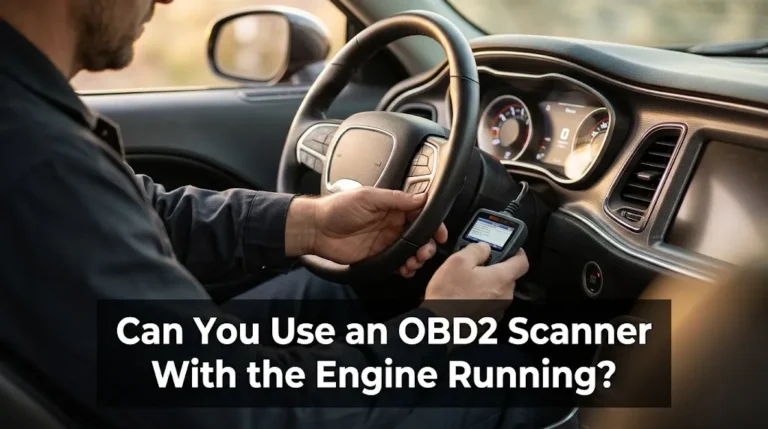
Quick Answer Yes, you can safely use an OBD2 scanner with the engine running. In fact, keeping the engine running…
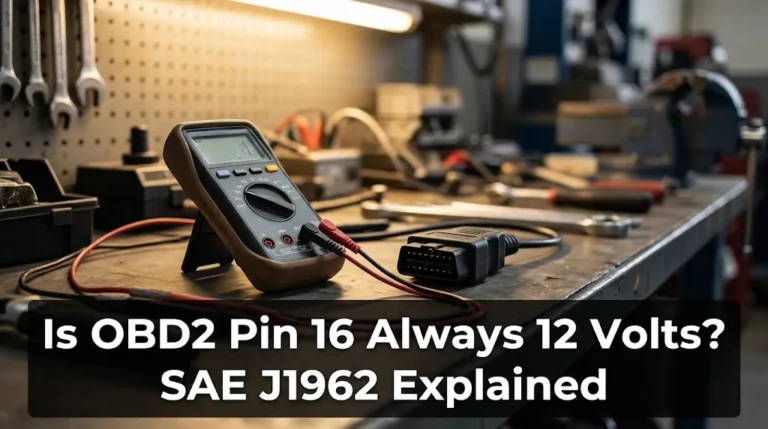
Quick Answer Pin 16 is always defined as battery voltage, but it is not always exactly 12 volts. On a…
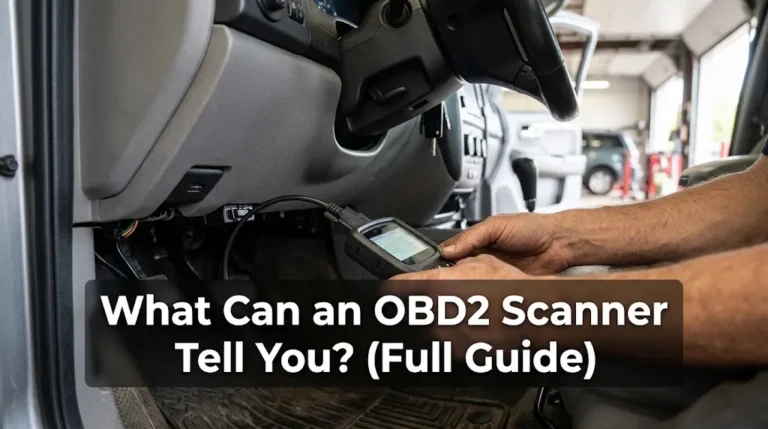
Quick Answer An OBD2 scanner can tell you what your car’s computer has detected, what it is measuring right now,…
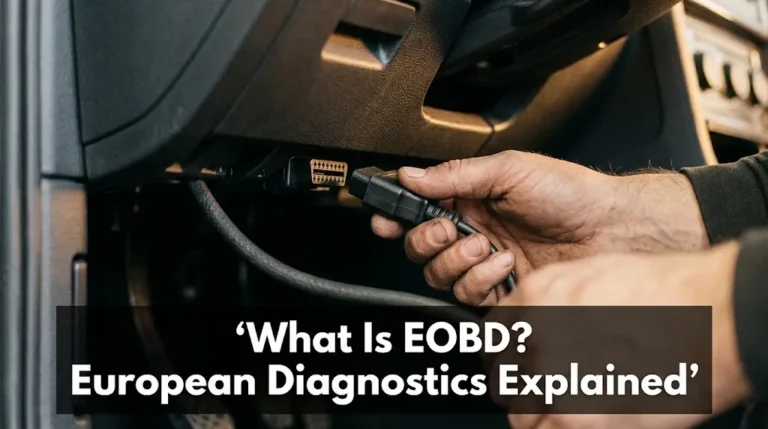
Quick Answer EOBD is European On-Board Diagnostics: the EU system that watches a car’s emission-related systems while it drives, stores…
