10 Best Two Way OBD2 Scanners for 2026: Send Commands, Not Just Read Codes
The best two way obd2 scanner right now is the Autel MaxiSys MS906 Pro, which runs active tests across many vehicle systems. We compared 10 two-way scanners, scoring each on Two-Way Control Depth, Diagnostic Depth, and Ease of Use. Most scanners look identical on paper but fail when you need a real command to work. Whether you need active tests, service resets, or deeper diagnostics, this guide gives you one clear answer.
Quick Comparison: All 10 Products Ranked
| # | Product | Best For | Rating | Badge | |
|---|---|---|---|---|---|
| 1 | Autel MaxiSys MS906 Pro | broad active tests across many systems | 4.9/5 | Best Overall | Buy → |
| 2 | Launch X431 V+ | wide multi-brand diagnostics | 4.8/5 | Best for Multi-Brand Coverage | Buy → |
| 3 | Autel MaxiCOM MK808S | capable tablet in a smaller footprint | 4.7/5 | Best Tablet Value | Buy → |
| 4 | FOXWELL NT809 | handheld service depth | 4.6/5 | Best Handheld | Buy → |
| 5 | Launch X431 CRP919E | travel-ready tablet diagnostics | 4.6/5 | Best Travel Tablet | Buy → |
| 6 | Autel MaxiDAS DS808S | portable Autel tablet work | 4.5/5 | Best Portable Autel | Buy → |
| 7 | THINKCAR ThinkDiag 2 | phone-based active tests | 4.5/5 | Best Phone-Based | Buy → |
| 8 | Autel MaxiSys Elite II | workshop-grade speed and depth | 4.4/5 | Best Workshop-Grade | Buy → |
| 9 | Launch X431 ProS V5.0 | familiar touchscreen diagnostics | 4.4/5 | Best Familiar Touchscreen | Buy → |
| 10 | FOXWELL NT710 | budget entry to active tests | 4.3/5 | Best Budget Entry | Buy → |
How We Chose These Two Way Scanners
What we compared
We compared 10 two-way scanners on listed active-test coverage, system coverage, service functions, and ease of use, using manufacturer specifications and published feature lists.
Our 3 scoring criteria
Two-Way Control Depth, Diagnostic Depth, and Ease of Use. Each product is scored out of 5 on all three criteria.
How ratings work
Scores are editorial ratings based on listed specifications, not lab or hands-on test results. No test period was claimed and no measured test outcome is presented as a result.
What we cut — and why
We left out code-only readers and Bluetooth adapters with no confirmed active-test support, because they cannot send commands back to vehicle components.
What to Look for When Buying a Two Way OBD2 Scanner
A two way scanner should do more than read codes. It should let you test parts, reset services, and see live data clearly, without locking the functions you need behind a surprise fee.
1. Active-test coverage
Check which components the scanner can actually command, such as injectors, fuel pumps, cooling fans, windows, and EVAP valves. A useful list names the tests, not just the phrase active test. For a clear primer, read whether a scan tool can perform actuator tests before you compare models, and match the list to the jobs you will repeat most often.
2. Vehicle coverage and subscriptions
Confirm your exact make, model, and year are covered for the tests you need, because coverage varies widely by brand. Also check how long free updates last and what a renewal unlocks. Some tools lose newer-model support without a current subscription, so read the renewal terms and confirm the connector and protocol match your car.
3. Service functions
Look for the resets you will use after real repairs, such as oil, EPB, SAS, DPF, battery, and TPMS. A scanner that covers these saves a trip to a shop and helps you finish a job properly. Learn how to use an OBD2 scanner, then test one reset on a familiar job before relying on the tool for a complex repair.
4. Screen, connectivity and updates
Choose a screen you can read in bright light and menus you can follow without a manual. Bluetooth gives freedom to move around the car, while a wired connection stays stable during long tests. Check battery life, storage, and Wi-Fi update speed, because a slow or outdated tablet will frustrate you on every job.
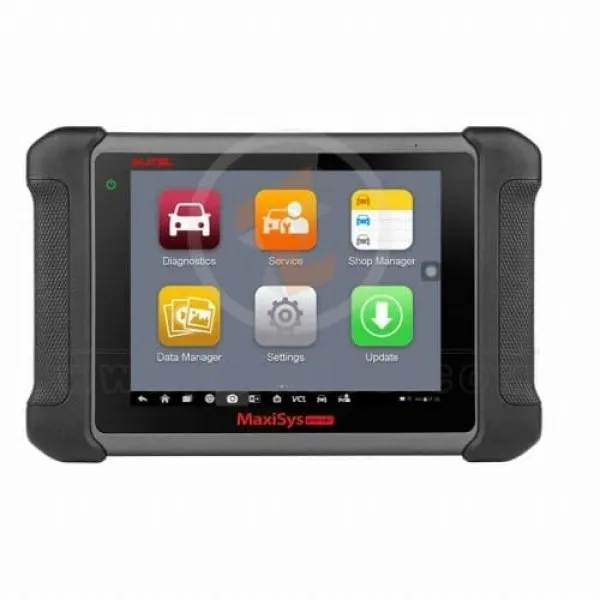
Autel MaxiSys MS906 Pro — Broad active tests, fast scans
Best for: broad active tests across many systems
If you want one tablet that sends commands across many systems, this is the pick to start with. The MS906 Pro covers active tests such as injector coding checks, EVAP tests, window and door controls, and service resets, so you can confirm a repair instead of guessing from a code alone. Its large touchscreen, fast processor, and wide vehicle coverage make daily diagnosis feel smooth, while Auto Scan finds every system quickly. The trade-off is size and cost: it is a workshop-grade tablet, not a pocket tool, and some advanced functions still need an active subscription.
- Active tests across many systems
- Fast Auto Scan finds faults
- Large clear touchscreen display
- Bulky for pocket carry
- Subscription needed for updates
4.9/5
4.9/5
4.8/5

Launch X431 V+ — Wide coverage, familiar tablet workflow
Best for: wide multi-brand diagnostics
The X431 V+ suits drivers who work on many brands and want a familiar tablet workflow. It runs active tests, service resets, and full-system scans across a wide range of makes, and its online coding and remote diagnosis options help with newer models. The large display keeps live data readable, and the included VCI connects over Bluetooth for flexible use around the car. It is heavier than a handheld and needs regular updates to stay current, but for multi-brand coverage in one tablet, it remains a strong, practical choice for busy garages.
- Wide multi-brand vehicle coverage
- Online coding and remote options
- Large readable live-data display
- Heavier than handheld scanners
- Needs regular paid updates
4.8/5
4.9/5
4.7/5
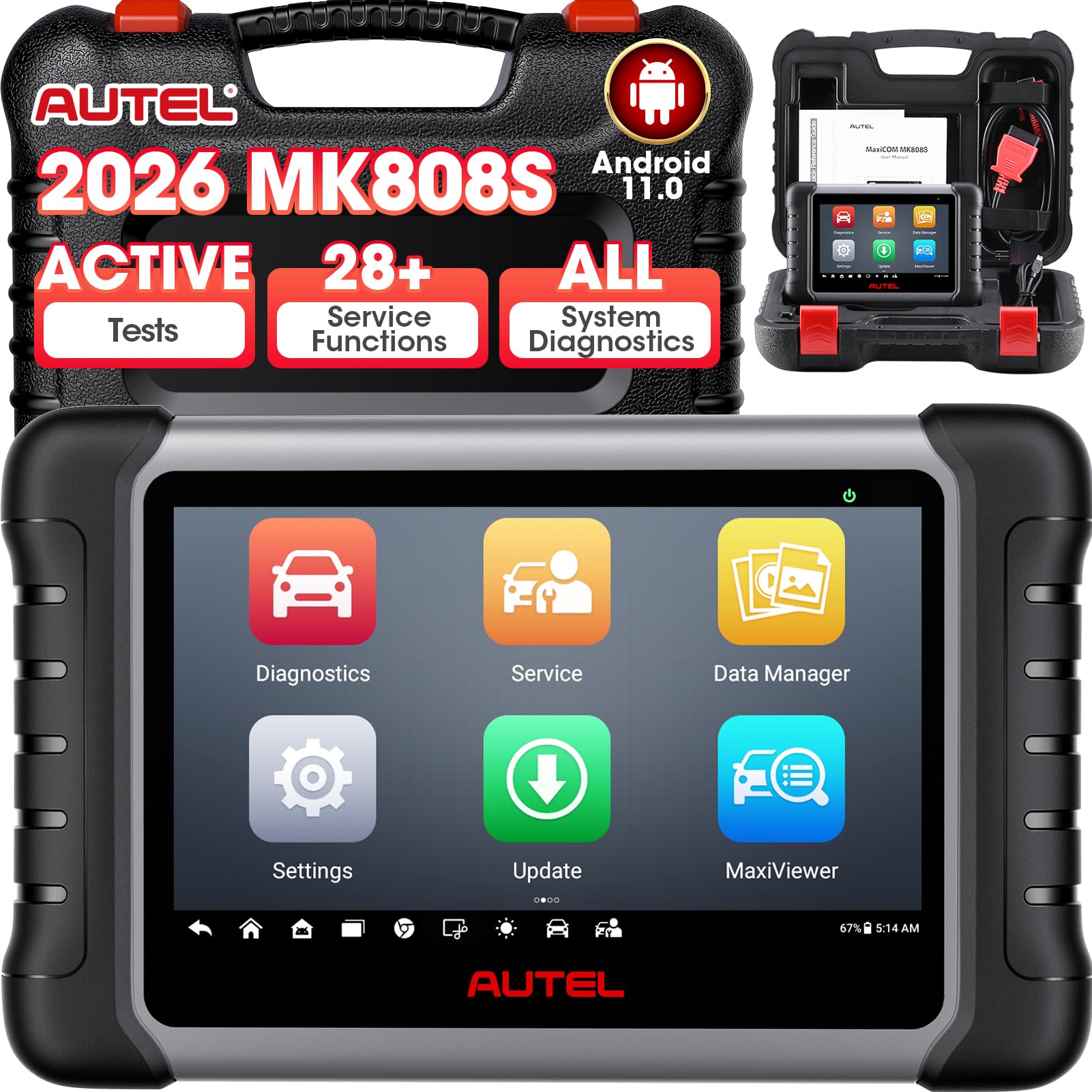
Autel MaxiCOM MK808S — Compact tablet, strong value
Best for: capable tablet in a smaller footprint
The MK808S is the sensible middle ground for home mechanics who want tablet power without workshop bulk. It handles active tests, service resets, and all-system diagnosis in a compact seven-inch body, and its Android interface feels quick and familiar. Live-data graphing helps you spot intermittent faults, while the included carrying case makes storage simple. It lacks the deepest coding options found on larger Autel tablets, and its screen is smaller for long sessions, but its balance of capability, size, and ease of use is hard to beat for everyday home use.
- Compact tablet, full-system scans
- Quick familiar Android interface
- Live-data graphing included
- Limited deep coding options
- Smaller screen for long sessions
4.7/5
4.7/5
4.8/5

FOXWELL NT809 — Serious handheld service depth
Best for: handheld service depth
The NT809 gives handheld fans a serious two-way tool without tablet bulk or footprint. It performs active tests on injectors, pumps, valves, and body components, plus oil, EPB, SAS, DPF, and battery resets, covering the jobs most DIY owners actually need. Its seven-inch touchscreen is bright and responsive, and Wi-Fi updates keep coverage fresh. It does not offer the broadest coding or the largest screen in this list, and heavy workshop use may expose its limits, but for focused handheld service work, it delivers excellent value for most DIY jobs.
- Strong handheld active tests
- Bright responsive touchscreen
- Wi-Fi updates keep coverage fresh
- No broad coding support
- Limits under heavy workshop use
4.6/5
4.6/5
4.7/5
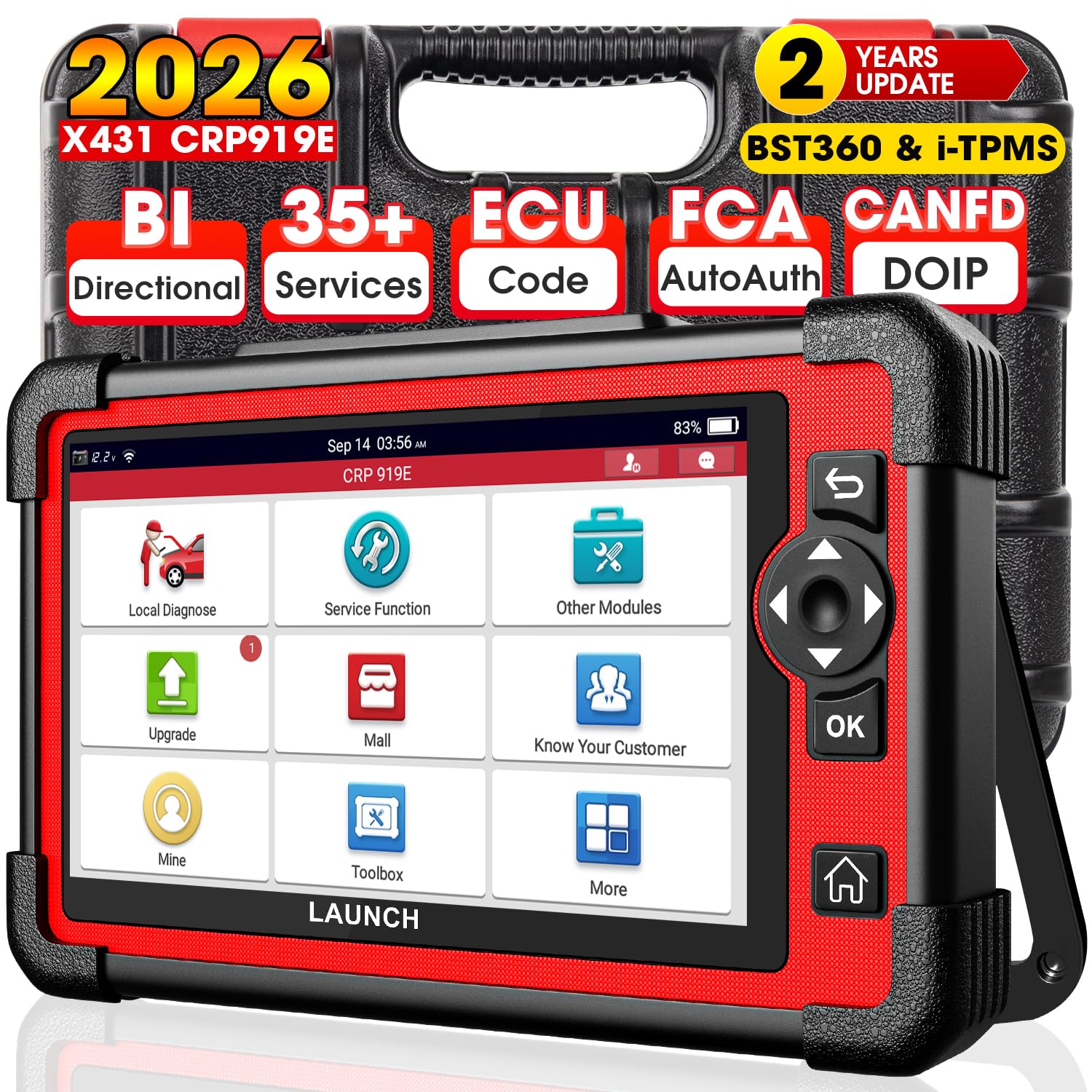
Launch X431 CRP919E — Travel-ready tablet diagnostics
Best for: travel-ready tablet diagnostics
The CRP919E is built for owners who want a travel-ready tablet that still performs real active tests. It covers full-system scans, service resets, and bidirectional controls for common components, and its compact design fits easily in a tool bag or glovebox. The touchscreen is clear outdoors, and Bluetooth VCI pairing keeps cables out of the way. It is not the deepest coding tablet here, and some brand-specific functions need extra steps, but as a portable companion for diagnostics on the move, it is dependable and easy to live with on every trip.
- Compact for travel and storage
- Bluetooth VCI, no cables
- Clear display in bright light
- Not the deepest coding tablet
- Some functions need extra steps
4.6/5
4.5/5
4.7/5

Autel MaxiDAS DS808S — Portable Autel tablet work
Best for: portable Autel tablet work
The DS808S brings Autel tablet diagnostics into a portable package that suits mobile mechanics. It offers active tests, all-system scans, and service functions including oil, EPB, SAS, DPF, and TPMS, with a bright seven-inch display that stays readable in a garage. Its wired VCI connection is stable during long tests, and the interface mirrors larger Autel tablets, so learning is quick. It is older hardware than the newest tablets and charges more slowly, but for reliable portable Autel work, it remains a solid, proven choice on the road every day.
- Stable wired VCI connection
- Familiar Autel tablet interface
- Bright seven-inch display
- Older hardware than newest tablets
- Slower charging than rivals
4.5/5
4.6/5
4.5/5

THINKCAR ThinkDiag 2 — Phone-based active tests
Best for: phone-based active tests
ThinkDiag 2 turns your phone into a two-way scan tool, which makes it ideal for owners who already carry a smartphone everywhere. The small Bluetooth adapter plugs into the OBD port and runs active tests, service resets, and full-system scans through a clear app, with live-data graphs that are easy to read. It is light, affordable, and always in your pocket. Some advanced functions need a paid subscription, and phone-based controls feel less robust than a dedicated tablet, but for convenient on-the-go testing, it is remarkably capable for daily checks.
- Always in your pocket
- Clear app with live graphs
- Light and easy to carry
- Some functions need subscription
- Less robust than dedicated tablet
4.6/5
4.4/5
4.6/5

Autel MaxiSys Elite II — Workshop speed and depth
Best for: workshop-grade speed and depth
The Elite II is for workshops that need speed, depth, and a large screen for long diagnostic sessions. It runs active tests across many systems, supports advanced coding and programming functions, and handles heavy daily use with a powerful processor and long battery life. Its large display shows multiple live-data graphs at once, which helps when tracing complex faults. It is bulky, expensive, and more tool than most home owners need, yet for professional throughput and confidence on difficult jobs, it sets a high standard for demanding professional workshop work.
- Powerful for complex faults
- Large multi-graph display
- Advanced coding and programming
- Bulky and heavy to carry
- More tool than home owners need
4.5/5
4.5/5
4.2/5

Launch X431 ProS V5.0 — Familiar touchscreen diagnostics
Best for: familiar touchscreen diagnostics
The ProS V5.0 suits owners who prefer a familiar touchscreen tablet with straightforward menus. It performs active tests, service resets, and full-system diagnostics across many brands, and its Bluetooth VCI gives freedom to move around the vehicle while testing. The display is bright, the interface is logical, and regular updates add coverage over time. It does not match the deepest coding tablets in this list, and its processor is modest under heavy load, but for clear, everyday two-way diagnostics, it is a comfortable, reliable choice for home and light workshop use.
- Logical, familiar tablet menus
- Bluetooth freedom around vehicle
- Bright clear display
- Modest processor under heavy load
- Not the deepest coding tablet
4.4/5
4.4/5
4.5/5

FOXWELL NT710 — Affordable first active tests
Best for: budget entry to active tests
The NT710 is the entry point for owners who want to try active tests without committing to a large tablet. It handles bidirectional controls for common components, plus service resets for oil, EPB, SAS, and battery, in a compact seven-inch handheld. Its touchscreen is simple to navigate, and Wi-Fi updates keep it current for popular models. Coverage is narrower than premium tablets, and advanced coding is limited, but if you want an affordable first step into two-way testing, it offers the essential functions at a friendly size for first-time buyers.
- Affordable first two-way tool
- Simple touchscreen navigation
- Wi-Fi updates for popular models
- Narrower coverage than premium tablets
- Limited advanced coding support
4.3/5
4.2/5
4.5/5
Top 3 Head-to-Head: Autel MaxiSys MS906 Pro vs Launch X431 V+ vs Autel MaxiCOM MK808S
These three are the most common final choices because they cover the same core jobs at different sizes and depths. The MS906 Pro leads on breadth, the V+ leads on multi-brand depth, and the MK808S wins on compact value.
| Feature | #1 MS906 Pro | #2 X431 V+ | #3 MK808S |
|---|---|---|---|
| Two-Way Control Depth | 4.9/5 — Best | 4.8/5 | 4.7/5 |
| Diagnostic Depth | 4.9/5 — Best | 4.9/5 — Best | 4.7/5 |
| Ease of Use | 4.8/5 | 4.7/5 | 4.8/5 — Best |
| Choose if… | You want the broadest active tests | You work on many brands | You want compact tablet value |
Who These Two Way Scanners Are NOT For
A two way scanner is the wrong buy if you only need to read and clear a basic engine code once in a while.
They are also a poor fit for very old or non-OBD-II vehicles, and for owners who do not want to manage updates or subscriptions. In those cases, a simpler reader or a shop visit is the better choice.
Common Mistakes to Avoid
Most two way scanner regrets come from buying on a headline feature instead of checking coverage for your own car.
Frequently Asked Questions About Two Way OBD2 Scanners
What is a two way OBD2 scanner?
A two way OBD2 scanner can both read data from your car and send commands back to it. That means it can run actuator tests, open and close valves, cycle pumps, and command components on and off to check whether they respond. A basic code reader only reads codes and live data, while a two way tool lets you actively test parts before replacing them.
Can a two way OBD2 scanner damage my car?
A two way scanner is safe when you use the correct test for your vehicle and follow the on-screen prompts. Problems usually come from running a test on the wrong system, interrupting a test, or commanding a component while the engine is in the wrong state. Read the warning, check compatibility for your model, and stop the test if anything sounds or feels wrong.
Do I need a subscription for two way control?
It depends on the brand and model. Some scanners include two way control in the base software, while others put advanced active tests, online functions, or newer vehicle coverage behind a paid subscription. Before you buy, check whether the active tests you need are included, how long free updates last, and what renewing costs in time and money.
Can a two way OBD2 scanner perform a throttle relearn?
Yes, many two way scanners can perform a throttle relearn on supported vehicles, which resets the throttle position after cleaning or replacing the throttle body. The exact steps vary by make and model, so check your vehicle coverage first. For a step-by-step guide, see our explanation of whether a scanner can perform a throttle relearn and follow the prompts carefully.
What live data can a two way OBD2 scanner show?
A two way scanner shows live data such as engine speed, coolant temperature, fuel trim, oxygen sensor readings, and battery voltage, often with graphs that make trends easier to spot. It can also record data while you drive and compare values before and after a repair. To choose the right tool, see what OBD2 scanner is good for live data and match it to your needs.
Will a two way scanner work on my car?
Most two way scanners work on petrol cars from 1996 and diesel cars from 2004 in the United States, and on similar OBD-II vehicles elsewhere, but active-test support varies by make, model, and year. Check the scanner coverage list for your exact vehicle before buying, confirm the connector type, and look for the specific tests you need, such as ABS, airbag, or transmission controls.
Our Final Verdict
Two way scanners reward buyers who check active-test coverage for their own car first. The MS906 Pro leads this list on breadth and clarity, while the V+ and MK808S cover multi-brand work and compact value. Pick the one that matches your vehicle, your jobs, and your comfort with updates.

I’m Alex Rahman, a car enthusiast and automotive writer focused on practical solutions, car tools, and real-world driving advice. I share simple and honest content to help everyday drivers make better decisions.
