Is OBD2 Pin 16 Always 12 Volts? SAE J1962 Explained
Quick Answer Pin 16 is always defined as battery voltage, but it is not always exactly 12 volts. On a…
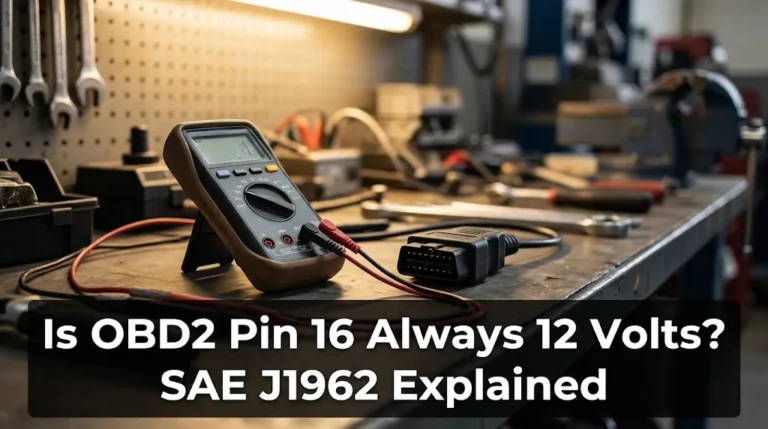
Quick Answer Pin 16 is always defined as battery voltage, but it is not always exactly 12 volts. On a…
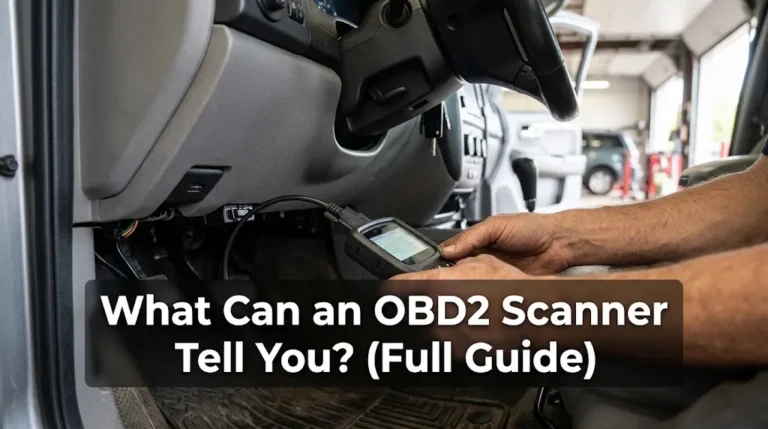
Quick Answer An OBD2 scanner can tell you what your car’s computer has detected, what it is measuring right now,…
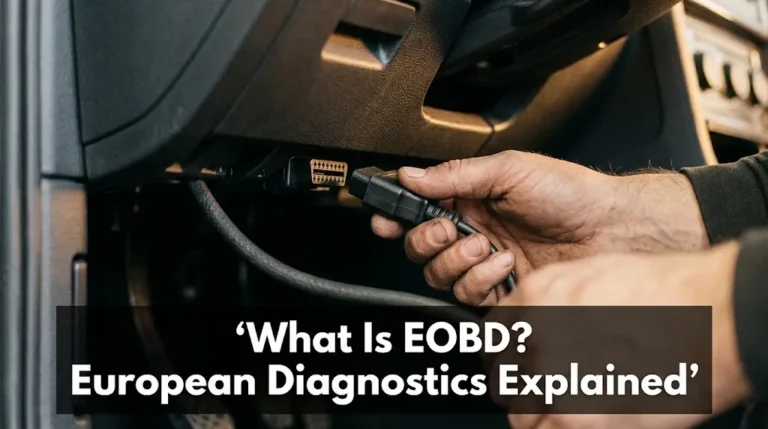
Quick Answer EOBD is European On-Board Diagnostics: the EU system that watches a car’s emission-related systems while it drives, stores…
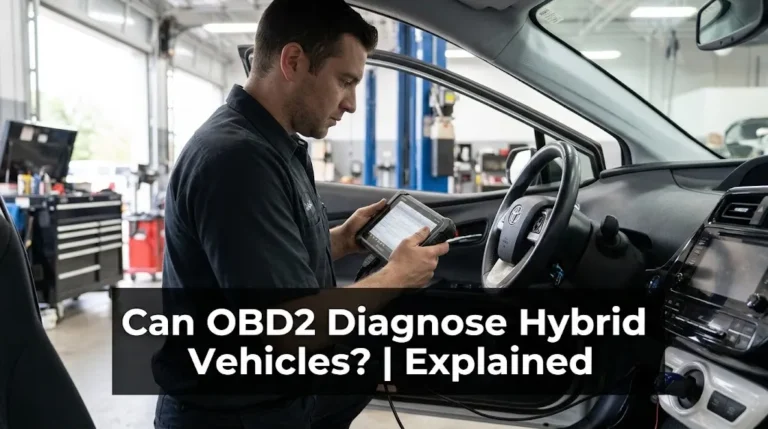
Quick Answer Yes, OBD2 can diagnose hybrid vehicles, but only up to the level your scanner supports. A basic scanner…
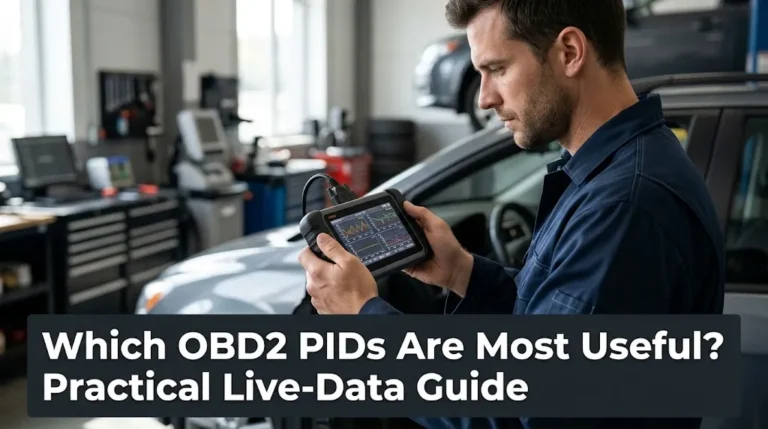
Quick Answer The most useful OBD2 PIDs are not a long list. They are a small set that answers specific…
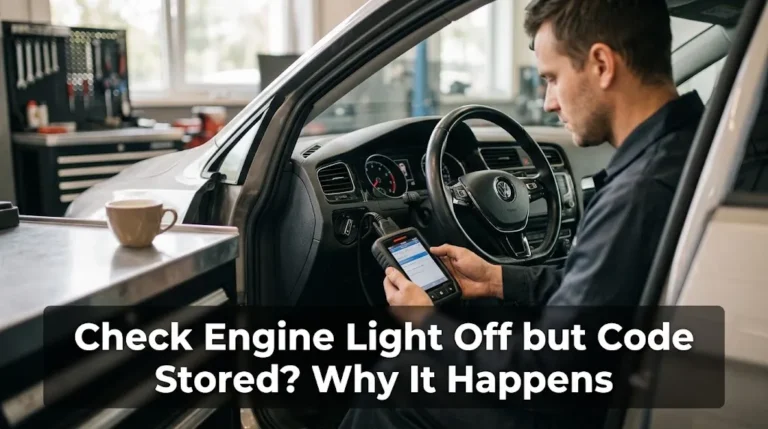
Quick Answer Yes, this is normal. A code can stay stored while the check engine light is off because the…
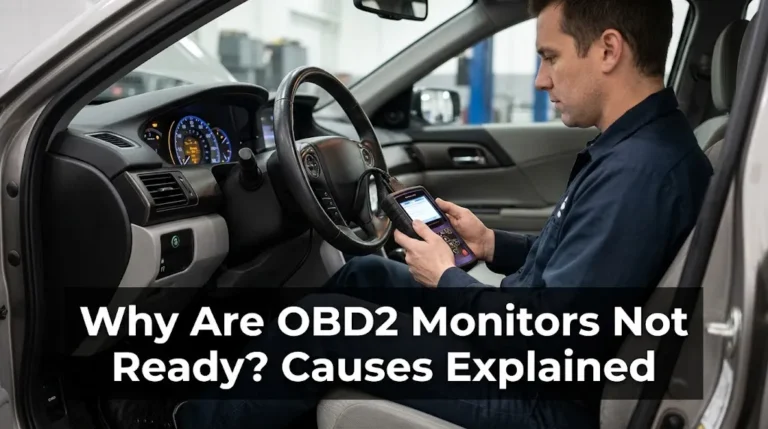
Quick Answer OBD2 monitors are usually not ready because their self-tests have not run yet, not because a part has…
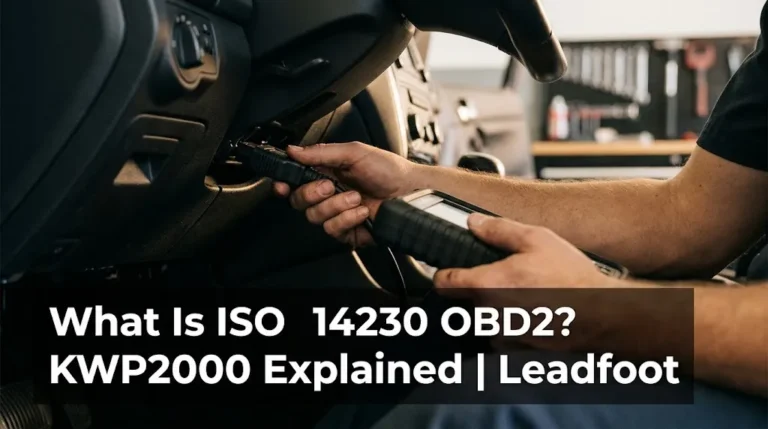
Quick Answer ISO 14230 is the standard for Keyword Protocol 2000 (KWP2000), a diagnostic language that lets a scan tool…
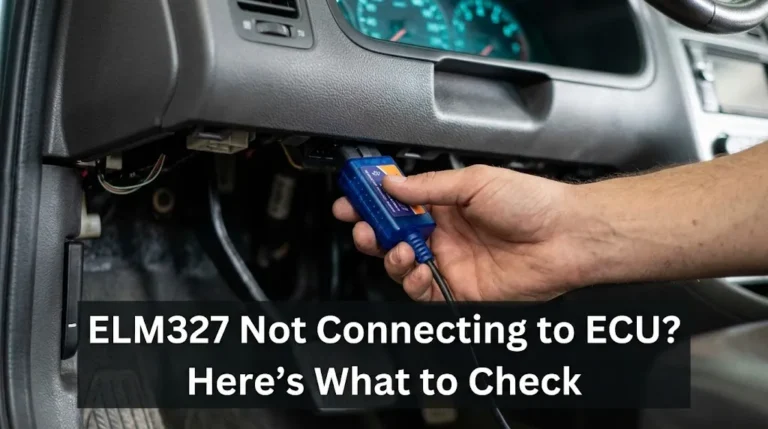
Quick Answer An ELM327 that pairs with your phone but never reaches the ECU is almost always failing at one…
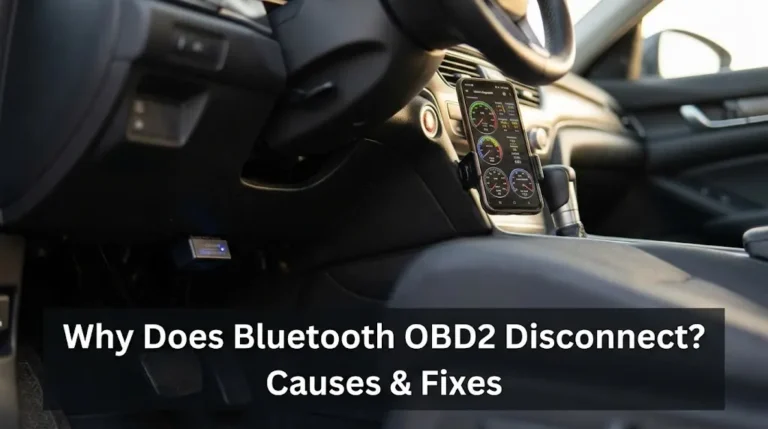
Quick Answer Bluetooth OBD2 scanners usually disconnect due to power interruptions at the vehicle’s diagnostic port, signal interference from other…
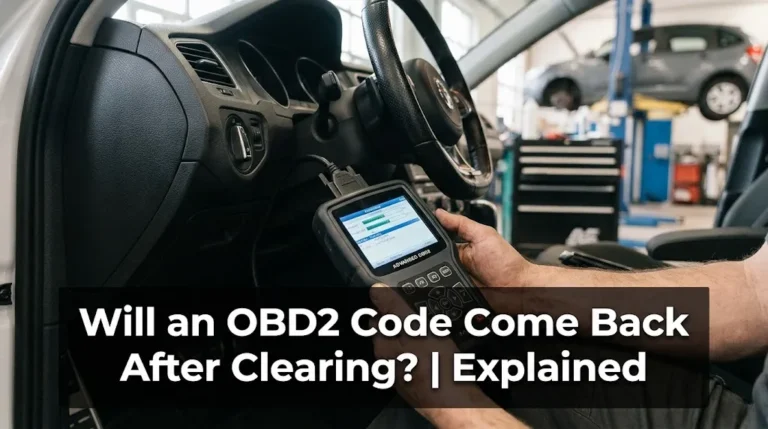
Quick Answer Yes, an OBD2 code will come back after clearing if the fault is still present. Clearing erases the…
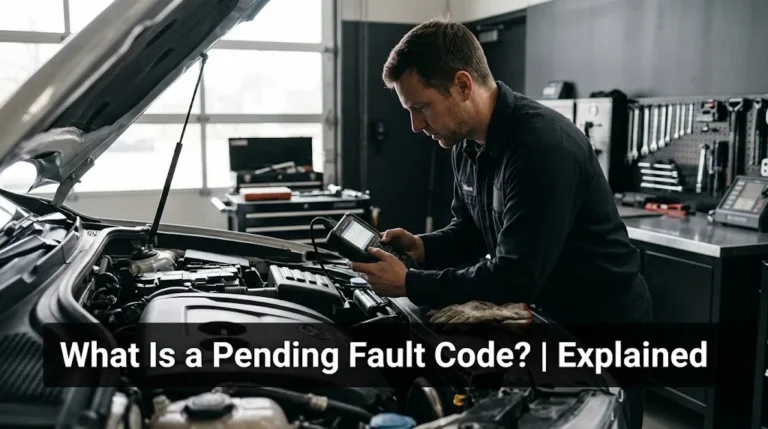
Quick Answer A pending fault code means your car has seen a possible fault once, but has not confirmed it…

Quick Answer Yes, advanced diagnostic scan tools can perform ECU coding, but standard, basic OBD2 code readers cannot. Performing ECU…
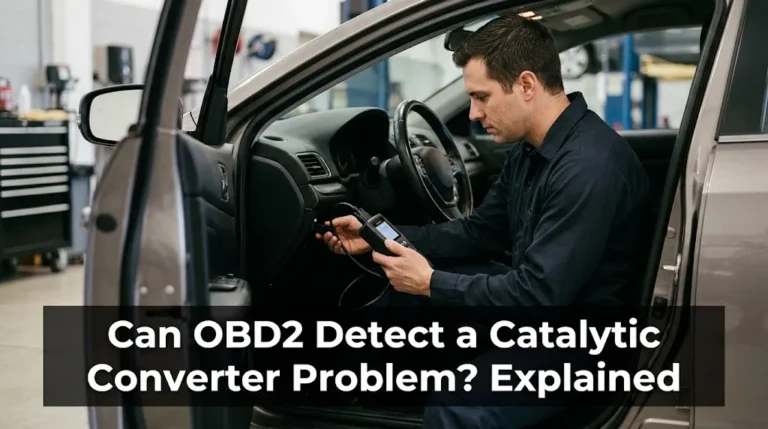
Quick Answer Yes, OBD2 can detect many catalytic converter problems, usually through the catalyst efficiency monitor and codes such as…
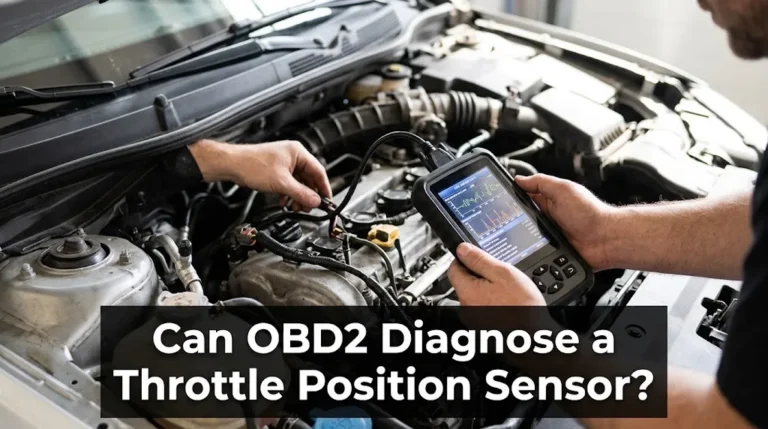
Quick Answer OBD2 can diagnose a throttle position sensor partially. It can set TPS-related trouble codes, show live throttle-position data,…
