Can Two Devices Use the OBD2 Port at Once?
Quick Answer
Yes, two devices can share one OBD2 port with a Y splitter in most cases, but only one should actively request data at a time. A passive listener plus one active scanner usually works. Two scanners polling at once, or bidirectional work with a second device connected, can cause slow replies, garbled readings, false codes, or a failed test.
Most people ask this for a practical reason: they want a Bluetooth dongle left plugged in for a phone app, and still want to plug in a handheld scanner now and then, or run a gauge, tracker, or display while they check a code. One port becomes two sockets, and both devices light up.
That physical part is simple. The communication part is where the answer changes: the port is a shared bus, built around one external tool asking questions and the vehicle answering them.
What an OBD2 Splitter Actually Does
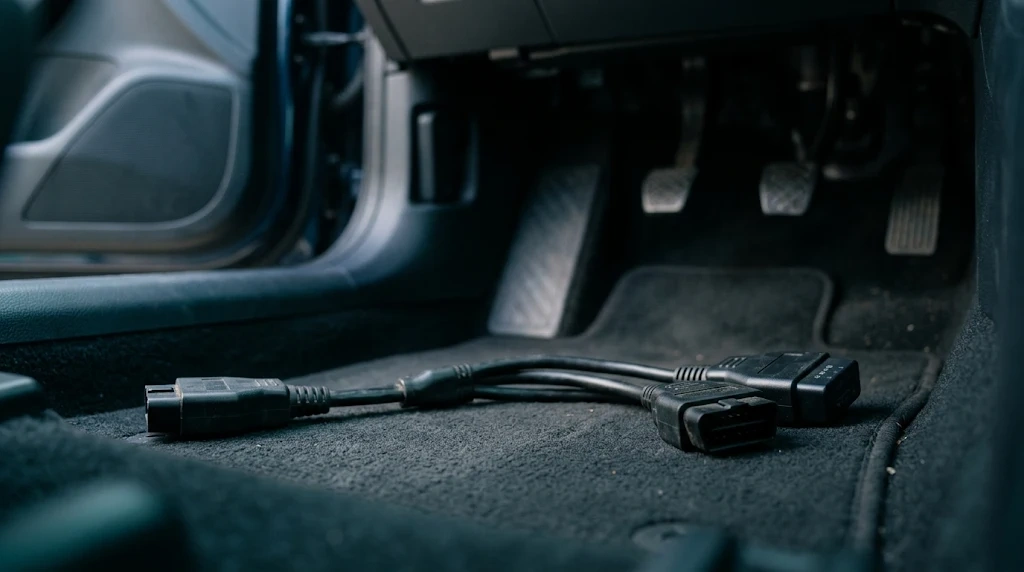
A Y splitter is a passive cable. It has one male plug for the vehicle port and two female sockets for devices. Inside, it connects the same pins to both sockets in parallel. It adds no second port, bus, or channel, and it does not filter traffic or decide which request goes first.
On a modern car, most diagnostic traffic runs on CAN bus wires: pin 6 is CAN High and pin 14 is CAN Low. Power comes from pin 16, and pins 4 and 5 provide ground. A splitter gives both devices the same power, ground, and CAN wires, so they can hear the same messages, and also interfere when both try to talk.
The OBD2 port pin layout explains which pins carry power, ground, and data. If a device only needs power, the data pins matter little. If it needs live data, it depends on those two CAN wires. A splitter also does not change what a device can read: a basic reader still cannot read ABS or SRS modules just because it shares the port.
Which Pairings Usually Work, and Which Do Not
The useful question is not whether two plugs fit. It is what each device does on the bus. A device that mostly listens is easy to share with. A device that constantly asks for data is harder. Two devices that both ask, and both expect an answer, are the pairing most likely to fail.
| Pairing | Usually works? | Why |
|---|---|---|
| Bluetooth dongle + handheld scanner, one at a time | Yes | Only one device polls while the other idles. |
| Passive gauge or display + one scanner | Usually | The display listens to broadcast data and adds little request traffic. |
| GPS tracker + one scanner | Often | Many trackers poll slowly, but a hard-polling tracker can still interfere. |
| Two live-data scanners polling at once | Often not | Both send requests and expect replies, so replies can be delayed or mixed up. |
| Bidirectional work + a second active device | No, avoid it | A test or reset needs a clean exchange, and extra traffic can abort it. |
The setup that works best is a Bluetooth adapter left in place, with a handheld used only when needed. Close the phone app, or pause its live data, before running the handheld.
A Bluetooth OBD2 scanner is often the device people leave plugged in, because it is small and pairs with a phone. The risk is not the dongle itself, but its app still polling in the background while another tool tries to work.
Why Two Active Scanners Clash
Diagnostic communication is mostly request and response: a scanner asks for a parameter, such as engine speed, and the control module answers. When two scanners ask at once, the vehicle may answer one, delay the other, or answer in a way one tool misreads.
CAN itself is a multi-master bus inside the vehicle, so modules can share it. That does not mean the diagnostic session is multi-master in the same way. The OBD2 diagnostic protocol was designed around a single external tool. A passive splitter adds no arbitration, no queue, and no way to tell one scanner to wait while the other finishes.
The symptoms are usually easy to recognise. Live data updates slowly or freezes. One scanner shows a value that does not match the other. A connection drops and reconnects. A code appears that was not there before, often a U-code for lost communication. In the worst reported cases, a scan tool loses communication with a module entirely until the second device is removed.
If a U-code appears only while two devices are connected, the code may describe the shared connection, not a fault in the vehicle. Do not replace parts based on a code that appeared during a two-device test. The EngineerFix guide to OBD2 splitters makes the same distinction: a splitter duplicates the wiring, but the diagnostic protocol was built for one external tool at a time.
Power, Ground, and Battery Drain
Both devices draw power from the same pin 16 feed, which is battery power. Two small readers draw very little. A bright display, a cellular tracker, or a device that stays awake adds more load. If a device restarts or drops out when the second one is plugged in, suspect power before data.
Cheap splitters add resistance, so the far device may see a lower voltage than the battery actually has, which can skew voltage readings.
Then there is the parked car. Pin 16 stays live on many vehicles after the ignition is off, so a device that does not sleep keeps drawing power. Two devices left plugged in make a flat battery more likely, especially if the car sits for days. If you are unsure whether a device sleeps, unplug the splitter when the car will sit. If nothing powers up at all, the problem may not be the splitter: a blown fuse or damaged port can leave it dead. Our guide to why an OBD2 port can have no power walks through those checks.
How to Test Two Devices Safely
Do not plug everything in at once. Add one device at a time, so a problem points to the change that caused it.
- Test each device alone first. Confirm each one connects, reads codes, and shows live data alone.
- Add the splitter with only the first device. Check it still works through the cable, ruling out a bad splitter.
- Add the second device, but keep it idle. If the first device now misbehaves, the second interferes even while idle.
- Start live data on one device only. Watch for slow updates, frozen values, or dropped connections.
- Try live data on the second device while the first is paused. This shows whether each works when it has the bus to itself.
- Try both polling together only if you need to. If readings slow down or a U-code appears, stop: that pairing does not work reliably.
If a problem appears, remove the second device and re-test the first alone. If it recovers, you have your answer. Note any codes that appeared before clearing them.
Warning
Never run a bidirectional test, a service reset, a relearn, or a code-clearing session with a second device polling in the background. Unplug the other device first, even if the pair seemed fine for simple live data.
When to Unplug One Device
Some jobs need a clean bus, and no splitter can provide one while a second device is talking. Unplug the other device before any bidirectional work, such as activating a component, running an injector or ABS test, or performing a relearn. Bidirectional control means the scanner tells a module to do something, not just asks it for a reading, so a delayed or mixed-up reply can abort the test or leave a function half-finished.
Clearing codes is another job to do alone. If a second device is polling while you clear a code, it may log a communication error or reconnect at the same moment the module is resetting. That does not usually damage anything, but it can leave you unsure whether the code is really gone. Emissions testing, readiness checks, and firmware updates deserve the same treatment: a stable connection should not share the bus with a tracker or gauge that might add traffic at the wrong moment.
What a Splitter Cannot Fix, and Better Alternatives
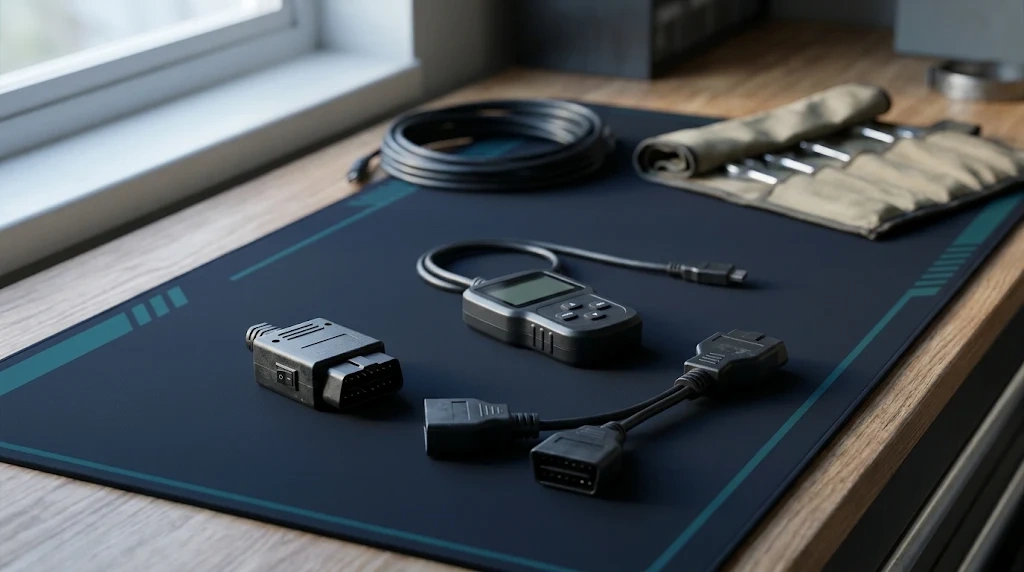
A splitter cannot fix a scanner that will not connect, a protocol the car does not speak, or a port with no power. It cannot add ABS, SRS, or manufacturer-specific coverage to a basic reader. If a device fails alone, it will fail through a splitter too.
To leave one device in place, consider a switched splitter, which powers down the idle device without unplugging it. A power-only tap is another option for a gauge that needs 12 volts but not data, because it keeps that device off the CAN bus. For a workshop, take turns: finish one job before plugging in the next tool.
If a scanner will not connect at all, see why an OBD2 scanner will not connect.
Related Product
OBD2 Y Splitter Cable
A short Y splitter gives a Bluetooth dongle and a handheld scanner their own sockets on one port, so you can keep the dongle in place and plug in the scanner only when you need it.
As an Amazon Associate, we earn from qualifying purchases.
Frequently Asked Questions
Can two OBD2 scanners read live data at the same time?
Physically yes, with a splitter, but not reliably. Both scanners send requests and expect replies, so readings can slow down, freeze, or conflict. Use one scanner at a time and pause or close the other app.
Will an OBD2 splitter drain my car battery?
It can, if the devices stay awake. Pin 16 stays live on many cars after the ignition is off, so a dongle or tracker that does not sleep keeps drawing power. Unplug them if the car will sit for several days.
Can I use a splitter with a Bluetooth dongle and a handheld scanner?
Yes, this is the most common pairing that works. Leave the dongle in place, close its phone app or pause live data, then use the handheld alone. Unplug the dongle before any bidirectional test, reset, or code clearing.
Can a splitter cause false trouble codes?
Yes. Two active devices can trigger U-codes for lost communication or make a scanner lose contact with a module. If a code appears only while both are connected, re-test with one device first.
Does a splitter work on older cars without CAN bus?
It can, if the splitter passes through all 16 pins and the car uses a protocol your scanner supports. Older cars may use K-line or J1850 instead of CAN, so a splitter that wires only the CAN pins will fail on them.
Is it safe to leave two devices plugged in while driving?
For a passive display plus one active device, usually yes, as long as the cable does not interfere with the pedals or your knees and neither device distracts you. Do not run two active scanners while driving, and secure the cable so a loose plug cannot pull out.
Conclusion
Two devices can share one OBD2 port, but sharing the plug is not the same as sharing the conversation. A Y splitter works well when only one device is actively asking for data. Keep the second device passive, pause its app, or unplug it before serious diagnostic work. Test each pairing one device at a time, watch for slow data or U-codes, and treat a code that appears only with both devices connected as a connection problem first. That simple rule saves time.

I’m Alex Rahman, a car enthusiast and automotive writer focused on practical solutions, car tools, and real-world driving advice. I share simple and honest content to help everyday drivers make better decisions.
