Can an OBD2 Scanner Check Emissions Readiness? What to Know
Quick Answer
Yes, an OBD2 scanner can check emissions readiness by reading the vehicle’s onboard computer readiness monitors. However, it only tells you whether the computer has completed its self-tests, not whether the vehicle will actually pass a tailpipe or physical inspection.
How an OBD2 Scanner Reads Emissions Readiness
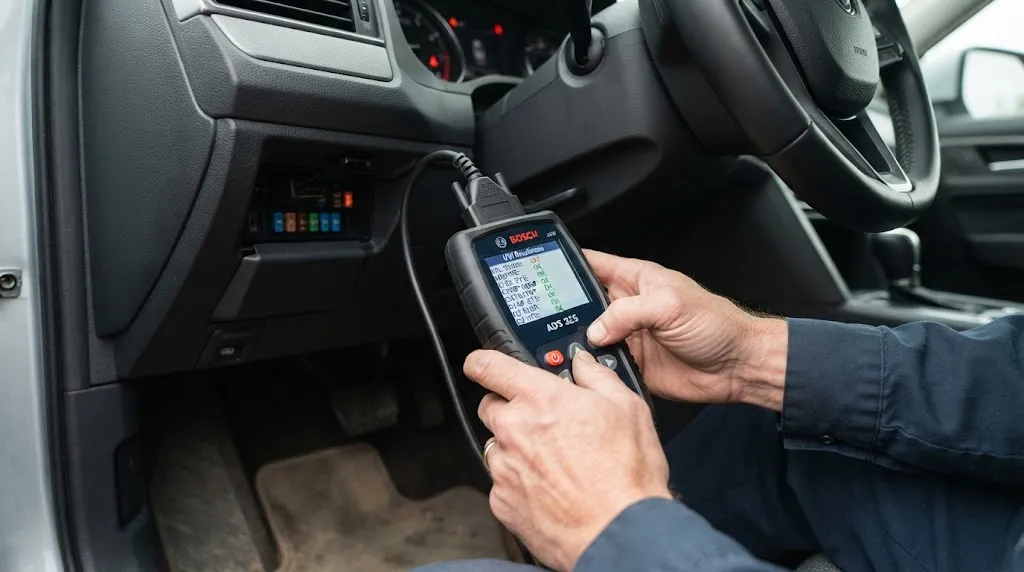
Modern vehicles manufactured after 1996 are equipped with an On-Board Diagnostics (OBD2) system that continuously monitors various engine and emissions components. These systems run internal self-tests, known as readiness monitors, to verify that pollution control systems are functioning correctly.
When you plug a standard OBD2 code reader or scan tool into the diagnostic port beneath the dashboard, you can access the “I/M Readiness” (Inspection and Maintenance) menu. This menu displays the status of various emissions monitors, indicating whether each specific test has completed its cycle.
Understanding what these readiness monitors represent helps clarify what a scan tool can and cannot determine before an official emissions test.
Understanding Readiness Monitors: Complete vs. Incomplete
Each emissions-related component has a designated monitor in the vehicle’s computer system. When checking readiness with an OBD2 scanner, you will typically see two possible statuses for each monitor:
- Ready (Complete): The vehicle’s computer has successfully run its diagnostic self-test for that specific system during normal driving conditions.
- Not Ready (Incomplete): The computer has not finished testing that system, or the test was reset recently.
Key Insight
Having “Not Ready” monitors is the #1 reason vehicles fail state emissions inspections on the first attempt, even when there are no check engine light codes present.
If you recently cleared trouble codes with a scanner or disconnected your vehicle’s battery, all of these monitors automatically reset to “Not Ready.” State inspection stations will automatically fail a vehicle if too many monitors show an incomplete status.
Common OBD2 Emissions Monitors Explained
Depending on the make, model, and year of your vehicle, an OBD2 scanner will display several standard and optional readiness monitors. Knowing what they track helps you understand why a system might remain incomplete.
Standard continuous monitors run constantly while the engine is running and rarely cause readiness issues. These include:
- Misfire Monitor: Continuously checks for irregular engine cylinder firing.
- Fuel System Monitor: Tracks air-fuel ratio adjustments in real time.
- Comprehensive Component Monitor (CCM): Checks general electrical and mechanical inputs like sensors and actuators.
Non-continuous monitors only run during specific driving conditions, such as highway cruising or cold starts. These frequently show as “Not Ready” after battery disconnection:
- Catalyst Monitor: Evaluates how effectively the catalytic converter reduces toxic exhaust gases.
- Evaporative System (EVAP) Monitor: Checks for fuel vapor leaks in the gas tank, lines, and charcoal canister.
- Oxygen Sensor Monitor: Verifies the response time and efficiency of upstream and downstream oxygen sensors.
- EGR System Monitor: Tests the Exhaust Gas Recirculation valve flow where applicable.
Can an OBD2 Scanner Tell You If Your Car Will Pass?
An OBD2 scanner provides valuable diagnostic insight, but it has distinct limitations regarding official state inspections.
If your scanner reports that all supported monitors are “Ready” and there are no active Diagnostic Trouble Codes (DTCs) or illuminated check engine lights, your car’s computer is indicating that its self-diagnostic tests have passed.
However, an OBD2 scanner does not measure actual tailpipe emissions directly. It only reports what the vehicle’s sensors and computer calculate. A car can theoretically have all readiness monitors set to “Ready” while still experiencing a mechanical issue that causes a high tailpipe pollutant reading, though this is uncommon in modern computer-controlled engines.
Warning
Clearing trouble codes right before an emissions test does not fix the underlying problem. Even if the check engine light goes out temporarily, the readiness monitors will immediately switch to “Not Ready,” resulting in an automatic inspection rejection.
How to Complete “Not Ready” Monitors Using a Drive Cycle
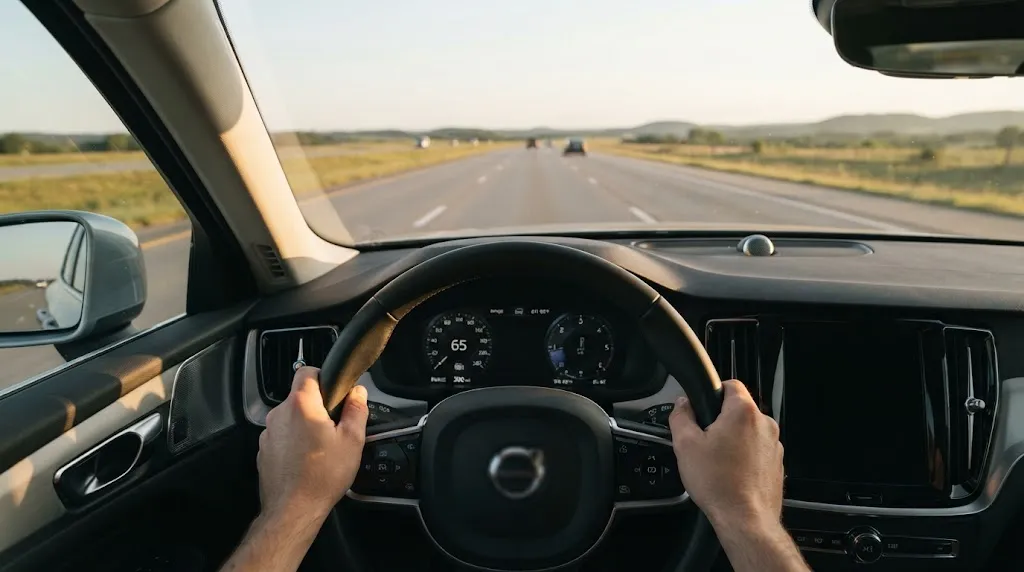
If your OBD2 scanner shows that one or more monitors are “Not Ready,” you must complete a specific sequence of driving conditions known as a “drive cycle” to prompt the computer to run its tests.
Every automotive manufacturer has a specific factory drive cycle procedure, but most general cycles require a combination of the following steps:
- Start the vehicle from a completely cold start (letting it sit overnight is best).
- Allow the engine to idle undisturbed for a few minutes with the rear defroster and AC turned on.
- Accelerate smoothly up to highway cruising speeds (usually between 55 and 65 mph) without aggressive throttle inputs.
- Maintain a steady cruising speed for 10 to 15 minutes.
- Slow down safely without touching the brake pedal if possible (coasting to a lower speed helps trigger deceleration monitors like the EVAP system).
Checking your scanner periodically after driving helps you track which monitors have flipped to “Ready” status.
Related Product
OBD2 Diagnostic Scan Tool with I/M Readiness Shortcut
A reliable handheld code reader with a dedicated one-touch I/M readiness key helps you instantly check emissions monitor status before heading to the testing station.
As an Amazon Associate, we earn from qualifying purchases.
Frequently Asked Questions
Can an OBD2 scanner pass my car for emissions?
No. An OBD2 scanner is a diagnostic tool used to check vehicle status. It cannot issue an official state inspection certificate or pass your car for emissions. You must take your vehicle to an authorized state testing facility for official certification.
Why do monitors stay “Not Ready” no matter how much I drive?
If a monitor refuses to set to “Ready” after days of driving, there is often a latent, minor fault in that specific system that prevents the computer from completing its self-test. Additionally, some vehicles require exact fuel tank levels (usually between one-quarter and three-quarters full) for the EVAP monitor to run.
How many “Not Ready” monitors are allowed for an emissions test?
This depends on your local state or regional laws. For most OBD2-compliant vehicles (1996 to 2000), states often allow up to two “Not Ready” monitors. For newer vehicles (2001 and newer), most states only allow one incomplete monitor, while some require every single monitor to show “Ready.”
Will disconnecting my car battery reset emissions readiness?
Yes. Disconnecting the battery or clearing trouble codes completely erases the computer’s memory, reverting all non-continuous emission monitors back to “Not Ready” status. You will need to drive the vehicle through a normal drive cycle to reset them.
Do cheap code readers check emissions readiness?
Most basic code readers that only display diagnostic trouble codes (DTCs) do not show monitor status. To check emissions readiness, you need a scanner that explicitly specifies “I/M Readiness” capability or features a quick-read emissions button.
What does a permanent fault code mean for emissions readiness?
Modern vehicles store permanent diagnostic codes that cannot be cleared simply by disconnecting the battery or using a basic code reader. Even if your check engine light is off and monitors are ready, state inspection equipment can sometimes detect these permanent codes until the vehicle’s computer verifies the underlying repair through multiple drive cycles.
Conclusion
An OBD2 scanner is an effective tool for checking emissions readiness before taking your vehicle to an official state inspection station. By verifying that your computer’s internal monitors display a “Ready” status and ensuring no active trouble codes are present, you can avoid unexpected inspection failures due to incomplete drive cycles. Taking the time to check your vehicle’s status at home gives you the opportunity to address incomplete monitors or underlying issues before your inspection due date.

I’m Alex Rahman, a car enthusiast and automotive writer focused on practical solutions, car tools, and real-world driving advice. I share simple and honest content to help everyday drivers make better decisions.
