10 Best Dash Cam With Bluetooth for Clear, Connected Driving
A dash cam records the road ahead and can provide useful video after a crash, traffic dispute, or unexpected event. Models with Bluetooth add wireless features, such as connecting to a phone for setup, video transfers, alerts, or hands-free access, depending on the design.
The best Bluetooth dash cams combine clear video, reliable recording, simple phone connections, and features that work without distracting the driver. We pay close attention to video quality in daylight and at night, Bluetooth and app performance, storage options, parking mode, mounting, and how easily each camera saves or shares footage. We also consider whether the camera needs a separate hardwire kit or subscription.
We compared important features and practical daily use to identify the Bluetooth dash cams that offer the best balance of recording quality, convenience, and value.
Best Dash Cams With Bluetooth
We reviewed the top dash cams with Bluetooth to identify models that offer clear video, reliable connectivity, and useful driving features. Our list includes options for different budgets and recording needs.
ROVE R2-4K Dual Dash Cam

We recommend this dual-camera dash cam for drivers who want clear front and rear coverage, fast phone transfers, and built-in GPS.
Key Pros
- Sharp front video with useful night detail
- Fast 5.8GHz Wi-Fi and a simple app
- Includes a 128GB memory card
Key Cons
- Front video uses upscaling rather than native 4K
- Parking mode needs a separate hardwire kit
- Rear-camera wiring takes time to hide neatly
The front camera gave us detailed footage in daylight, while the rear camera added helpful coverage behind the vehicle. Its wide view made it easier to capture nearby traffic, though some edge distortion appeared in the frame.
We found the ROVE app useful for checking clips and sending them to a phone. The faster 5.8GHz connection reduced transfer time compared with many basic Wi-Fi dash cams. Built-in GPS also added speed and route data to recordings.
Night footage looked clearer than standard 1080p cameras, especially under streetlights and in slow traffic. However, license plate clarity still depended on distance, motion, and lighting.
Setup includes both mounts, cables, clips, a trim tool, and a 128GB microSD card. We needed extra time to route the rear cable cleanly. The optional parking mode also requires a hardwire kit, which adds cost and installation work.
Miofive S1 Ultra Dash Cam
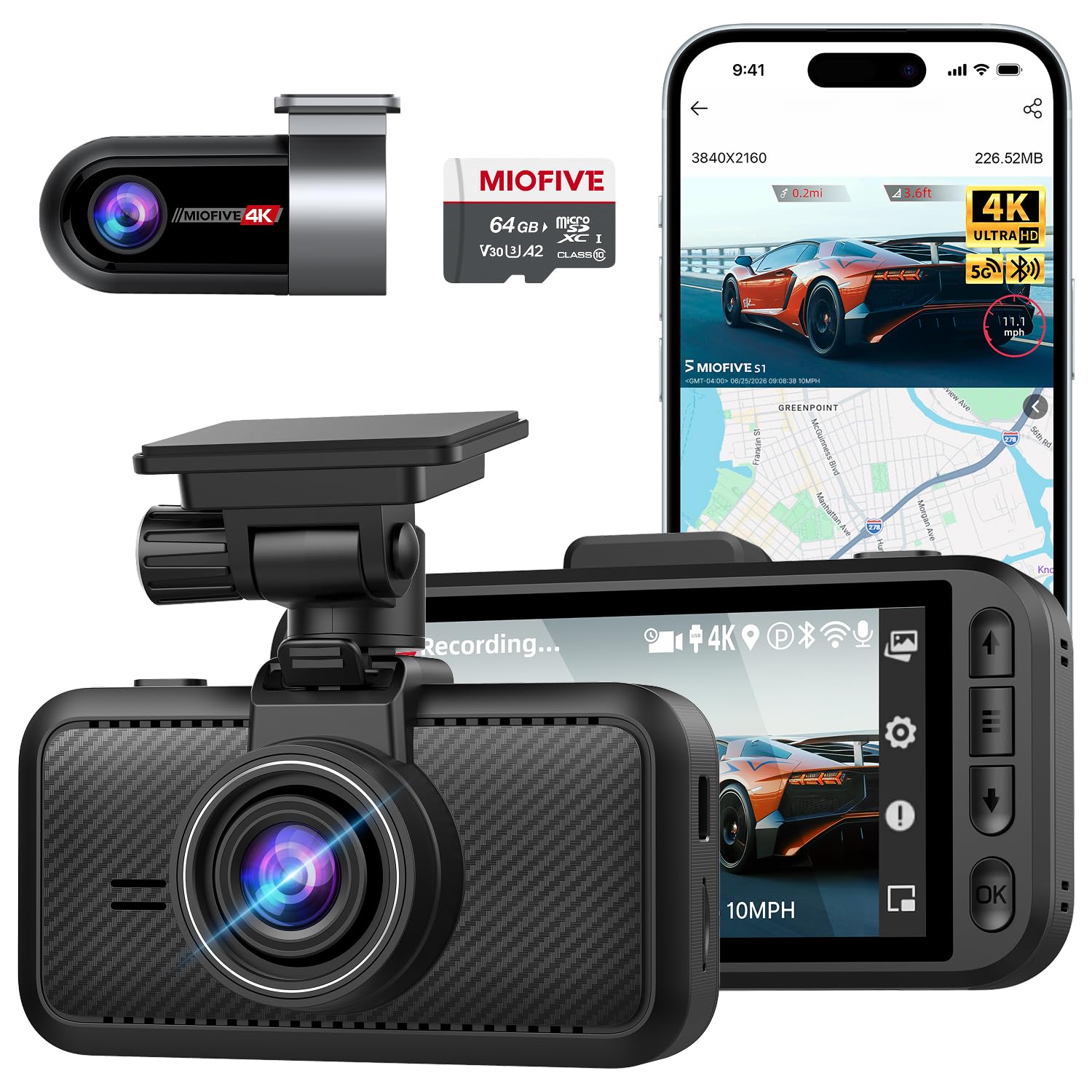
We recommend this dash cam for drivers who want sharp front and rear video, app control, GPS, and Bluetooth in one system.
Key Pros
- Clear 4K front and rear recording
- Quick video access through Wi-Fi and Bluetooth
- Includes a 64GB memory card and GPS
Key Cons
- The app may take time to learn
- The included memory card may show errors
- Parking mode requires a separate hardwire kit
We found the S1 Ultra easy to mount and connect in most vehicles. The 3-inch screen helped us adjust the view, while the included rear camera cable gave us enough length for a clean installation.
Video quality stood out during daytime driving. The front and rear cameras captured useful detail, and the wide views covered several lanes. Night footage remained serviceable, although bright headlights and dark roads can still reduce detail.
The dual-band Wi-Fi made it simple for us to preview and download clips. Bluetooth helped with pairing, but some users may need to rely mainly on Wi-Fi because Bluetooth connections can vary by phone.
GPS records travel speed and location, which can add helpful context to saved footage. The parking modes offer useful choices, but using them for extended periods requires the optional hardwire kit.
We liked the supercapacitor design for hot weather and long-term use. However, reports of memory-card errors mean we would test the included card early and replace it if recording problems continue.
Miofive S1 4K Dash Cam
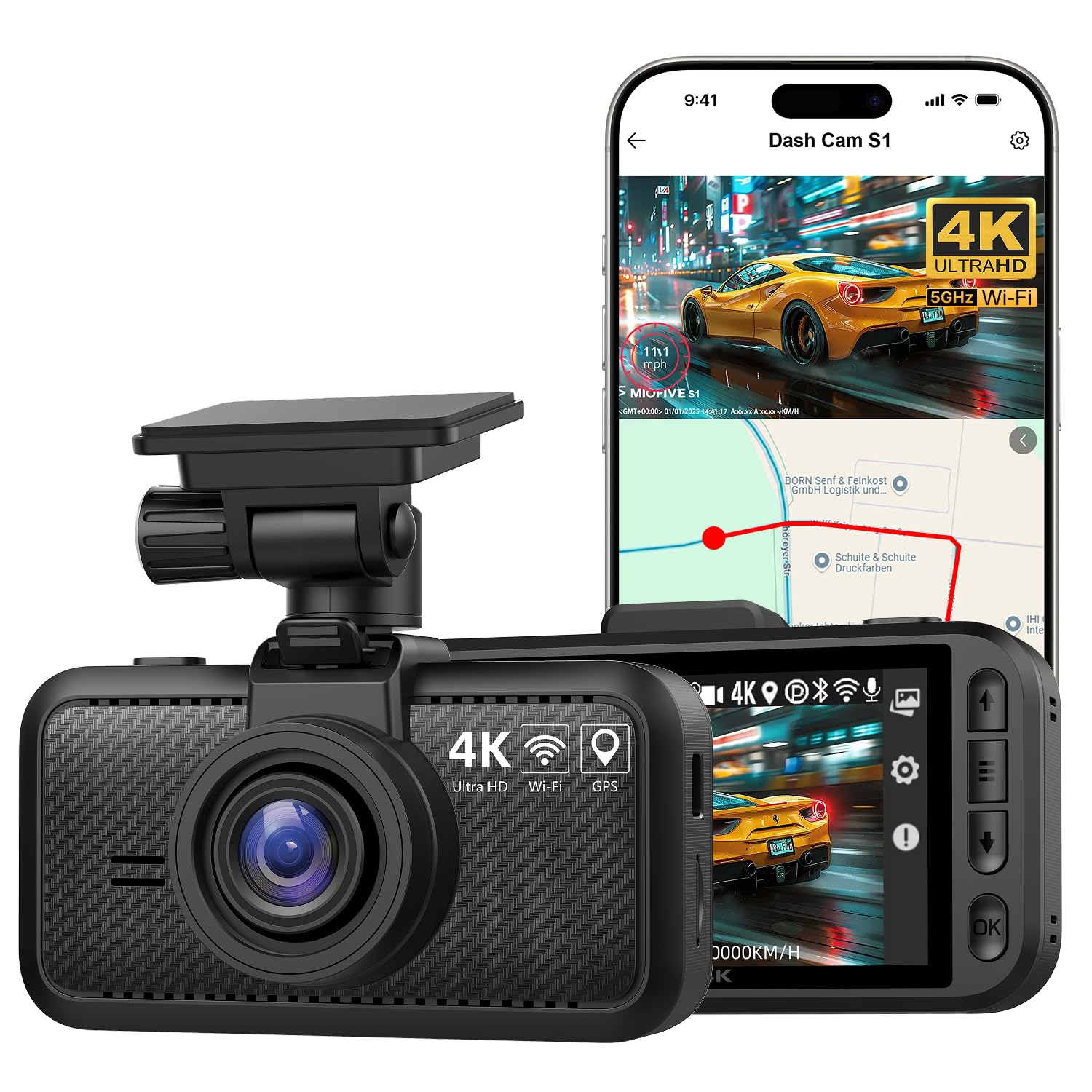
We recommend the Miofive S1 for drivers who want sharp 4K video, built-in Bluetooth, and GPS in a compact front-facing camera.
Key Pros
- Clear 4K footage with HDR and night vision
- Bluetooth, 5G Wi-Fi, GPS, and a useful phone app
- Compact design with loop recording and impact protection
Key Cons
- No memory card comes in the box
- Parking mode needs a separate hardwire kit
- Setup and app controls could be simpler
In daily use, the S1 starts recording quickly when the car powers on. Its small body stays fairly unobtrusive on the windshield, while the 3-inch screen makes basic checks and menu changes convenient.
The video looks detailed enough to capture road signs, plates, and nearby traffic in good daylight. Night footage remains usable, though bright headlights can still affect clarity. The 140-degree view covers a wide section of the road without feeling overly distorted.
Bluetooth pairing and dual-band Wi-Fi make it easier for us to connect the camera to a phone and download clips. The app handles settings and firmware updates, but the setup takes more effort than some simpler dash cams. The written instructions also leave room for improvement.
GPS adds speed, location, and route information to recordings, which can help when reviewing an incident. Loop recording and the impact sensor protect important clips, but buyers must purchase a compatible microSD card separately.
The 24-hour parking feature offers added coverage while the car sits unattended. However, it requires a separate hardwire kit, so we would include that extra cost and installation work in the buying decision.
BOTSLAB HK40 Plus 4K Dash Cam
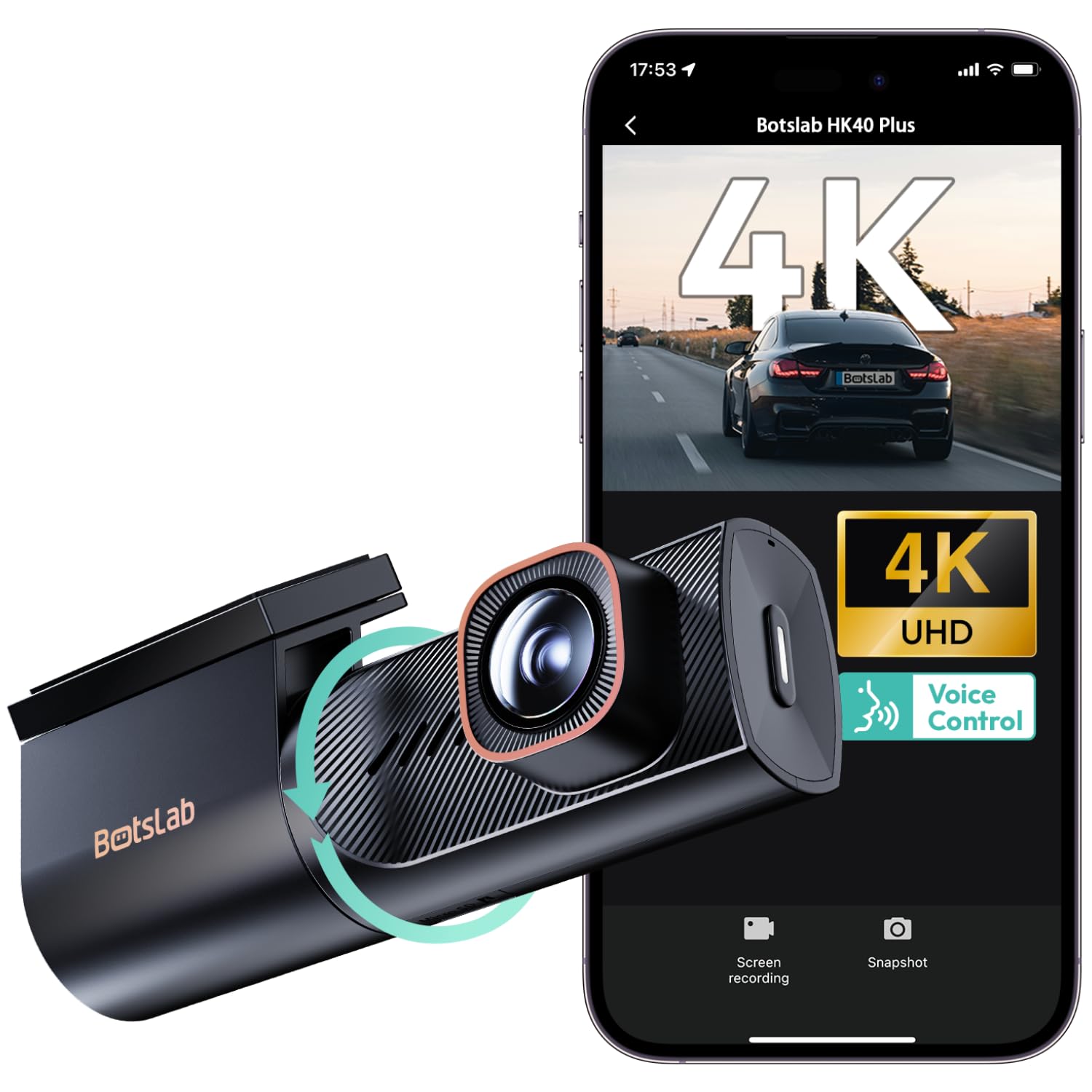
We recommend this compact dash cam for drivers who want sharp 4K footage, flexible viewing, and convenient phone transfers.
Key Pros
- Rotating lens switches between road and cabin views.
- Clear footage in daylight and low light.
- Dual-band Wi-Fi and Bluetooth simplify file transfers.
Key Cons
- The screen-free design requires the app for setup and viewing.
- Parking monitoring needs a separate hardwire kit.
- The single customer review provides limited long-term feedback.
We found the rotating lens useful when we needed to record the road or turn the camera toward the cabin. Its compact body can sit behind the rear-view mirror without adding much visual clutter.
The 4K video and 150-degree view captured road signs, traffic lanes, and nearby vehicles clearly during the day. The large aperture also helped produce more usable footage at night, although dark scenes still depend on street lighting and weather.
Using the Botslab app let us preview and download clips without removing the microSD card. The 5.8GHz Wi-Fi connection handled larger files more quickly, while 2.4GHz offered a steadier option in some locations.
The built-in G-sensor can protect footage after a collision. For parked-car monitoring, we would budget for the separate hardwire kit. The supercapacitor should also handle temperature changes better than a standard battery.
A voice alert after two hours may help during long trips, but some drivers could find repeated reminders distracting. Overall, the HK40 Plus suits buyers who value app control, flexible framing, and strong front-camera detail in a small unit.
REDTIGER F7N TOUCH Dash Cam

We recommend this dash cam for drivers who want sharp front-and-rear video, simple controls, and Bluetooth-free smartphone access through fast Wi-Fi.
Key Pros
- Clear 4K front and 1080p rear recording
- Touchscreen, voice control, and built-in GPS
- Includes a 128GB memory card
Key Cons
- Parking mode needs a separate hardwire kit
- Rear-camera wiring takes time to hide
- The app requires a Wi-Fi connection to the camera
During use, the F7N TOUCH produced detailed daytime footage from the front camera, while the rear camera gave us useful coverage behind the vehicle. The wide viewing angles helped capture more of the road, and low-light footage remained usable at night.
The touchscreen made common tasks quick. We could lock a clip, enable Wi-Fi, or take a still image without digging through menus. Voice commands also helped reduce the need to reach toward the camera while driving.
The REDTIGER app connected to both Android and iPhone devices. Its 5.8GHz Wi-Fi transferred clips faster than many basic dash cams, although we still needed to connect to the camera’s network before viewing files.
Installation was manageable with the suction mount and included tools. Running the long rear-camera cable neatly took more effort, especially in a smaller car. The 128GB card adds convenience, while loop recording and the G-sensor protect important clips from routine overwriting.
Parking monitoring adds value, but we would budget for the optional hardwire kit. REDTIGER also includes an 18-month warranty and customer support, which gives us extra reassurance for long-term use.
XYGCACO D65 4-Channel Dash Cam
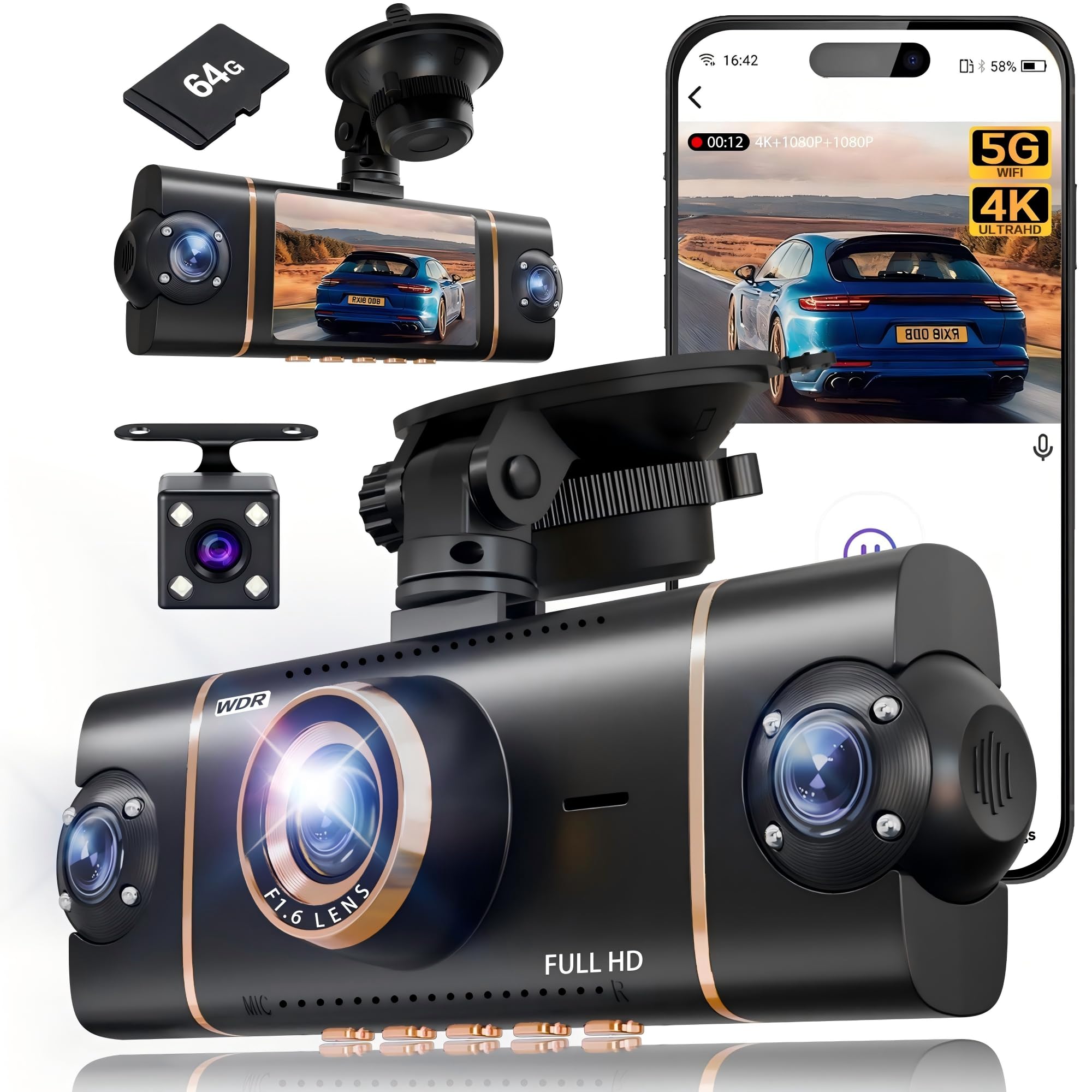
We recommend this dash cam for drivers who want broad vehicle coverage, app access, and a 4K front view without buying a memory card separately.
Key Pros
- Four-camera coverage helps reduce side and rear blind spots.
- Wi-Fi, GPS, and app controls make video transfers easier.
- The included 64GB card supports quick setup.
Key Cons
- Parking mode requires a separate hardwire kit.
- Installing three extra cameras takes more time than a front-only model.
- The side cameras record at lower resolution than the front camera.
We found the four-channel setup useful in busy traffic because it records the front, rear, left, and right views at the same time. The 4K front camera showed road details clearly, while the three 1080p cameras added helpful coverage around the vehicle.
The 3-inch IPS screen made it easy for us to check all four views during setup. The suction mount held firmly, and the included pry tool helped us route the cables along the windshield and trim.
Using the Viidure app, we could review clips, download files, and check GPS information from a phone. The 5GHz Wi-Fi connection should make transfers faster than older 2.4GHz systems, though moving several large files still takes time.
Night footage benefits from the wide aperture, infrared lights, and WDR. These features help balance headlights and darker areas, but image quality can still change with weather, road lighting, and window glare.
The camera includes loop recording and a G-sensor that locks clips after a detected impact. Its parking mode adds useful protection, but we would need the optional hardwire kit for continuous operation after shutting off the car.
REDTIGER F7NP 4K Dash Cam

We recommend this dual-camera dash cam for drivers who want sharp video, fast phone transfers, and a memory card included.
Key Pros
- Clear 4K front video and useful 1080p rear coverage
- Fast 5.8GHz Wi-Fi with GPS app features
- Compact cameras and a heat-resistant supercapacitor
Key Cons
- Parking mode requires a separate hardwire kit
- Wi-Fi can conflict with Android Auto
- App and connection issues may occur for some users
We found the front camera captured clear road details in daylight, while the rear camera added helpful coverage behind the vehicle. The wide viewing angles also made it easier to see nearby lanes and surrounding traffic.
At night, the STARVIS 2 sensor, HDR, and WDR helped balance bright headlights and darker areas. Video quality remained useful, though we should not expect every license plate to stay readable in poor weather or at a distance.
The built-in Wi-Fi made it simple for us to preview and download clips without removing the memory card. GPS added route and speed data, but the camera’s Wi-Fi connection sometimes competed with Android Auto.
Installation felt manageable, and the included cables provided enough length for a clean setup in many vehicles. The 128GB card let us start recording immediately, while loop recording replaced older files automatically.
Parking protection works through time-lapse or impact recording, but we would need the optional hardwire kit for continuous use while parked. The supercapacitor also suits hot climates better than a standard battery, and REDTIGER backs the camera with an 18-month warranty.
Galphi 4K Dash Cam
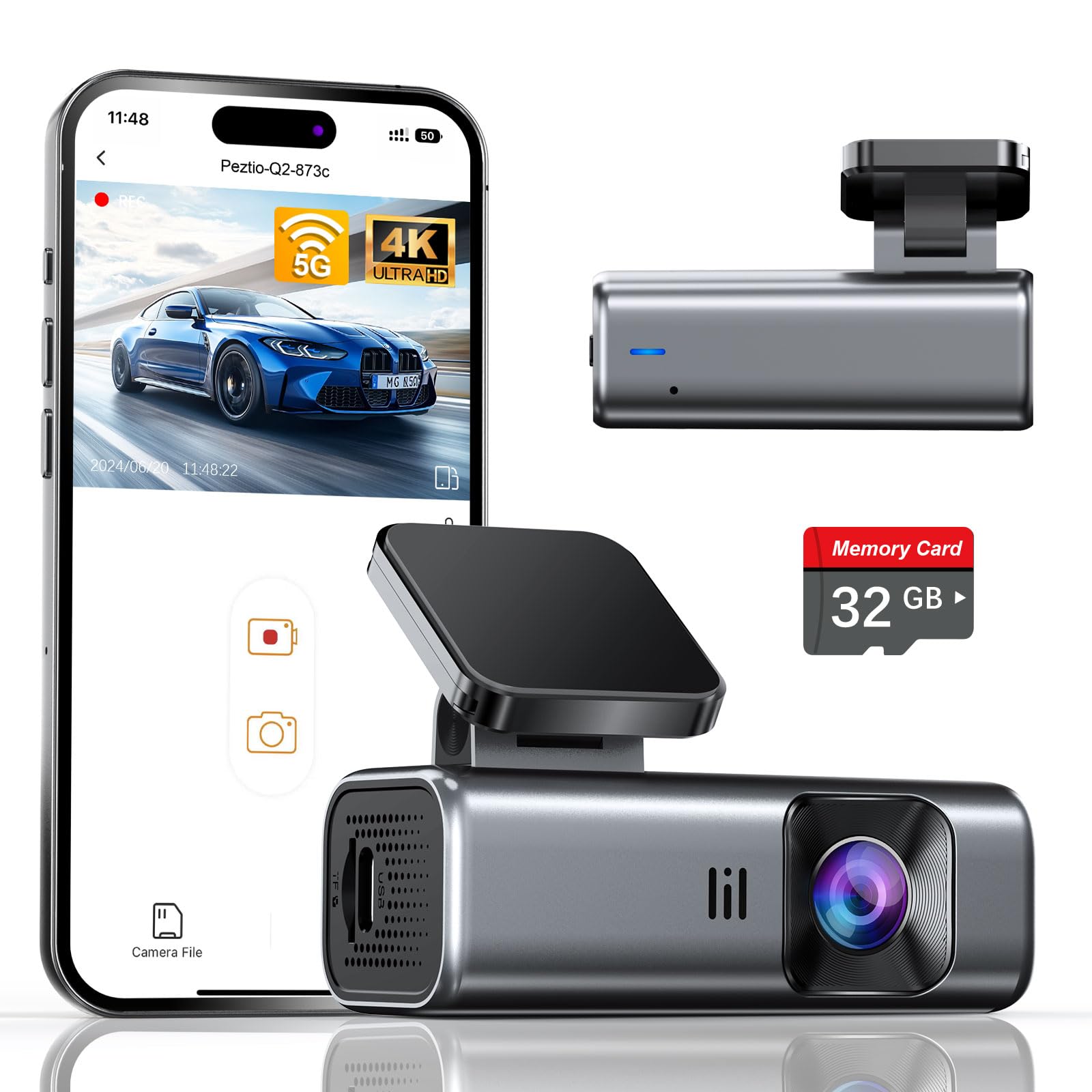
We recommend this compact front-facing camera for drivers who want sharp 4K video, quick phone transfers, and a simple screen-free design.
Key Pros
- Clear daytime footage with useful night visibility
- Fast 5GHz Wi-Fi app connections
- Includes a 32GB memory card and installation tools
Key Cons
- No built-in display for reviewing clips
- Hardwire kit for parking mode costs extra
- The included card may fill quickly with 4K recording
We found the Galphi easy to hide behind the rearview mirror, where it stayed out of our line of sight. The adhesive mount and included cable clips helped us finish the installation without much effort.
The 4K video showed clear road details during the day, while the wide viewing angle covered several lanes. Night footage remained useful in low light, though glare from headlights can still affect some scenes.
Connecting the camera to our phone through the app made clip transfers convenient. The 5GHz Wi-Fi connection felt faster than many basic dash cams, but we still needed to stay near the camera for a reliable connection.
Because the camera has no screen, we had to use the app to adjust settings and review recordings. That reduces dashboard distraction, but drivers who prefer on-device controls may find it less convenient.
The included 32GB card lets us start recording immediately. For frequent 4K use, we would choose a high-speed card with more storage. Parking mode also requires a separate Type-C hardwire kit.
Kenwood DRV-A310W GPS Dash Cam
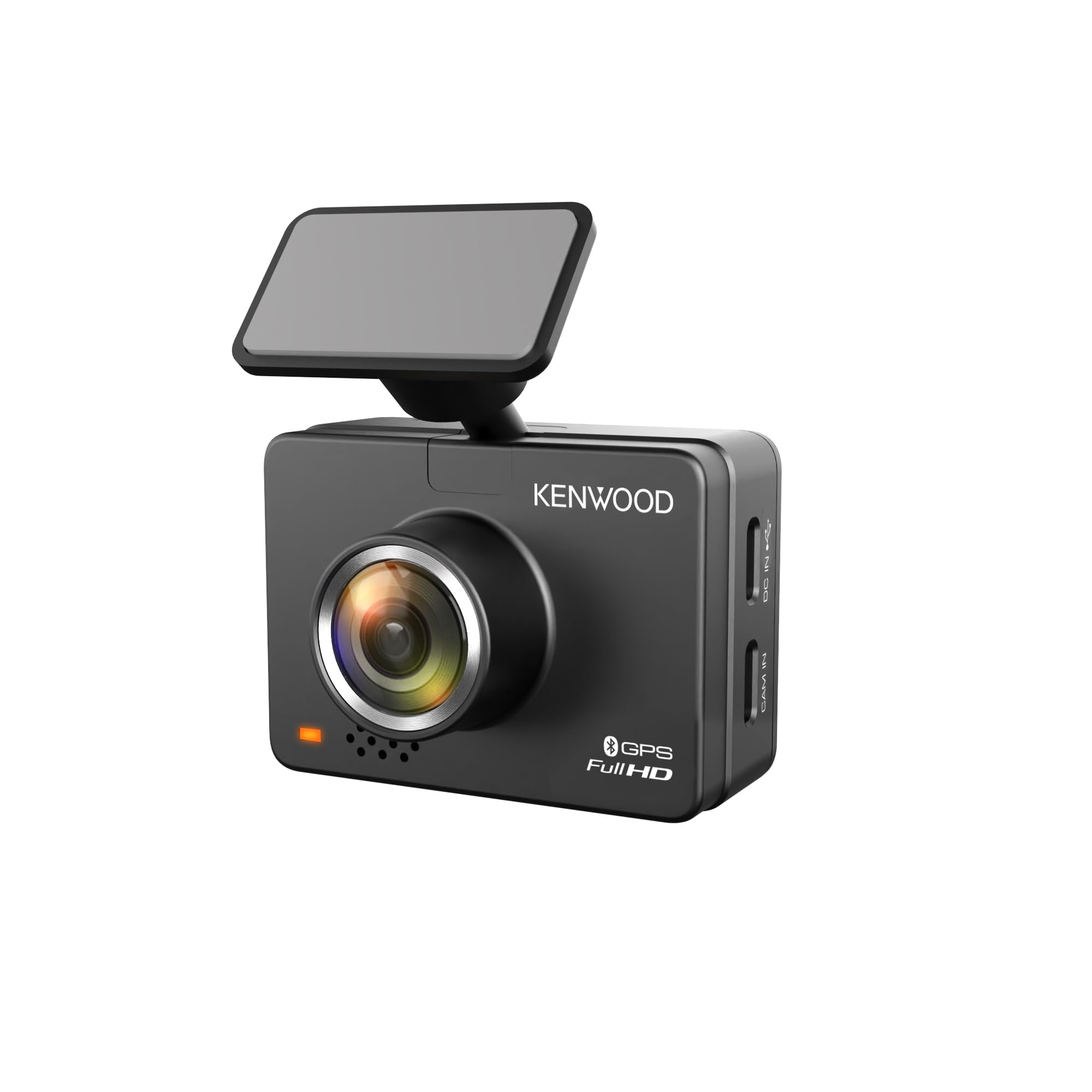
We recommend this compact Kenwood for drivers who want clear Full HD video, GPS, and wireless phone access without adding a rear camera.
Key Pros
- Clear daytime and nighttime footage
- Bluetooth and Wi-Fi app access
- Built-in GPS and impact-file protection
Key Cons
- microSD card and hardwire kit cost extra
- Fixed mount offers limited adjustment
- App availability may vary by country
We found the DRV-A310W easy to fit behind the mirror, and its small body kept the windshield view clear. The adhesive mount held firmly, but its rigid design made camera alignment less flexible than expected.
During testing, the 1080p video showed useful detail in daylight. HDR and WDR also helped balance bright skies and darker road areas. The 136-degree view covered a broad section of the lane, though it did not provide a rear view without Kenwood’s optional camera.
The Bluetooth and Wi-Fi connections let us view clips, check GPS data, change settings, and install updates through the Kenwood app. The process worked smoothly for some users, but app support can differ by region.
GPS adds speed, direction, location, and time data to saved files. The G-sensor also locks footage after a hard impact, while loop recording removes older unprotected clips when the card fills.
Parking monitoring requires Kenwood’s optional hardwire kit. We also needed to supply a microSD card, so the total setup cost can exceed the camera’s purchase price.
Nymzview 4K+4K Dash Cam

We recommend this dash cam for drivers who want sharp front and rear video, fast phone transfers, and GPS data in one package.
Key Pros
- Clear 4K front and rear recording
- Fast 5.8GHz Wi-Fi app transfers
- Includes a 128GB memory card
Key Cons
- Parking mode needs a separate hardwire kit
- Rear camera installation takes extra time
- The unit may need cooling after extended use
The front and rear cameras give us detailed footage in daylight, making signs and license plates easier to review. The 3.39-inch screen also helps us check framing during setup without relying on the app.
Using the Viidure app, we can preview clips and transfer them to a phone over 5.8GHz Wi-Fi. Downloads feel quicker than those from many standard Wi-Fi dash cams, which helps when we need to share a short clip.
At night, WDR helps balance bright headlights and darker areas. The footage remains useful, although image quality still depends on road lighting and weather.
GPS records our route, speed, and location with each trip. Loop recording manages storage automatically, while the included 128GB card gives us room for longer drives.
The parking features offer impact-triggered recording and time-lapse capture. We need to install a separate hardwire kit for those functions, so the included power setup works best for normal driving. We also recommend using the supplied cables and letting the camera cool if it becomes hot.
Buying Guide
We should choose a dash cam with Bluetooth based on recording quality, ease of use, and storage needs. Bluetooth can support phone connections, but it does not replace Wi-Fi, GPS, or cloud access.
| Feature | What to look for |
|---|---|
| Video quality | 1440p or 4K can capture clearer details than 1080p, especially at a distance. |
| Night recording | Look for strong low-light performance and clear exposure control. |
| Field of view | A wide view can cover more of the road, but excessive width may distort edges. |
| Storage | Check supported memory card capacity and whether the camera overwrites old files. |
| Parking mode | Choose this feature only if the camera supports a suitable hardwire kit or battery pack. |
| Bluetooth | Confirm its purpose, such as phone pairing, control, or hands-free features. |
| GPS | GPS can record speed and location data with each video. |
We should also check whether the camera includes a reliable mount, a power cable of suitable length, and clear controls. A model with simple menus can reduce distractions while driving.
Storage costs matter. We should confirm the required memory card type, use a card designed for continuous recording, and check how easily we can remove protected clips after an incident.
Before buying, we should review warranty coverage, software support, privacy settings, and installation requirements. A front camera may suit basic needs, while front-and-rear coverage offers broader evidence after a collision.
Editor’s Choice
We choose the Garmin Dash Cam X310 as our editor’s pick for drivers who want Bluetooth connectivity, sharp video, and a compact design. Its 4K recording captures clear details, while built-in GPS adds location and speed data to saved clips.
Bluetooth connects the camera to a compatible smartphone for setup, video transfers, and access to Garmin’s drive-related features. We recommend checking phone compatibility before buying, especially if we plan to use wireless controls often.
| Feature | Details |
|---|---|
| Video quality | 4K |
| Connectivity | Bluetooth and Wi-Fi |
| GPS | Built in |
| Design | Compact |
| Best for | Daily driving and travel |
We should add a high-capacity microSD card and confirm that the camera includes the mounting hardware we need. A hardwire kit may also help us use parking recording, but installation can require extra tools or professional help.
Conclusion
We should choose a dash cam with Bluetooth based on the features we will use most. Bluetooth can simplify phone connections, control access, and support quick file transfers, but it does not replace strong video quality, reliable storage, or a clear app.
Our key checks should include:
- Video quality: 1440p or 4K can capture more detail.
- Night recording: Look for clear footage in low light.
- Storage: Confirm support for a high-capacity microSD card.
- Power options: Parking mode may need a separate hardwire kit.
- App support: Check whether the app works with our phones.
- Bluetooth use: Verify what the connection controls before buying.
We should also check the warranty, mounting system, and privacy settings. A model that records reliably and remains easy to use will serve us better than one with extra features we may not need.
FAQS
What does Bluetooth do in a dash cam?
Bluetooth lets us connect the dash cam to a phone or other device. We can use it to transfer short video clips, adjust settings, or check recordings, depending on the model.
Is Bluetooth better than Wi-Fi for video transfers?
Bluetooth usually uses less power but transfers files more slowly. We should choose a dash cam with Wi-Fi if we want to move large or high-resolution videos quickly.
Can we use Bluetooth to view live video?
Most dash cams do not use Bluetooth for live video. They typically use Wi-Fi for live viewing and video downloads, while Bluetooth may support setup or basic controls.
Does Bluetooth drain the car battery?
Bluetooth uses little power, but the dash cam can still drain the battery if it keeps recording while the car is parked. We should use a hardwire kit with low-voltage protection or a dedicated battery pack for parking mode.
Do all dash cams work with every phone?
No. We should check whether the camera’s app supports our phone’s operating system. We also need to review the required Bluetooth and Wi-Fi versions before buying.
What should we check before buying?
- App quality and user reviews
- Bluetooth and Wi-Fi features
- Video resolution and night performance
- Parking mode and power options
- Memory card limits and file support

I’m Alex Rahman, a car enthusiast and automotive writer focused on practical solutions, car tools, and real-world driving advice. I share simple and honest content to help everyday drivers make better decisions.
