What Is OBD2 Mode 09? Vehicle Information Explained
Quick Answer
OBD2 Mode 09 is the vehicle-information mode. It returns the VIN, calibration IDs, and calibration verification numbers. It does not show live sensor data or fault codes.
When a scanner connects, it can ask many different questions. Some return sensor readings. Others return stored fault codes. Mode 09 asks a simpler question: what vehicle is this, and what software is installed in it?
A VIN confirms identity. A calibration ID identifies a software version. A calibration verification number helps check whether that software matches the expected version. Together, they give a useful identity check before diagnosis, a purchase, or an emissions inspection.
What Mode 09 Actually Returns
Mode 09 is formally called Service 09, Request Vehicle Information, in SAE J1979. In scanner menus it may appear as Mode 09, Service $09, Vehicle Info, or Vehicle Information.
It does not measure anything. It reports information already stored in a control module, usually the engine control module. It will not tell you whether an oxygen sensor is slow, whether fuel trim is high, or whether a misfire is happening now. It tells you which vehicle and software the other modes are reporting about.
Support varies by vehicle. A vehicle may support the VIN but not every other Mode 09 item. If an item is missing, that usually means it is not supported or not stored in that module, not that the scanner failed.
The Main Mode 09 Items, Explained
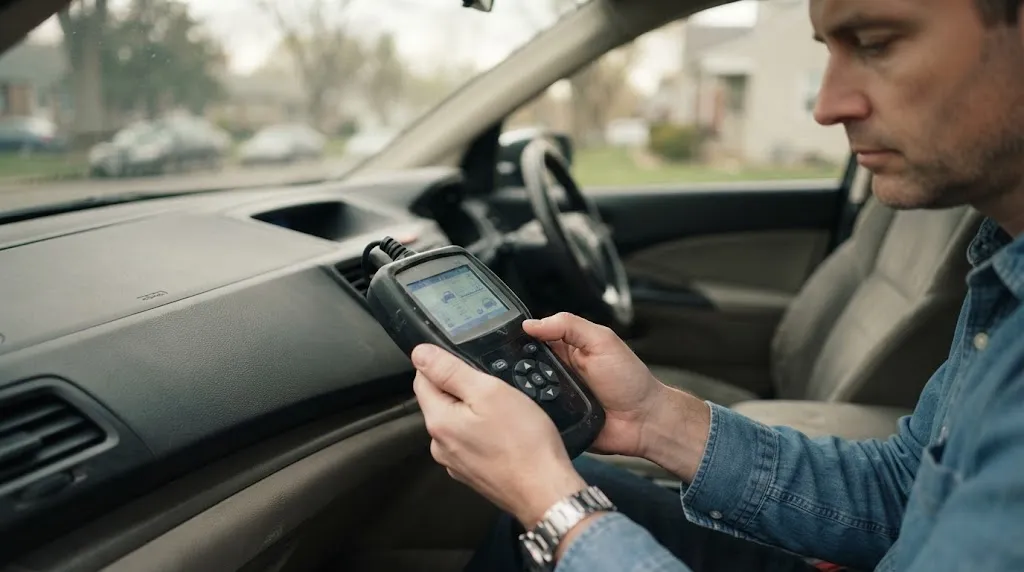
The table below gives the items most readers will meet.
| PID | Item | What it means in plain terms |
|---|---|---|
| $02 | VIN | The 17-character vehicle identification number stored in the module. |
| $04 | CALID | Calibration identification: a label for the software calibration installed. |
| $06 | CVN | Calibration verification number: a checksum-style value used to check software integrity. |
| $08 / $0B | In-use performance tracking | Counts showing how often monitors ran compared with how often conditions were met. |
| $0A | ECU name | A text name for the responding control module, when supported. |
The full PID list is published in the OBD-II PIDs reference, which follows SAE J1979. PID $00 lists which Mode 09 PIDs a vehicle supports. The message-count PIDs $01, $03, $05, $07, and $09 are mainly relevant to older non-CAN protocols.
VIN: the identity check
The VIN in Mode 09 is the number stored in the control module, not the number stamped on a plate or printed on a registration document. In most cases the two should match.
A mismatch does not automatically prove wrongdoing. A module may have been replaced and not yet programmed with the correct VIN, or a used module may still carry its donor vehicle’s VIN. Compare the stored VIN with the VIN on the vehicle, then ask whether a module replacement or programming step explains the difference.
CALID: which software version is installed
A calibration ID is a short text label for a software calibration. It can be up to 16 characters per ID, and a vehicle may report more than one CALID.
Think of a CALID as a software version name rather than a performance claim. It says which version is present, so it can be compared with a manufacturer’s expected version for that vehicle. After a reflash, the CALID should change if a different calibration was installed.
CVN: a check that the software has not changed
A calibration verification number is a computed value, often shown as a hexadecimal string, derived from the calibration. The manufacturer decides how it is calculated, commonly using a checksum method. Each CVN normally pairs with a CALID, so the number of CVNs should match the number of CALIDs.
If the software is altered after the CVN was calculated, the new CVN will usually no longer match the expected value. That is why inspectors use CALID and CVN together: the CALID says what version should be there, and the CVN helps confirm that the installed software still matches it.
Key Insight
A CALID names the software. A CVN checks it. Neither one, on its own, proves that a vehicle is legal, safe, or fault-free.
In-Use Performance Tracking and the ECU Name
Mode 09 also includes in-use performance tracking, through PID $08 for spark-ignition engines and PID $0B for compression-ignition engines. These records use pairs of counters: a completion count and a conditions-encountered count for each monitored system.
The completion count tracks how often a monitor actually ran, while the conditions count tracks how often the vehicle was driven in conditions where that monitor could run. A large gap can suggest that a monitor rarely gets a chance to complete, but the counters alone do not diagnose a faulty part. They describe monitor activity over time, not the current readiness result. For that current state, see how OBD2 readiness monitors work.
PID $0A, the ECU name, simply names the module that answered.
How Mode 09 Differs From Modes 01, 03, and 06
Mode numbers are easy to confuse because they all come from the same diagnostic system. An overview of OBD2 service modes puts Mode 09 in that wider map, but the short version is this: Mode 09 identifies, while other modes measure, report, or test.
Mode 01 live data shows current sensor values, such as engine speed and fuel trim. Mode 09 shows none of that. Mode 03 stored codes lists confirmed fault codes. Mode 09 does not list codes at all, even when a fault is present. Mode 06 test results reports monitor test values and limits. Mode 09 does not judge whether those tests passed or failed.
If Mode 09 shows the wrong VIN or an unexpected CALID, the first problem may be identity or programming, not a sensor. If Mode 09 looks correct, move on to live data, codes, and test results.
How to Read Mode 09 on a Scanner

Most scanners hide Mode 09 under Vehicle Information, VIN, or ECU Information. Some apps show the VIN on the main screen but keep CALID, CVN, and in-use counters deeper.
- Connect the scanner with the ignition on, following the scanner’s own instructions for that vehicle.
- Open the vehicle-information or Mode 09 screen, rather than the fault-code screen.
- Record the VIN, each CALID, and each CVN exactly as shown, including leading zeros in a CVN.
- Compare the stored VIN with the VIN on the vehicle, and compare CALID and CVN with expected values when a reliable reference is available.
- Note any item marked unsupported or blank, instead of treating it as a fault.
Do not edit a VIN, CALID, or CVN from a generic scanner screen. Those values are normally set during module programming with the correct manufacturer tooling. A generic scan tool is for reading and checking them, not for rewriting a vehicle’s identity.
Tip
Save the Mode 09 screen before a software update, module replacement, or inspection. A before-and-after pair makes any CALID or CVN change easy to prove.
What Mode 09 Cannot Tell You
Mode 09 is often over-read. It does not show fault codes, live data, freeze-frame snapshots, or readiness status. It does not reveal mileage, service history, accident history, or previous owners. It also does not, by itself, say whether a calibration is the latest one, because that depends on the manufacturer’s current release for that exact vehicle and market.
A matching CALID and CVN also do not prove that every part is healthy. A vehicle can have correct Mode 09 information and still have a mechanical fault, a sensor fault, or a pending code. Those problems belong to other modes and to physical checks.
When Mode 09 Matters Most
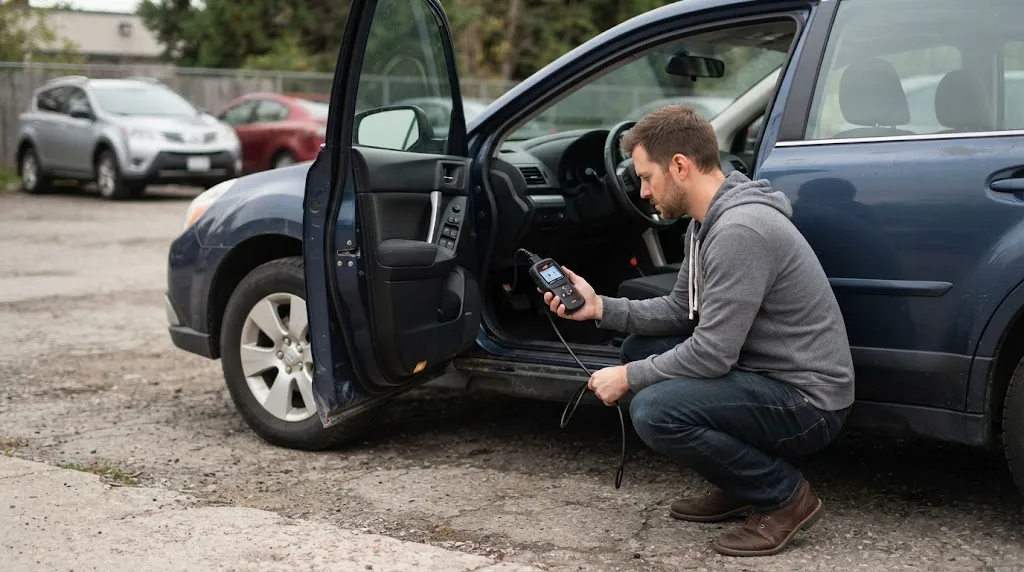
Mode 09 is most useful at decision points, not during every routine scan. Before buying a used car, a stored VIN that differs from the car’s VIN is a clear reason to pause and ask about module replacement. After a reflash, Mode 09 confirms which calibration is now installed. Before an emissions inspection, a CALID or CVN mismatch can warn of a problem that a simple code scan would miss, because the vehicle may have no fault codes at all.
It is also useful after a module swap. If a replacement module was never programmed for the new vehicle, Mode 09 may still show the old VIN, so the programming step needs attention.
Common Mode 09 Problems and Misreadings
A blank VIN can mean the vehicle does not support that PID, the module was replaced without VIN programming, or the scanner is reading the wrong module. Check support and the responding module before assuming tampering.
Multiple CALIDs and CVNs can also look like an error. They are normal when a vehicle reports more than one calibration. The important check is pairing: each CALID should have a matching CVN, and the set as a whole should match the expected set for that vehicle.
A CVN mismatch deserves care, not panic. It can point to modified software, an incomplete update, or a comparison against the wrong expected value for a different model, year, or market. Use a reliable reference for that exact vehicle before drawing a conclusion. Clearing codes does not rewrite calibration data, so it will not fix a CALID or CVN mismatch.
Finally, an unsupported Mode 09 item is not a fault code. Some vehicles support only part of Mode 09. A good scanner will report that item as unsupported, which simply tells you what this vehicle does not expose through the generic standard.
Related Product
OBD2 Scanner
A scanner that exposes vehicle information makes it easy to check the stored VIN, CALID, and CVN before deeper diagnosis.
As an Amazon Associate, we earn from qualifying purchases.
Frequently Asked Questions
Does OBD2 Mode 09 show fault codes?
No. Mode 09 returns vehicle information such as the VIN, calibration IDs, and calibration verification numbers. Stored fault codes are a separate request, so a clean Mode 09 screen does not mean the vehicle has no codes.
Can Mode 09 tell me if the ECU software was changed?
It can raise a strong flag, but it does not prove the change on its own. If the CALID or CVN differs from the expected value for that exact vehicle, the software may have been altered or updated. Compare the values with a reliable manufacturer or inspection reference before concluding what changed.
Why is the VIN blank or different in Mode 09?
A blank VIN can mean the PID is unsupported, the scanner read the wrong module, or a replacement module was never programmed with the vehicle’s VIN. A different VIN often points to a donor module. Check the responding module and the vehicle’s physical VIN before assuming tampering.
Does every car support Mode 09?
No. Manufacturers are not required to support every service, and support varies by vehicle, model year, and module. A scanner should report unsupported items as unsupported, and that result is not itself a fault.
Is a CVN the same as a CALID?
No. A CALID is a text label identifying a calibration, while a CVN is a computed verification value for that calibration. They work as a pair: the CALID names the version, and the CVN helps confirm that the installed software still matches it.
Can Mode 09 check emissions readiness?
Not directly. Mode 09 in-use counters show how often monitors ran over time, but they do not give the current ready or not-ready result. Use the readiness or monitor-status screens for the current inspection state, and use Mode 09 for identity and calibration checks.
Conclusion
Mode 09 is the identity layer of OBD2. It answers who the vehicle is and what software it carries, through the VIN, CALID, CVN, and related tracking data. It does not replace live data, fault codes, or test results. Used before a purchase, after a reflash, or before an inspection, it gives diagnosis a trustworthy starting point.

I’m Alex Rahman, a car enthusiast and automotive writer focused on practical solutions, car tools, and real-world driving advice. I share simple and honest content to help everyday drivers make better decisions.
