OBD2 Scanner Has Power But No Communication? Fix It Fast
Quick Answer
An OBD2 scanner turning on confirms that the data link connector (DLC) is supplying 12-volt power on pin 16, but it does not mean the tool is connected to the vehicle’s computer network. This communication failure is usually caused by an incorrect ignition key position, a blown accessory or lighter fuse protecting the data circuit, a weak car battery, loose port pins, or a disrupted vehicle communication bus (CAN network).
Understanding the Power vs. Communication Split
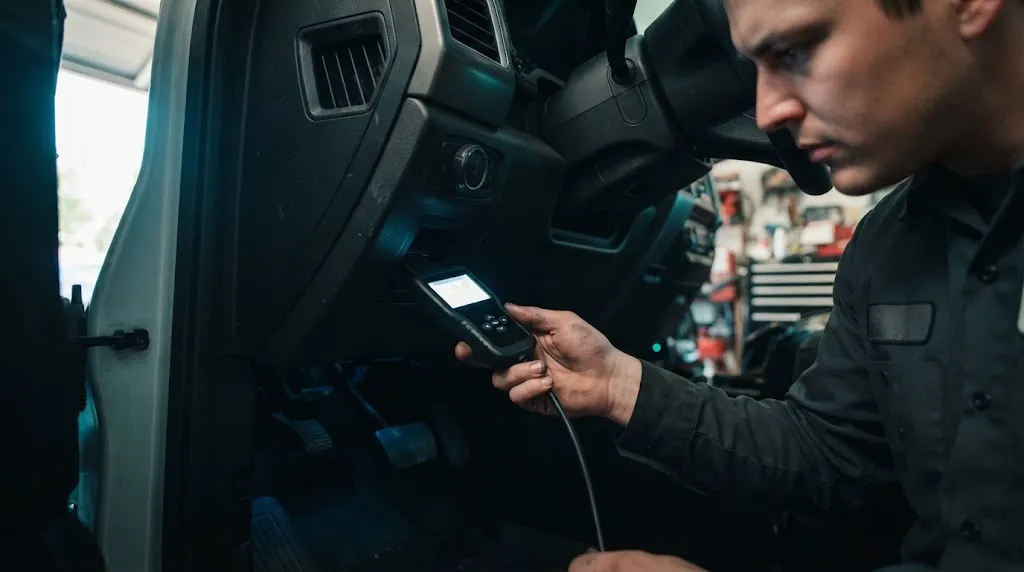
Plugging in an OBD2 reader and seeing the screen light up or the LED flash provides a false sense of security. It tells you only one thing: pin 16 of your vehicle’s diagnostic port is receiving steady 12-volt battery power.
Communication requires an active data link. For a code reader or scan tool to talk to the Powertrain Control Module (PCM) or Engine Control Unit (ECU), data wires (such as CAN high and CAN low lines, or K-line circuits) must cleanly transmit signals back and forth. If power is present but data lines are interrupted, dead, or unpowered, your scanner will display a “Linking Error” or “No Communication” message.
1. The Ignition Position Is Incorrect
One of the most common reasons for a glowing scanner that fails to link is the ignition key position. Many vehicle computers do not power up their communication networks until the ignition is turned to the ON position (engine off) or the engine is actually running.
If you leave the key in the accessory position, the cigarette lighter or port power circuit might stay live—giving your scanner light—while the ECU remains asleep. Furthermore, modern vehicles require several seconds for all onboard modules to complete their initial boot-up sequence after turning the key. Plugging in the tool too quickly before the network stabilizes can prevent a successful handshake.
2. A Blown Fuse Shared With the Data Port
Vehicle manufacturers often share the power supply for the diagnostic port with interior accessories, most commonly the cigarette lighter or auxiliary power outlet.
It is entirely possible for a fuse to blow in a way that allows baseline voltage to reach pin 16, while another fuse protecting the module power supply, ignition feed, or data link lines blows out entirely. Check your vehicle owner’s manual to locate the interior and under-hood fuse boxes. Inspect fuses labeled for the DLC, OBD2, ECU, TCM, or cigarette lighter. A blown fuse will break continuity and stop data flow cold.
3. Low Battery Voltage or Poor Grounds
Even though your scanner lights up, a weak or aging car battery can cause communication timeouts. Control modules are sensitive to voltage drops. If cranking or resting voltage dips below 11 volts, modules may refuse to broadcast data over the network to protect themselves.
Similarly, the OBD2 port relies on clean grounds at pins 4 (chassis ground) and pin 5 (signal ground). If corrosion builds up behind the dash or a main engine ground strap becomes loose or rusted, power can pass through, but digital data signals will fail due to high resistance.
Warning
Never force a loose OBD2 connector or bend pins manually with metal tools while the ignition is on. This can short out 12-volt power directly against sensitive data pins and permanently fry your vehicle’s computer modules.
4. Damaged Port Pins or Loose Wiring
Physical wear and tear on the vehicle’s diagnostic port can prevent proper contact. Over years of plugging and unplugging scan tools, code readers, or insurance tracking dongles, the metal receptacle pins inside the port can widen or push backward.
When pins push back, they might make just enough contact with pin 16 to illuminate your scanner, but fail to grip the smaller data communication pins (such as pins 6 and 14 for CAN bus systems). Inspect the port with a flashlight to ensure no pins are bent, corroded, or recessed. Additionally, aftermarket electronics like remote starters, GPS trackers, or custom alarms spliced into the wiring harness behind the dash can introduce shorts that corrupt the data bus.
5. Scanner Compatibility or Software Glitches
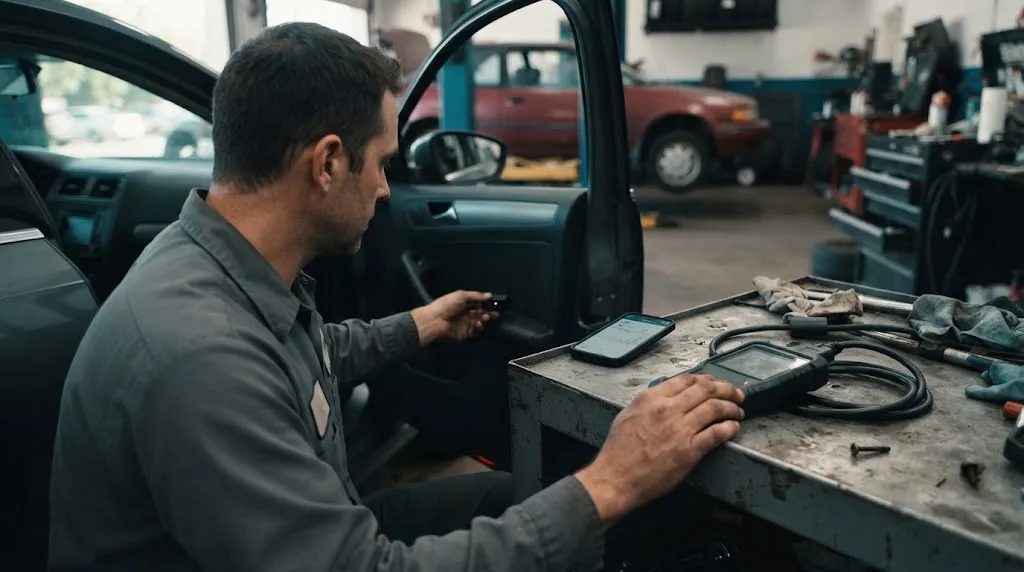
Sometimes the vehicle and wiring are completely fine, but the scanning tool itself is the bottleneck. Entry-level code readers often support generic OBD2 protocols (like ISO 9141, SAE J1850, or basic CAN), but may fail to communicate if your specific vehicle requires manufacturer-specific protocols or software updates.
Bluetooth and wireless OBD2 adapters can also experience pairing glitches or frozen app software. Restarting your smartphone, resetting the adapter, or testing the scanner on another known working vehicle will quickly reveal whether the tool is defective.
Step-by-Step Quick Diagnostics to Run
If you are facing a linked-power-but-no-communication issue, work through this sequence to isolate the fault:
- Test with another tool: Plug a basic, known-good scanner into your port. If it connects instantly, your original scanner has a protocol or hardware failure.
- Check auxiliary fuses: Inspect interior fuse panels for blown fuses tied to accessories or data lines.
- Verify voltage and grounds: Use a multimeter to confirm full battery voltage on pin 16 and solid continuity on ground pins 4 and 5.
- Reboot vehicle modules: Disconnect the negative battery terminal for 5 minutes and depress the brake pedal to clear any hung ECM communication loops.
Related Product
Automotive Diagnostic Code Readers & Multimeters
Verify port power, test continuity, and cross-check communication protocols with a reliable wired diagnostic scanner.
As an Amazon Associate, we earn from qualifying purchases.
Frequently Asked Questions
Can a blown fuse cause my scanner to turn on but not communicate?
Yes. A vehicle often has multiple fuses related to the computer network and data port. A fuse supplying steady battery voltage to pin 16 can remain intact while a separate fuse protecting module ignition power or accessory lines blows, cutting off data transmission.
Why does my Bluetooth OBD2 adapter pair to my phone but fail to connect to the car?
Bluetooth pairing only connects your phone to the adapter’s hardware transceiver. If the app still fails to link, the adapter is likely failing to negotiate the correct communication protocol with your car’s ECU, or the vehicle ignition needs to be turned fully to the ON position.
How do I test if my OBD2 port has ground issues?
You can use a digital multimeter set to DC voltage. Place the red probe on pin 16 (power) and the black probe on pin 4 or 5 (grounds). If it does not display full battery voltage, or if you test resistance between the port ground pins and battery negative and find high resistance, you have a grounding fault.
Can aftermarket stereo or alarm installations block OBD2 communication?
Yes. Improperly spliced wires, short circuits, or tapped data lines from aftermarket alarms, remote starters, or GPS trackers can flood or disrupt the vehicle’s communication data bus, preventing any scan tool from talking to the computer.
What should I do if my scanner works on other cars but not mine?
If your scanner connects fine to other vehicles, the tool is healthy. The issue lies strictly on your vehicle’s side—typically a blown fuse, a software lockup in the ECU, damaged port pins, or a localized wiring fault.
Will a dead car battery prevent an OBD2 scanner from communicating?
Yes. Even if surface voltage is high enough to trigger the scanner’s basic indicator lights, a weak or dying battery will cause voltage sags when modules attempt to boot, leading to continuous communication dropouts and link errors.
Conclusion
An OBD2 scanner that powers on but refuses to link points directly to a data circuit breakdown rather than a total lack of electricity. By systematically checking your ignition position, inspecting interior accessory and ECU fuses, testing battery health, and verifying the physical condition of your data port pins, you can quickly uncover why communication is blocked and get back to diagnosing your vehicle.

I’m Alex Rahman, a car enthusiast and automotive writer focused on practical solutions, car tools, and real-world driving advice. I share simple and honest content to help everyday drivers make better decisions.
