10 Best OBD2 Bluetooth Scanners for iPhone 2026: BLE Picks That Actually Pair
The best 10 best obd2 bluetooth scanners for iphone option is BlueDriver Bluetooth Pro — it pairs over Bluetooth Low Energy that iOS allows. We compared 10 Bluetooth adapters, scoring each on iPhone compatibility, diagnostic coverage, and ease of use. Most Bluetooth adapters look identical on paper but fail on iPhone because classic Bluetooth pairing is blocked. Whether you need quick code checks, live data, or brand-specific features, this guide gives you one clear answer.
Quick Comparison: All 10 Products Ranked
| # | Product | Best For | Rating | Badge | |
|---|---|---|---|---|---|
| 1 | BlueDriver Bluetooth Pro | Guided full-system checks | 4.9/5 | Best Overall | Buy → |
| 2 | OBDLink MX+ | Third-party iPhone apps | 4.8/5 | Best for Advanced Diagnostics | Buy → |
| 3 | Veepeak OBDCheck BLE+ | Budget third-party apps | 4.7/5 | Best Budget | Buy → |
| 4 | FIXD Professional | First-time iPhone users | 4.6/5 | Best for Beginners | Buy → |
| 5 | Carly Universal Adapter | Brand-specific features | 4.6/5 | Best for Brand Features | Buy → |
| 6 | OBDLink CX | BMW and Mini apps | 4.5/5 | Best for BMW Apps | Buy → |
| 7 | Vgate vLinker MC+ | Leaving adapter plugged in | 4.5/5 | Best for Low Power | Buy → |
| 8 | LELink BLE Adapter | Simple BLE pairing | 4.4/5 | Best for Simple BLE Pairing | Buy → |
| 9 | ANCEL BD300 | Compact quick checks | 4.4/5 | Best for Compact Setup | Buy → |
| 10 | Carista Adapter | Supported-car customisation | 4.3/5 | Best for Customisation | Buy → |
How We Chose These Bluetooth Adapters
What we compared
Listed specs, iPhone pairing method, app features, and system coverage for 10 adapters.
Our 3 scoring criteria
iPhone compatibility, diagnostic coverage, and ease of use, applied to every product.
Expert consulted
No outside expert was named for this editorial comparison; rankings rest on listed specs and iOS rules.
What we cut — and why
Classic Bluetooth-only adapters were cut because iOS blocks them, and wired handhelds were cut because this niche is Bluetooth for iPhone.
What to Look for When Buying Bluetooth OBD2 Scanners for iPhone
The iPhone rule comes first. Get the radio wrong and nothing else matters, however good the app looks.
1. BLE or Wi-Fi Only for iPhone
iPhone does not accept classic Bluetooth serial connections for OBD2 adapters, so a cheap Android-only adapter can be useless on iOS even if the plug fits. Look for Bluetooth Low Energy or Wi-Fi in the listing, and pair inside the app rather than through iOS Settings. Read how Bluetooth OBD2 works with iPhone before you buy.
2. App Quality and Subscription
The adapter is only half the product. A guided app explains codes and repair steps, while a third-party app gives flexibility but expects you to choose gauges and profiles. Check whether core scans are free, which features need a subscription, and whether the app still supports your iOS version. A low adapter cost can turn into a recurring cost if the feature you need is paywalled.
3. Diagnostic Coverage and Live Data
Most budget adapters read engine codes and live data, but ABS, airbag, transmission, and brand-specific systems vary sharply by adapter, app, and vehicle. Decide whether you only need a warning-light check or deeper diagnostics before you pay for a premium pick. See what scanner is good for live data if smooth, fast readings matter to you.
4. Sleep Mode, Power Draw, and Setup
An adapter left plugged in can drain a battery if it never sleeps, so look for a low-power sleep mode and a compact plug that will not foul your knee. Pairing should happen inside the app, with the ignition on, and the car in range. Learn whether an OBD2 device drains battery if you plan to leave it connected.

BlueDriver Bluetooth Pro OBDII Scan Tool for iPhone & Android — Guided, Full-System iPhone Scanning
Best for: iPhone drivers wanting guided, full-system checks
If you want an iPhone scanner that explains the code instead of only showing it, start here. BlueDriver pairs over Bluetooth Low Energy, so it avoids the classic Bluetooth block that stops many cheap adapters on iOS, and its app walks you through code definitions, possible causes, and repair reports in plain language. Coverage goes beyond basic engine codes to ABS, airbag, and transmission systems on many vehicles, which makes it useful for more than a single warning light. The trade-off is lock-in: you must use the BlueDriver app, so drivers who love Torque or FORScan should look elsewhere.
- Guided repair reports included
- No subscription for core features
- Reads ABS, airbag, transmission systems
- Works only with BlueDriver app
- No third-party app support
| Connection | Bluetooth Low Energy |
| App | BlueDriver app, iOS and Android |
| Coverage | Engine, ABS, SRS, transmission |
| Reports | Verified repair reports |
| Subscription | No subscription for core scans |
4.9/5
4.9/5
4.9/5

OBDLink MX+ Bluetooth OBD2 Adapter — Flexible, App-Open iPhone Diagnostics
Best for: enthusiasts using third-party iPhone apps
For drivers who already know which app they want, the MX+ is the flexible choice. It pairs with iOS over Bluetooth Low Energy and opens the door to third-party apps such as FORScan, BimmerCode, and Car Scanner, rather than locking you into one dashboard. That flexibility matters for brand-specific checks, faster live data, and custom gauges that a single guided app may not offer. OEM-enhanced data on supported vehicles adds depth beyond generic codes, although results still vary by make and model. Expect a longer first setup, because you choose the app, permissions, and profiles yourself.
- Works with many third-party apps
- Fast live-data refresh rate
- OEM-enhanced data on supported vehicles
- Setup takes longer than guided apps
- Some advanced features need paid apps
| Connection | Bluetooth Low Energy |
| Apps | OBDLink, FORScan, BimmerCode and more |
| Coverage | OEM-enhanced plus standard OBD2 |
| Sleep mode | Low-power sleep mode |
| Warranty | Three-year warranty |
4.8/5
4.9/5
4.7/5
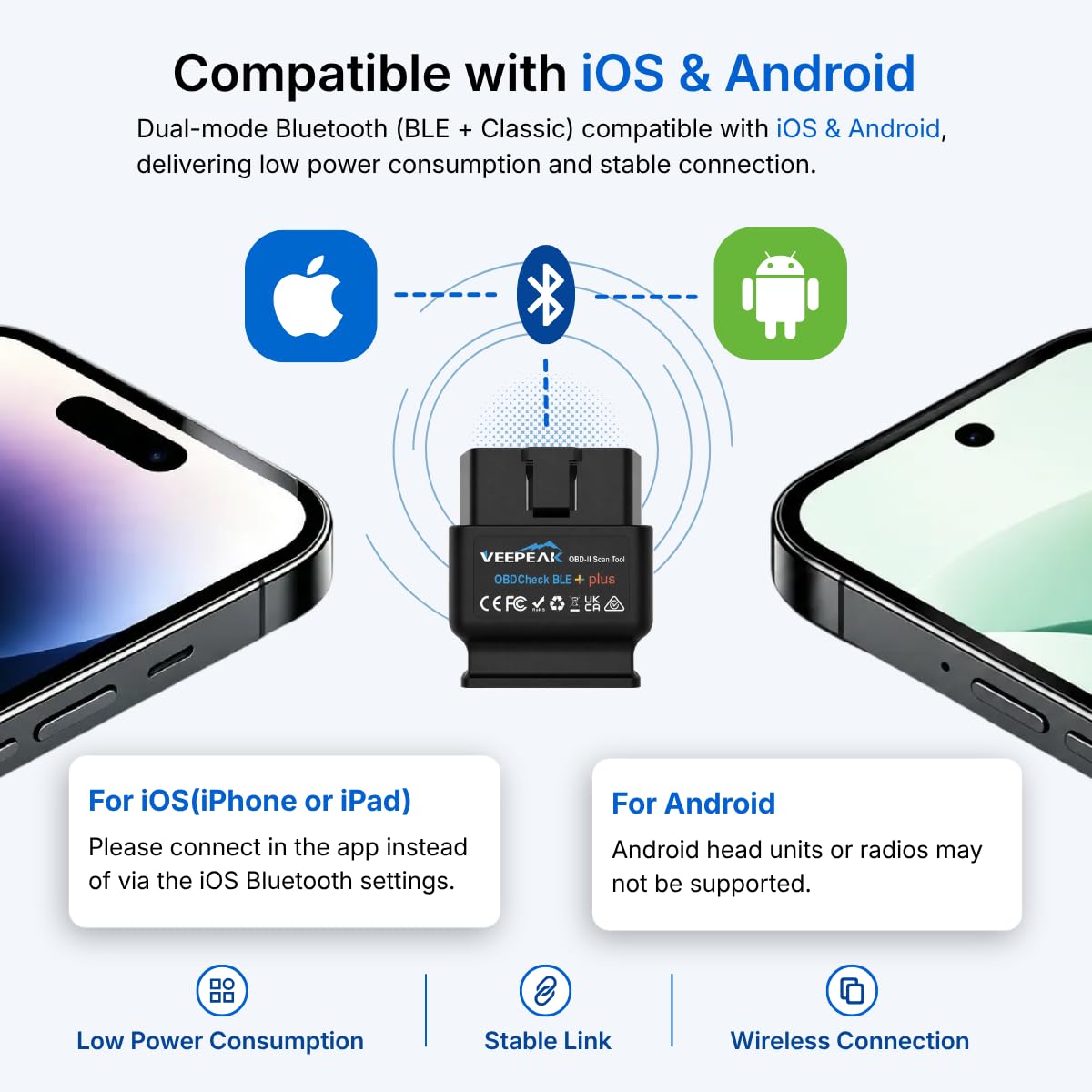
Veepeak OBDCheck BLE+ Bluetooth OBD2 Scanner — Budget BLE for iPhone Apps
Best for: budget iPhone users wanting third-party apps
If the job is mainly reading and clearing engine codes, the BLE+ keeps the cost down without breaking iPhone pairing. It uses Bluetooth Low Energy, so it connects inside a compatible app rather than through the classic Bluetooth menu that iOS blocks for OBD2 adapters. Popular third-party apps give you live data, freeze frame, and code definitions, while the adapter itself stays small and unobtrusive in the port. Coverage is narrower than BlueDriver or the MX+, because many cars will show engine codes only, not ABS or airbag systems. For a first adapter, that limit is usually acceptable.
- Low-cost BLE iPhone pairing
- Works with popular third-party apps
- Keeps phone internet connection active
- Engine codes only on many cars
- No guided repair reports
| Connection | Bluetooth 4.0 Low Energy |
| Chip | ELM327 v2.2 |
| Apps | OBDFusion, Car Scanner, BimmerCode |
| Coverage | Standard engine codes |
| Power | Battery protection, low draw |
4.8/5
4.4/5
4.8/5
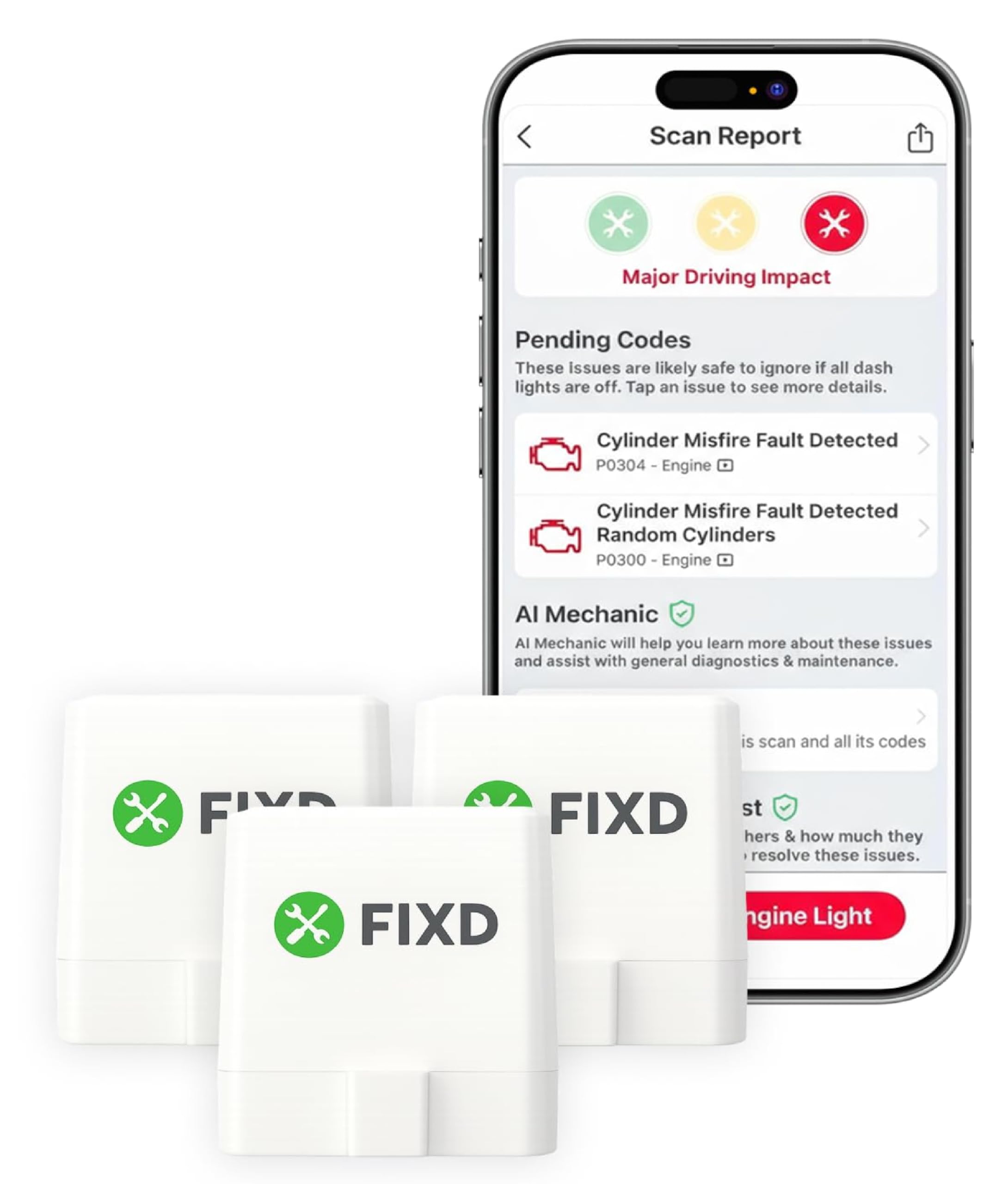
FIXD OBD2 Professional Bluetooth Scan Tool — Calm First-Time iPhone Scanning
Best for: first-time iPhone users
FIXD is built for the driver who sees a check-engine light and wants a calm next step, not a wall of data. The iPhone app translates the code into plain language, explains how urgent it may be, and adds maintenance reminders that help you track service over time. Pairing follows the BLE route inside the app, which avoids the classic Bluetooth confusion that trips up many first-time buyers. It is less suited to enthusiasts who want deep live-data graphs or brand-specific coding, and some advanced features sit behind a subscription. As a first, friendly scanner, it does its core job well.
- Simple guided app flow
- Plain-language code explanations
- Maintenance reminders included
- Advanced features may need subscription
- Limited third-party app support
| Connection | Bluetooth Low Energy |
| App | FIXD app for iOS |
| Coverage | Engine and maintenance alerts |
| Alerts | Maintenance reminders |
| Fit | Most 1996 and newer cars |
4.7/5
4.4/5
4.8/5

Carly Universal OBD Adapter — Brand-Specific iPhone Diagnostics and Coding
Best for: VW, BMW, and other brand-specific jobs
Carly makes sense when a generic code reader is not enough for your car. The adapter connects to iPhone over Bluetooth Low Energy and unlocks brand-specific diagnostics, service functions, and coding options on supported models, which can reveal faults a basic engine-only tool would miss. Its app also covers battery checks and used-car checks that help before a purchase or service visit. The catch is cost over time: the most useful features require a paid plan, so occasional code readers will pay for depth they rarely use. Buy it for a specific brand job, not just a warning light.
- Brand-specific diagnostics and coding
- Battery and service checks
- Regular app updates
- Full features need paid subscription
- Not ideal for basic code-only buyers
| Connection | Bluetooth Low Energy |
| App | Carly app for iOS |
| Features | Diagnostics, coding, service functions |
| Brands | VW, BMW, Mercedes and more |
| Subscription | Paid plan for full features |
4.7/5
4.7/5
4.4/5

OBDLink CX Bluetooth OBD2 Adapter — Focused BMW and Mini iPhone Adapter
Best for: BMW and Mini drivers using BimmerLink or BimmerCode
The CX is a focused tool, not a generalist, and that focus is its strength for BMW and Mini owners. It connects to iPhone over Bluetooth Low Energy and is made to work with BimmerLink and BimmerCode, so you can read codes, view live data, and handle brand-specific functions that generic adapters often miss. A low-power sleep mode helps when the adapter stays plugged in, which matters for drivers who scan often. For other brands, the advantage fades, because the CX is priced and tuned for that ecosystem. Choose it when your car and your apps match.
- Designed for BimmerLink and BimmerCode
- Low-power sleep mode
- Fast, stable BLE connection
- Less value for non-BMW drivers
- Needs separate apps for coding
| Connection | Bluetooth Low Energy |
| Apps | BimmerLink, BimmerCode, xDelete |
| Vehicles | BMW and Mini focus |
| Sleep | Low-power sleep mode |
| Data | Live data and diagnostics |
4.8/5
4.4/5
4.5/5

Vgate vLinker MC+ Bluetooth OBD2 Adapter — Quiet, Low-Power iPhone Adapter
Best for: drivers leaving the adapter plugged in
The vLinker MC+ is the quiet adapter you can leave in place without worrying as much about drain. It uses Bluetooth Low Energy for iPhone pairing and wakes for scans, then drops into a low-power sleep state that suits drivers who check codes or live data regularly. Compatibility with popular third-party apps keeps it flexible, so you are not tied to one dashboard or subscription. There is no polished guided app of its own, which means beginners must choose and learn an app first. For a set-and-forget adapter, that trade-off is easy to accept.
- Very low standby power draw
- Works with many iPhone apps
- Compact, discreet design
- No dedicated guided app
- Support varies by app
| Connection | Bluetooth Low Energy |
| Chip | vLinker MC+ chipset |
| Apps | Car Scanner, OBDFusion and more |
| Power | Auto sleep, low standby draw |
| Coverage | Standard OBD2 protocols |
4.6/5
4.4/5
4.5/5

LELink Bluetooth Low Energy BLE OBD-II Adapter — No-Frills iPhone BLE Adapter
Best for: iPhone users wanting a no-frills BLE adapter
LELink does one thing clearly: it gives iPhone users a Bluetooth Low Energy adapter without extra software baggage. Because it was built around BLE, pairing happens inside a compatible app, which sidesteps the classic Bluetooth problem that makes many older adapters useless on iOS. The plug is small and low-profile, so it is less likely to catch your knee or block nearby trim. Coverage is basic, covering standard engine codes rather than deeper ABS or airbag systems, and your chosen app decides how clear the results feel. If you want simple, reliable code reading, it fits.
- Purpose-built BLE for iOS
- Small, low-profile design
- Works with several third-party apps
- Basic engine-code coverage only
- App choice affects experience
| Connection | Bluetooth Low Energy 4.0 |
| Apps | OBDFusion, DashCommand and more |
| Coverage | Standard engine codes |
| Design | Low-profile plug |
| Power | Low-energy radio |
4.6/5
4.2/5
4.5/5
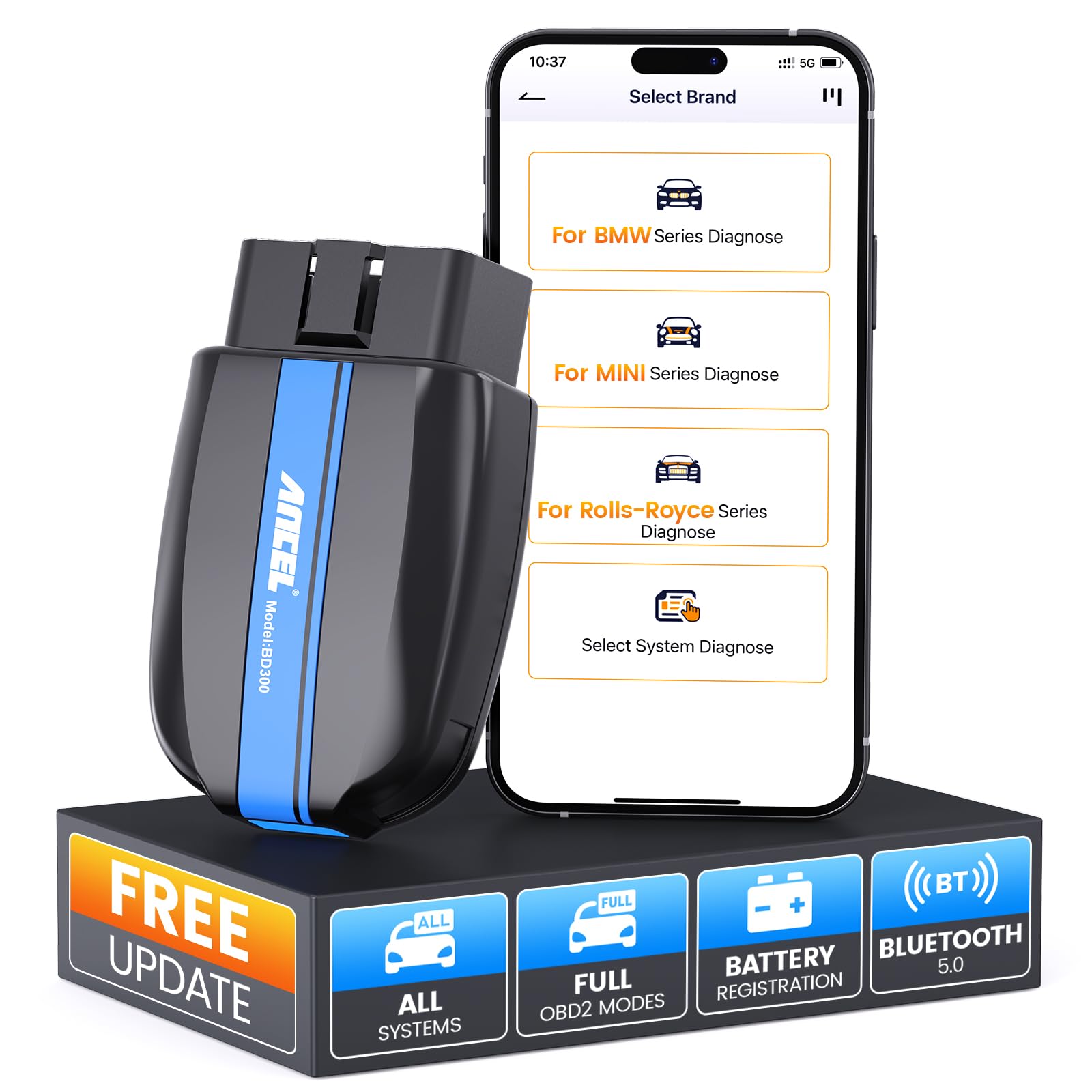
ANCEL BD300 Bluetooth OBD2 Scanner — Compact iPhone Code Reader
Best for: compact quick checks
The BD300 is a compact, straightforward choice for quick iPhone checks. It pairs over Bluetooth Low Energy inside its app, so setup avoids the classic Bluetooth dead end, and the dashboard presents codes, live data, and freeze frame without overwhelming a new user. Its size helps in tight footwells, where a bulky adapter can interfere with driving position or trim. Advanced system coverage is limited, so drivers expecting ABS, airbag, or service functions on every car may be disappointed. For routine engine-code reading and live-data glances, however, it is a practical, easy-to-live-with adapter.
- Compact BLE adapter
- Clear app dashboard
- Good for quick code checks
- Limited advanced system coverage
- Some features vary by vehicle
| Connection | Bluetooth Low Energy |
| App | ANCEL app for iOS |
| Coverage | Engine codes and live data |
| Design | Compact plug |
| Setup | App-guided pairing |
4.5/5
4.3/5
4.5/5
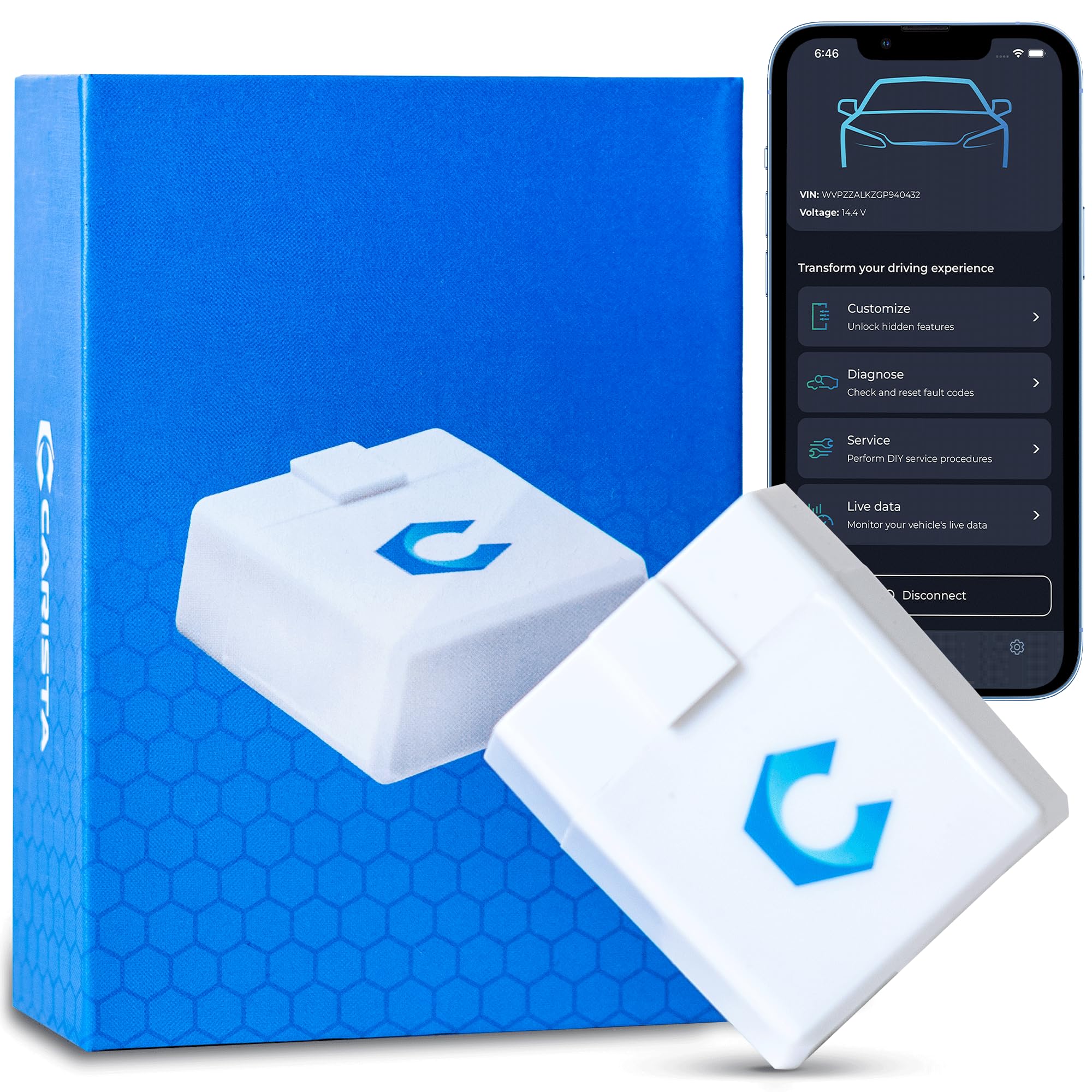
Carista Bluetooth OBD2 Adapter — Customisation on Supported iPhone Cars
Best for: supported-car customisation
Carista appeals to drivers who want more than a code reader, but only on supported cars. The BLE adapter pairs with iPhone inside the Carista app, which can read codes, show live data, and offer customisation options such as lighting or convenience settings where the vehicle allows them. That brand-dependent depth is both the appeal and the limit: results vary sharply, so a feature available on one model may be absent on another. Advanced customisation also sits behind a paid plan, which makes it a poor pick for code-only use. Buy it after checking your exact model support.
- Customisation options on supported cars
- Simple app-guided setup
- Live data and code reading
- Advanced customisation needs subscription
- Coverage varies sharply by brand
| Connection | Bluetooth Low Energy |
| App | Carista app for iOS |
| Features | Diagnostics and customisation |
| Brands | VW, Toyota, Lexus and more |
| Subscription | Paid plan for advanced features |
4.5/5
4.3/5
4.3/5
Top 3 Head-to-Head: BlueDriver vs OBDLink MX+ vs Veepeak BLE+
These three are the common final choices because they cover guided help, app flexibility, and budget value without breaking iPhone pairing.
| Feature | #1 BlueDriver | #2 OBDLink MX+ | #3 Veepeak BLE+ |
|---|---|---|---|
| iPhone Compatibility | BLE, guided in-app pairing — Best | BLE, broad app pairing | BLE, in-app pairing |
| Diagnostic Coverage | Engine, ABS, SRS, transmission | OEM-enhanced, broad — Best | Engine codes mainly |
| Ease of Use | Guided reports — Best | Flexible, longer setup | Simple, app-dependent |
| Choose if… | You want guided help | You want app choice | You want low cost |
Who These Bluetooth Scanners Are NOT For
Phone adapters are convenient, but they are not a substitute for every diagnostic job.
They are also a poor fit if you want a screen on the tool itself, or if your car uses a non-OBD2 connector. In those cases, a wired handheld or a specialist tool will serve you better than any Bluetooth adapter.
Common Mistakes to Avoid
Most iPhone pairing failures come from one of these four avoidable choices.
Frequently Asked Questions About Bluetooth OBD2 Scanners for iPhone
Do all Bluetooth OBD2 scanners work with iPhone?
No, not all Bluetooth OBD2 scanners work with iPhone. iPhone needs Bluetooth Low Energy or Wi-Fi, because iOS blocks classic Bluetooth serial connections for OBD2 adapters. A classic Bluetooth adapter made mainly for Android may fit the port but never pair reliably. Before buying, check that the listing states iOS support, Bluetooth Low Energy, and a compatible iPhone app.
Why does my Bluetooth OBD2 adapter not pair with my iPhone?
The most common cause is pairing in the wrong place. Bluetooth Low Energy adapters usually pair inside their app, not through iOS Settings, so a Settings attempt can fail even when the adapter is fine. Also check that the ignition is on, the adapter is fully seated, no other app is holding the connection, and the adapter is actually BLE or Wi-Fi compatible with iPhone.
Is Bluetooth Low Energy or Wi-Fi better for iPhone?
Bluetooth Low Energy is usually the cleaner choice for iPhone. It pairs inside the app, uses less power, and leaves your mobile data connection free for other uses. Wi-Fi adapters can work, but they may disconnect your phone from your usual network and need more setup. Choose Wi-Fi only when your chosen app specifically requires it or the adapter has no BLE option.
Can a Bluetooth OBD2 scanner work without internet on iPhone?
Yes, basic scanning usually works without internet on iPhone. The adapter talks to your phone locally over Bluetooth, so reading codes, viewing live data, and clearing a code do not need a mobile signal. Learn more about Bluetooth OBD2 without internet use before relying on it. Repair reports, cloud history, and app updates may still need a connection.
What can an iPhone OBD2 scanner read beyond engine codes?
It depends on the adapter, the app, and your vehicle. Budget adapters often read engine codes and live data only, while guided and brand-specific tools may also read ABS, airbag, transmission, battery, and service data on supported models. Never assume full-system coverage from the word Bluetooth alone. Check the coverage list for your exact make, model, and year before you buy.
Should I leave a Bluetooth OBD2 adapter plugged in all the time?
Many adapters can stay plugged in if they have a genuine low-power sleep mode. That sleep state matters most for cars that sit unused, short-trip drivers, and older batteries, where a small constant draw adds up. If your adapter has no sleep mode, feels warm when parked, or your battery is already weak, unplug it between uses. When in doubt, unplug it overnight.
Our Final Verdict
BlueDriver is the safest first pick for most iPhone drivers, because it pairs correctly, explains codes, and covers more than engine faults. If you want third-party apps, choose the MX+; if budget matters, choose the BLE+. Check BLE compatibility and your exact vehicle support before ordering, since that single check prevents most iPhone pairing failures.

I’m Alex Rahman, a car enthusiast and automotive writer focused on practical solutions, car tools, and real-world driving advice. I share simple and honest content to help everyday drivers make better decisions.
