10 Best Mobile OBD2 Scanner for 2026: Clear Phone Diagnostics
The best mobile OBD2 scanner right now is BlueDriver Bluetooth Pro OBDII Scan Tool — it explains codes clearly. We evaluated 10 mobile scanners, scoring each on Mobile App Experience, Diagnostic Coverage, and Ease of Use. Most mobile scanners look alike on paper but fail on unstable Bluetooth pairing. Whether you need quick code checks, live data on the road, or a scanner for family cars, this guide gives you one clear answer.
Quick Comparison: All 10 Products Ranked
| # | Product | Best For | Rating | Badge | |
|---|---|---|---|---|---|
| 1 | BlueDriver Bluetooth Pro OBDII Scan Tool for iPhone & Android | Everyday phone diagnostics | 4.9/5 | Best Overall | Buy → |
| 2 | OBDLink MX+ OBD2 Bluetooth Scanner for iOS & Android | Fast live data | 4.8/5 | Best for iPhone & Android | Buy → |
| 3 | FIXD OBD2 Professional Bluetooth Scan Tool | First-time drivers | 4.7/5 | Best for Beginners | Buy → |
| 4 | Veepeak OBDCheck BLE+ Bluetooth OBD2 Scanner | Low-cost phone checks | 4.6/5 | Best Budget | Buy → |
| 5 | BAFX Products Bluetooth Diagnostic OBDII Reader | Android users | 4.5/5 | Best for Android | Buy → |
| 6 | OBDLink CX Bluetooth OBD2 Adapter | Small, leave-in adapters | 4.5/5 | Best Compact | Buy → |
| 7 | Veepeak Mini WiFi OBD2 Scanner Adapter | WiFi phone connections | 4.4/5 | Best WiFi Pick | Buy → |
| 8 | Carista OBD2 Bluetooth Adapter | App service features | 4.4/5 | Best for Service Features | Buy → |
| 9 | ANCEL BD300 Bluetooth OBD2 Scanner | Quick phone checks | 4.3/5 | Best for Quick Checks | Buy → |
| 10 | Carly Universal OBD2 Adapter | Brand-specific checks | 4.3/5 | Best for Brand Diagnostics | Buy → |
How We Chose These Mobile Scanners
What we compared
We compared 10 phone-based adapters on listed app features, protocol support, phone compatibility, and connection type, using manufacturer listings and app descriptions.
Our 3 scoring criteria
Mobile App Experience, Diagnostic Coverage, and Ease of Use. Scores are editorial ratings based on listed specs, not lab or hands-on test results.
What matters most
A clear app, a stable phone link, and honest coverage limits matter more than a long feature list that your car cannot use.
What we cut — and why
We cut handheld-only scanners with no phone app, and adapters that require a desktop-only program, because this guide is for phone use.
What to Look for When Buying a Mobile OBD2 Scanner
A mobile scanner is only as good as its phone link and its app. Check compatibility before you buy, because the adapter, the phone, and the car must all agree.
1. Phone and App Compatibility
iPhones work best with Bluetooth Low Energy or WiFi adapters, while many Android phones also work with classic Bluetooth. Check whether the app is made for your phone, whether it needs an account, and whether key features need a subscription. A handheld scanner versus phone app comparison can help you decide if a phone is even the right tool for you.
2. Diagnostic Depth
Every adapter here reads generic engine codes, but enhanced ABS, airbag, and transmission coverage varies by brand, model, and app. If you need more than engine codes, check the app’s vehicle list first. Do not assume a phone app can reach every module in every car.
3. Connection Stability and Offline Use
A stable link matters when you are watching live data or running a drive test. Low-energy Bluetooth usually reconnects cleanly, WiFi can clash with car WiFi or phone data, and some features still need the internet. Learn how a Bluetooth scanner without internet access behaves before you rely on it away from home.
4. Live Data and Reporting
Live data turns a code into a diagnosis, but only if the refresh rate is fast enough and the app explains what you are seeing. Look for freeze frame, readiness monitors, graphing, and a report you can save or share. A guide to a scanner good for live data shows which details actually help during a test drive.

BlueDriver Bluetooth Pro OBDII Scan Tool for iPhone & Android — Clear Reports, Simple Checks
Best for: Everyday phone diagnostics with plain repair reports
For most drivers, BlueDriver is the easiest phone scanner to live with. Plug it in, open the app, and you get the code, a plain-language explanation, possible causes, and a smog-readiness check in one place. It also keeps a separate history for each vehicle, which helps when you check family cars or a used car before buying. The trade-off is that deeper brand-specific systems are limited compared with a professional tablet, so it works best as a first diagnosis, not a workshop replacement. That balance makes it a strong starting point for most drivers.
- Plain repair reports, not raw codes
- Smog readiness check built in
- Separate history for each vehicle
- Limited brand-specific system coverage
- No professional bi-directional controls
4.9/5
4.8/5
4.9/5

OBDLink MX+ OBD2 Bluetooth Scanner for iOS & Android — Fast Live Data
Best for: Fast live data and enhanced diagnostics
If you want to watch sensors while you drive, OBDLink MX+ is the stronger phone tool. Its fast data rate makes graphs smoother and easier to read, and its app support covers enhanced diagnostics on many popular brands. It also works with third-party apps, so you are not locked into one screen layout. The trade-off is a steeper setup: choosing the right app and profile takes more time than a simple code reader, and some enhanced features depend on the vehicle and app you pair it with. That speed matters when a fault appears only under load.
- Fast, smooth live-data graphs
- Works with third-party apps
- Enhanced diagnostics on many brands
- Setup takes more time
- Enhanced features vary by vehicle
4.8/5
4.9/5
4.7/5
FIXD OBD2 Professional Bluetooth Scan Tool — Simple First Checks
Best for: First-time drivers who want simple explanations
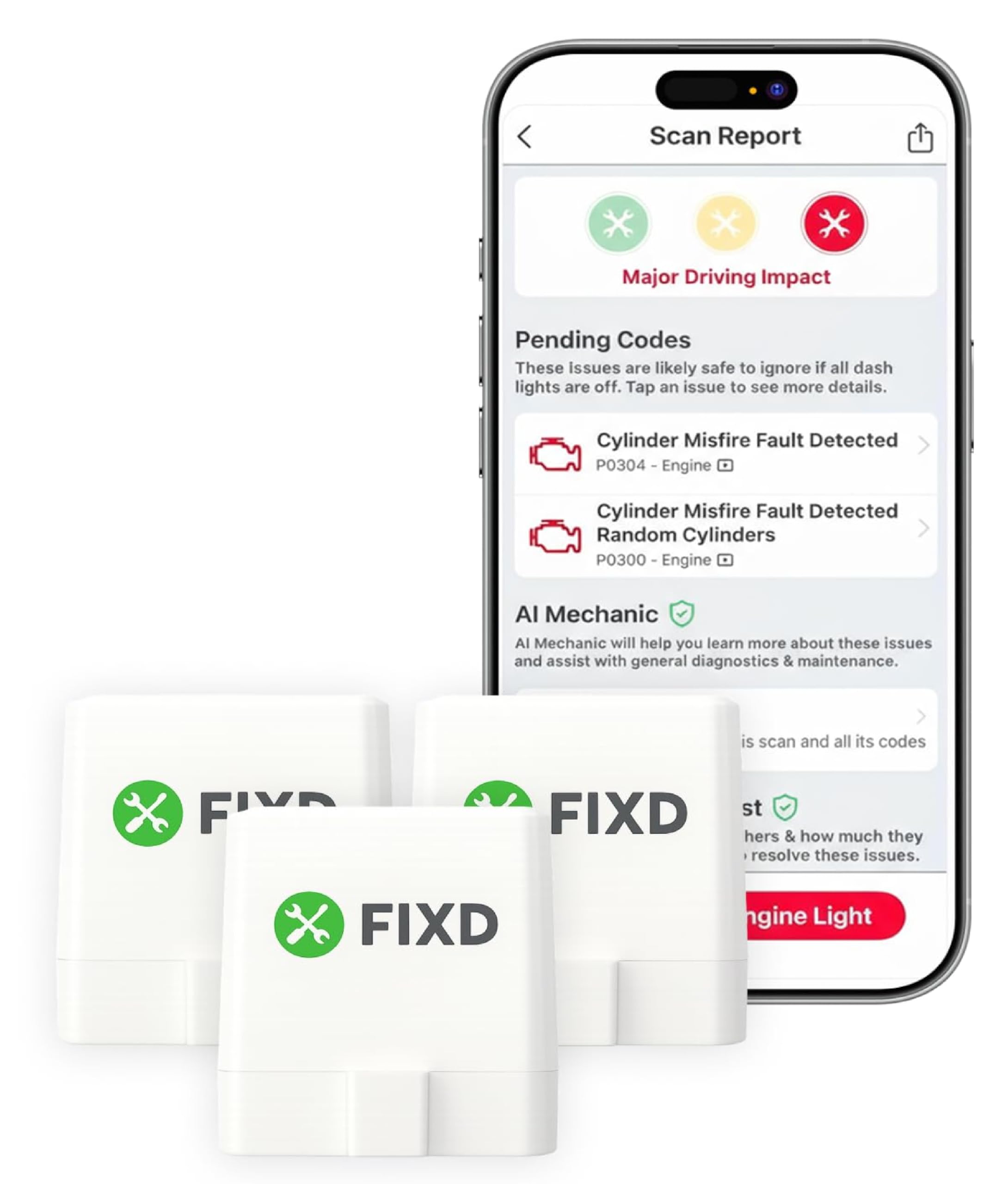
FIXD is built for drivers who do not want to learn diagnostic codes. The app explains each fault in plain words, flags how urgent it looks, and tracks maintenance reminders for the car. That clarity makes it a good first scanner for a new driver, a family car, or anyone who mainly wants to know whether a warning can wait. The trade-off is depth: it is not the best choice for detailed live-data work, and some advanced features are tied to the app’s subscription, so check what is included before you commit.
- Plain-language fault explanations
- Urgency flag for each fault
- Maintenance reminders for your car
- Limited detailed live-data work
- Some features need subscription
4.8/5
4.5/5
4.9/5

Veepeak OBDCheck BLE+ Bluetooth OBD2 Scanner — Budget Phone Checks
Best for: Low-cost phone checks without complexity
Veepeak BLE+ is the sensible budget pick for a phone scanner. Bluetooth Low Energy makes it a good match for iPhones, and it also works on Android with compatible apps, so you can read and clear basic engine codes without buying a handheld unit. It is small, simple to plug in, and easy to leave in the glovebox. The trade-off is app choice: there is no single polished first-party app doing all the work, so results depend on the third-party app you choose, and enhanced coverage is limited. It is a practical spare adapter to keep ready.
- Bluetooth Low Energy for iPhone
- Small, simple plug-in design
- Good value for basic checks
- Depends on third-party app
- Limited enhanced coverage
4.4/5
4.5/5
4.8/5

BAFX Products Bluetooth Diagnostic OBDII Reader — Android Workhorse
Best for: Android users who want a simple adapter
BAFX is a straightforward Android adapter that does the core job well: read engine codes, show live data, and clear a code after a repair. It pairs with popular Android apps, so you can choose the screen and features you prefer instead of learning a new system. That flexibility is its strength, but it is also its limit. iPhone users should look elsewhere, because this classic Bluetooth design is not made for iOS pairing, and enhanced brand coverage still depends on the app and vehicle you use. That simplicity keeps the first scan fast and stress-free.
- Simple core code reading
- Works with popular Android apps
- Good value for Android drivers
- Not made for iPhone pairing
- Enhanced coverage varies by app
4.4/5
4.5/5
4.6/5

OBDLink CX Bluetooth OBD2 Adapter — Leave-In Phone Adapter
Best for: Small, leave-in adapters for daily use
OBDLink CX suits drivers who want an adapter that stays plugged in without getting in the way. Its compact shape sits close to the port, it uses low-energy Bluetooth for phone pairing, and its low-power sleep mode helps protect the car battery when the car is off. That makes it a good choice for regular phone checks and trip logging. The trade-off is scope: it is a compact phone adapter, not a full professional system, so advanced service functions and some brand-specific coverage will still depend on the app and vehicle.
- Compact, low-profile plug-in shape
- Low-power sleep mode included
- Good for regular phone checks
- Not a professional service tool
- Coverage depends on app
4.5/5
4.4/5
4.7/5

Veepeak Mini WiFi OBD2 Scanner Adapter — WiFi Phone Link
Best for: WiFi phone connections on iPhone and Android
Veepeak Mini WiFi is a useful alternative when Bluetooth pairing causes trouble. It creates its own WiFi link to the phone, which can work well on both iPhone and Android with compatible apps, and it handles basic engine codes, live data, and freeze frame. Its mini size also keeps the port area tidy. The trade-off is WiFi itself: while connected to the adapter, your phone may lose its normal internet connection, and some apps handle that switch better than others, so test it on a short drive first. Test the WiFi switch at home before relying on it.
- WiFi link avoids Bluetooth pairing issues
- Works on iPhone and Android
- Mini size keeps port tidy
- Phone may lose internet while connected
- App handling varies by app
4.3/5
4.4/5
4.5/5

Carista OBD2 Bluetooth Adapter — App-Led Service Checks
Best for: App service features beyond basic codes
Carista is worth a look if you want more than a code reader, but you still want a phone app. Its app adds service and customisation options on supported vehicles, alongside standard code reading and live data, which makes routine checks feel more useful. The key limit is support: those extra features are not available on every make or model, and some of them need a subscription. Check your exact vehicle in the app before you buy, and treat Carista as a phone-first tool, not a replacement for dealer-level diagnostics.
- Service options on supported vehicles
- Standard codes plus live data
- Phone-first, easy interface
- Extra features vary by vehicle
- Some features need subscription
4.5/5
4.3/5
4.5/5
ANCEL BD300 Bluetooth OBD2 Scanner — Quick Phone Checks
Best for: Quick phone checks before a trip
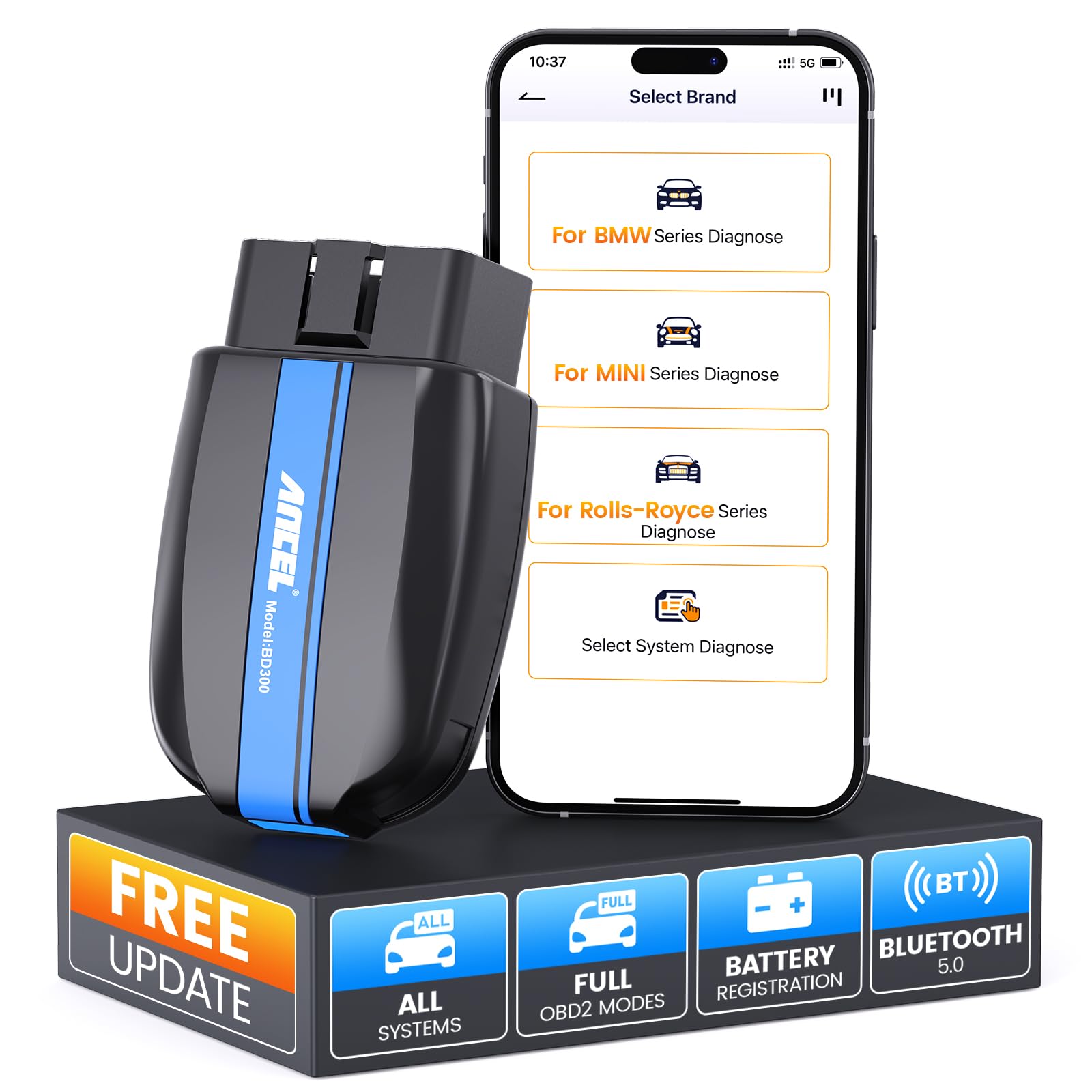
ANCEL BD300 is a no-fuss phone scanner for drivers who want a fast answer. Plug it in, connect through a compatible app, and you can read engine codes, check live data, and clear a code after a simple fix. Its straightforward design keeps the first scan short, which is ideal before a long trip or after a warning light appears. The trade-off is that it stays close to generic coverage, so it will not replace a deeper diagnostic tool, and the experience still depends on the app you choose for your phone.
- Fast first-scan workflow
- Codes, live data, clearing
- Straightforward plug-in design
- Mostly generic coverage only
- Experience depends on app
4.3/5
4.2/5
4.5/5

Carly Universal OBD2 Adapter — Brand-Specific Phone Checks
Best for: Brand-specific checks on supported cars
Carly is the pick for drivers who want brand-specific insight from a phone, rather than generic codes alone. On supported vehicles, its app can reach more systems, run health checks, and add service and coding options that a basic adapter cannot. That depth is genuinely useful for owners of supported brands. The limit is clear, though: coverage and extra features change by brand, model, and year, and many of them need a subscription, so verify your exact car in the app before buying. That depth can save a workshop visit for supported owners.
- Brand-specific system access
- Health checks beyond generic codes
- Service and coding options
- Coverage varies by brand
- Many features need subscription
4.4/5
4.5/5
4.2/5
Top 3 Head-to-Head: BlueDriver vs OBDLink MX+ vs FIXD
These three are the common final choices because they cover the three main phone-scanner needs: clear reports, fast live data, and simple first checks.
| Feature | #1 BlueDriver | #2 OBDLink MX+ | #3 FIXD |
|---|---|---|---|
| Mobile App Experience | 4.9/5 — Best | 4.8/5 | 4.8/5 |
| Diagnostic Coverage | 4.8/5 | 4.9/5 — Best | 4.5/5 |
| Ease of Use | 4.9/5 — Best | 4.7/5 | 4.9/5 |
| Choose if… | You want clear reports first | You want fast live data | You want the simplest first scanner |
Who These Mobile Scanners Are NOT For
Phone scanners are excellent first tools, but they are not workshop replacements.
They are also not ideal if your car is pre-OBD2, if you need guaranteed coverage for a rare brand, or if you dislike using a phone app for every check.
Common Mistakes to Avoid
Most mobile-scanner frustration comes from pairing and coverage assumptions, not from a faulty adapter.
Frequently Asked Questions About Mobile OBD2 Scanners
What is a mobile OBD2 scanner and how does it work?
A mobile OBD2 scanner is a small adapter that plugs into your car’s diagnostic port and sends data to a phone app by Bluetooth or WiFi. The app reads fault codes, shows live sensor data, and can clear codes after a repair. You keep the adapter in the car, open the app, and let the phone do the display work.
Will a mobile OBD2 scanner work with my iPhone or Android phone?
It depends on the connection type, not just the brand. iPhones work best with Bluetooth Low Energy or WiFi adapters, while Android phones usually work with classic Bluetooth as well. Check the adapter listing for your exact phone system, and pair inside the scanner app for the most reliable first connection.
Do mobile OBD2 scanners need internet to work?
No, basic code reading and live data usually work without internet once the app is installed. Internet is often needed for code explanations, repair reports, app updates, or cloud history. If you scan in a garage with weak signal, download the app and check the core scan first, before you rely on online features.
Can a mobile OBD2 scanner clear a check engine light?
Yes, most mobile scanners can clear engine codes and turn off the light, but clearing does not fix the fault. If the cause remains, the light will return after a drive cycle. Save the code and freeze frame first, make the repair, then clear and watch for the code to stay away.
Will a mobile OBD2 scanner work on my car?
Most petrol cars from 1996 in the US, and later models elsewhere, use OBD2, but coverage still varies. Check which vehicles use OBD2 and confirm your year, fuel type, and port location before buying. Enhanced systems such as ABS or airbag coverage depend on the app and vehicle, not on the adapter alone.
Is a mobile scanner as good as a handheld scanner?
For everyday code checks and live data, a good mobile scanner is just as useful, and its app often explains codes better. A handheld scanner can be better when you want a screen that works without a phone, or when you need a tougher tool for a workshop. Choose the phone option for convenience, and the handheld option for phone-free use.
Our Final Verdict
Most phone users should start with BlueDriver for its clear reports, choose OBDLink MX+ for serious live data, and choose FIXD for the simplest first check. The right pick is the one whose app you will actually open. Start with phone compatibility, then choose by app clarity.

I’m Alex Rahman, a car enthusiast and automotive writer focused on practical solutions, car tools, and real-world driving advice. I share simple and honest content to help everyday drivers make better decisions.
