Handheld OBD2 Scanner vs Phone App: Which Is Better?
Quick Answer
Neither is better for everyone. A handheld scanner is usually better for a simple, self-contained tool that works without a phone, app, or pairing step. A phone app is usually better for a larger screen, clearer graphs, and saved history. The deciding factor is often not the screen, but coverage and phone compatibility.
The confusion is understandable, because the two options do not always do the same job. A handheld scanner is one device with its own screen, buttons, and software. A phone setup is really two parts: an adapter that plugs into the car and an app that displays the data. That split is where most of the advantages, and most of the frustrations, come from.
What Each Option Actually Is
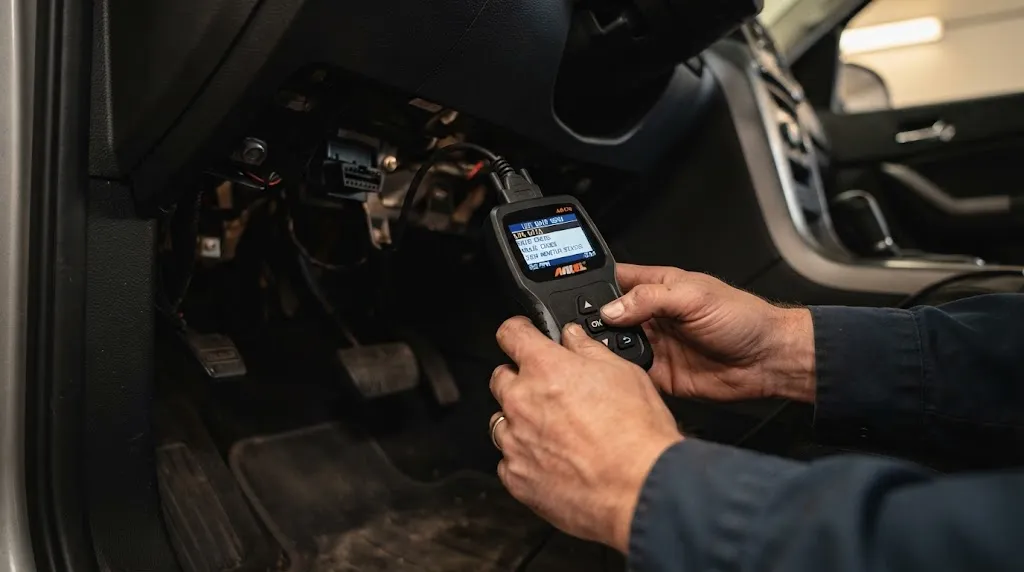
A handheld scanner keeps everything in one place. You plug it in, read the code on its screen, and clear it if the repair is done. Basic models focus on engine codes, while more capable models add live data, freeze frame data, and readiness checks. No phone, app, or pairing is needed.
A phone setup uses your phone as the screen. The adapter translates the car’s signals, and the app turns them into code definitions, graphs, gauges, and reports. Some adapters come with a dedicated app, while others work with several third-party apps. That flexibility is valuable, but it also means the adapter, app, and phone must all agree with each other.
The connection is a separate choice from the display: a handheld unit may be corded, while a phone adapter usually connects by Bluetooth or Wi-Fi. The guide to corded vs Bluetooth scanners explains that trade-off in more detail, and it is worth reading before you assume that wireless automatically means easier.
The Side-by-Side Difference
The table below compares the typical experience, not a specific model. A high-end handheld can beat a basic phone setup, and vice versa, so always check the exact features of the tool in front of you.
| Feature | Handheld scanner | Phone app + adapter |
|---|---|---|
| Needs a phone | No | Yes, plus a compatible app |
| Screen and graphs | Smaller, usually simpler | Larger, with dashboards and graphs |
| Saving and sharing | Often limited or manual | Often easier to save, export, or share |
| Updates | Firmware updates vary by model | App updates are usually frequent |
| Common failure point | Coverage limits for a make or system | Pairing, app, or phone compatibility |
Where a Handheld Scanner Wins
A handheld scanner wins on simplicity. There is no app store, account, subscription screen, or Bluetooth menu between you and the code. That matters in a garage, at the roadside, or when helping someone else without installing software on their phone.
It also wins when conditions are rough for a phone: greasy hands, gloves, bright sunlight, or a low battery can make a dedicated device easier to use.
For a basic check, that simplicity is often enough. If your main job is to read an engine code, check readiness, or confirm a code has stayed clear after repair, a basic handheld does it without extra steps. The key is to match it to the job: a basic code reader will not gain ABS, airbag, or transmission coverage just because it has its own screen.
Where a Phone App Wins
A phone app wins on presentation and record-keeping. A larger screen makes it easier to compare live readings, watch a graph change, or read a longer code explanation without scrolling through a small menu. That does not make the data more accurate, but it can make a pattern easier to notice.
Apps also tend to be better at history. Many can save scans, track repeated codes, or export a report for a mechanic, which helps with an intermittent problem. The guide to how accurate OBD2 live data is is a useful check here: a smooth graph is not proof that a reading is correct, and a plausible value still needs to be compared with symptoms and other readings.
An app setup can also evolve: you can switch apps or use a make-specific app, provided your adapter supports it. A handheld’s software is fixed to that device.
The Real Difference Is Coverage, Not the Screen
The most expensive mistake here is to assume that a phone app is automatically deeper, or that a handheld is automatically more professional. Both can be limited to generic engine data, and both can offer enhanced data. What matters is whether the tool can reach the system you need, on your make, model, and year.
Generic OBD2 data covers standardised engine and emissions information, such as common trouble codes, live sensor values, freeze frame data, and readiness monitors. Enhanced data goes further, into manufacturer-specific codes and other modules, but it depends on the tool’s database and software, not just on whether it has a phone screen. The EPA’s scan-tool report makes a similar point: the gap between generic and enhanced data, and the protocol a vehicle uses, can matter more than the brand or form of the scanner.
Before buying either type, check which vehicle systems it covers, whether coverage is included or locked behind a subscription, and whether your exact vehicle is supported. A clear statement about ABS, SRS, transmission, or service functions beats a vague promise of “full diagnostics.” For the baseline of what any scanner can show, see what an OBD2 scanner can tell you.
Key Insight
Compare a specific handheld’s coverage and update policy with a specific adapter-and-app combination’s coverage, phone compatibility, and ongoing cost, not just the two form factors.
The Phone Compatibility Trap
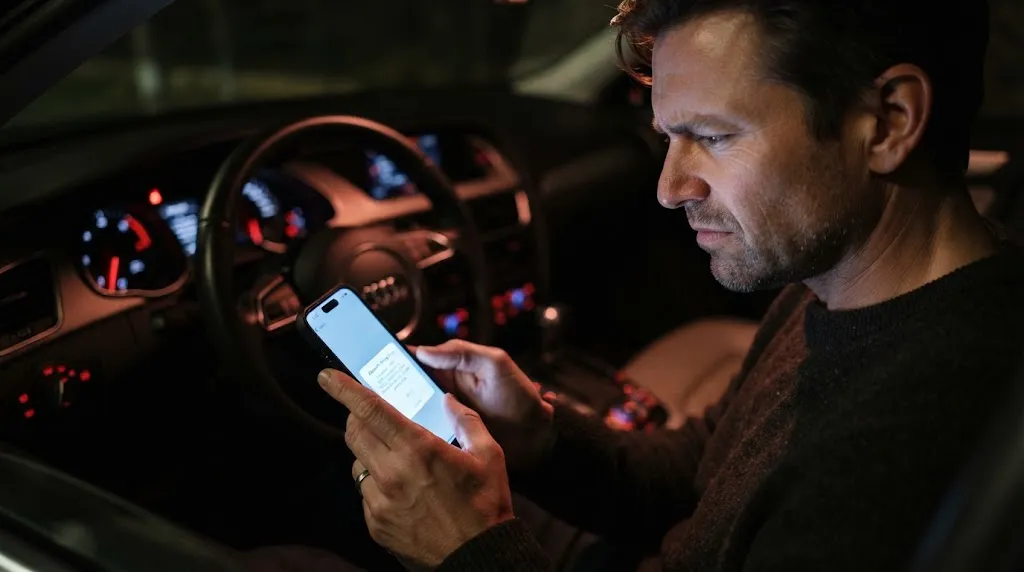
This is where phone setups most often disappoint. Android phones generally work with a wider range of classic Bluetooth adapters and apps, while iPhones usually need an adapter that clearly supports Bluetooth Low Energy (BLE) or Wi-Fi. An adapter that works on a friend’s Android phone may not connect at all on an iPhone.
Wi-Fi adapters add another trade-off. Some create their own wireless network, which can interrupt your phone’s normal internet connection while you scan. That is fine for a quick code read, but annoying if you need mobile data or an online code database at the same time. BLE adapters generally avoid that problem, which is one reason they are often recommended for iPhone users.
Pairing problems are also more common than handheld users expect. A connection can drop, an app can fail to find an adapter already paired in the phone’s settings, or an update can change how the app connects. Work through the pairing steps in order rather than buying a second adapter straight away, and see why Bluetooth OBD2 disconnects for the usual causes. Android users should also check the app list in what Android app works with ELM327 before assuming that any free app will unlock every feature.
Cost Over Time, Not Just the Purchase Price
A basic adapter can cost less upfront than a capable handheld, but the total cost depends on the app. Some apps are free for basic code reading and charge for dashboards, enhanced coverage, or make-specific features. Others use a subscription, so a cheap adapter can become more expensive than a handheld over a year or two if you keep paying for features you rarely use.
A handheld can have the opposite pattern: a higher upfront price, but no app subscription, and a fixed set of features. That can be cheaper for a driver who only checks codes occasionally. The risk is different: if the maker stops updating that model, or you change to a vehicle it covers poorly, you may need a new device rather than a new app.
Before you decide, add up the realistic total for each route. For the phone route, include the adapter, any paid app or subscription, and any extra fee for the system you need. For the handheld route, include any paid update or coverage licence. If either total is unclear, treat that as a warning.
Which One Should You Choose?
Choose a handheld scanner if you want the shortest path from plugging in to reading a code, you work where a phone is awkward, you do not want to manage apps and subscriptions, or you want one tool anyone in the household can pick up and use.
Choose a phone app if you want larger graphs, saved history and reports, the freedom to change apps, or make-specific features offered only through a particular app. This works best when you have confirmed that the adapter supports your phone and app.
If you are still unsure, use your main job as the tie-breaker. For occasional engine-code checks, simplicity usually wins. For tracking a recurring fault or sharing a report, the phone’s display and history usually win. For ABS, airbag, transmission, or service work, ignore the screen debate and buy the tool that clearly lists that coverage.
Tip
Write down your car, phone model, and main job before you shop, then check those facts against the listing.
Related Product
Bluetooth OBD2 Scanner Adapter
A Bluetooth adapter lets you use your phone as the scanner screen, which is the practical starting point if you decide the app route fits your car and phone.
As an Amazon Associate, we earn from qualifying purchases.
Frequently Asked Questions
Can a phone app read the same codes as a handheld scanner?
For generic engine codes, yes, if the adapter and app support the same standard OBD2 functions. With enhanced or manufacturer-specific codes, it depends on that tool’s coverage for your vehicle, not simply on whether it is handheld or phone-based.
Do I need the internet to use a phone OBD2 app?
Usually not for a basic scan, because the adapter talks directly to the car and the app runs on your phone. You may need internet for updates, online code explanations, or cloud reports, and a Wi-Fi adapter can temporarily take your phone off its normal internet connection while scanning.
Will a phone OBD2 app work on an iPhone?
It can, but only with a compatible adapter and app. iPhones generally need Bluetooth Low Energy or Wi-Fi adapters, not classic Bluetooth adapters made for Android only. Check both listings before buying.
Can either type read ABS, airbag, or transmission codes?
Some can, and many basic tools cannot. Check whether ABS, SRS, or transmission access is listed for your make and model. A basic handheld and a basic phone app can both be limited to engine codes.
Is it safe to leave a Bluetooth adapter plugged in all the time?
It is usually possible for short periods, but not automatically safe for every car or adapter. Some adapters draw a small current in standby, which can matter if the car sits unused or the battery is weak. Remove it if the car will sit for a long time.
Can I switch apps later if I buy a Bluetooth adapter?
Often, yes, if the adapter is an open type that works with several apps. Dedicated adapters tied to one maker’s app are harder to switch. Check this before you buy, especially if you may change phones later.
Conclusion
A handheld scanner is better when simplicity and a quick check matter most. A phone app is better when a larger display, saved history, and flexible software matter most. Either can be the wrong buy if it lacks coverage for your vehicle or phone compatibility. Check coverage, compatibility, and total cost first, and the choice usually becomes clear.

I’m Alex Rahman, a car enthusiast and automotive writer focused on practical solutions, car tools, and real-world driving advice. I share simple and honest content to help everyday drivers make better decisions.
