Why Can’t My OBD2 Scanner Access ABS? Common Causes & Fixes
Quick Answer
Your OBD2 scanner likely cannot access the Anti-lock Braking System (ABS) because it is a basic code reader designed strictly for engine emissions (Powertrain “P” codes), lacking the software protocols and multi-module capability required to communicate with the separate ABS control module.
The Fundamental Difference: Engine Modules vs. ABS Modules
When an ABS or traction control light illuminates on your dashboard, it is natural to plug in an OBD2 code reader to see what is wrong. However, many vehicle owners discover that their tool returns no codes or displays a communication error.
The primary reason for this barrier comes down to vehicle architecture. Under federal law, standard OBD2 ports are mandated to monitor powertrain and emissions systems. Basic, inexpensive code readers are built exclusively to communicate with the Engine Control Module (ECM). They look for standard “P” codes related to fuel delivery, ignition, and emissions.
By contrast, your vehicle’s Anti-lock Braking System runs on an entirely separate electronic network managed by its own control module. ABS trouble codes typically start with the letter “C” (such as wheel speed sensor faults). If your scanner does not feature bi-directional multi-system software support, it simply cannot see or translate these chassis-level codes.
1. Your Scanner Lacks Multi-System Compatibility
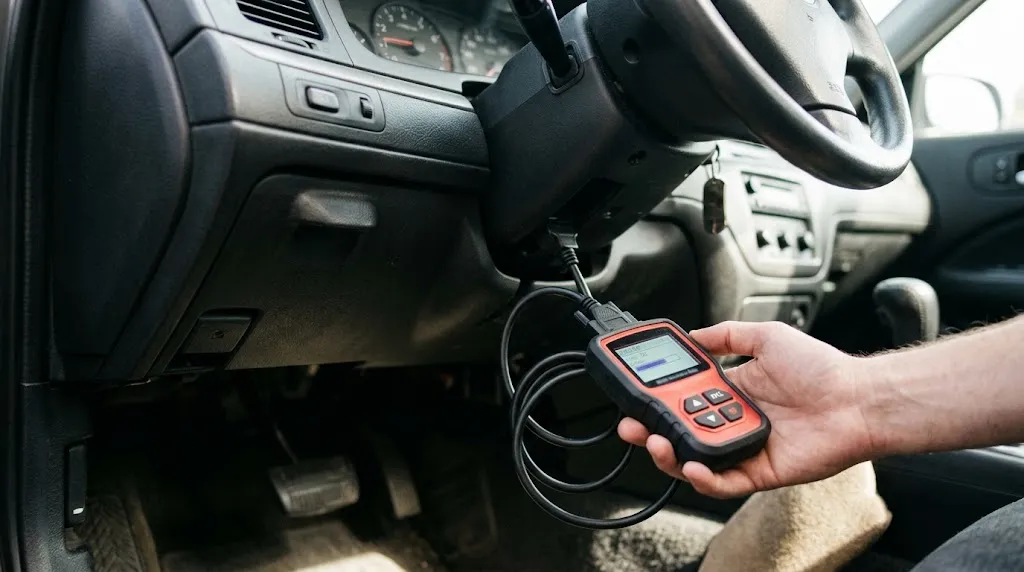
The most frequent cause of missing ABS access is hardware or software limitation within the tool itself. Entry-level code readers sold at checkout counters or online for under $30 generally only support generic OBD2 protocols.
To pull ABS, airbag (SRS), or transmission (TCM) data, you need an advanced diagnostic scan tool or a bi-directional scanner explicitly marketed as an “all-system” or “ABS/SRS-compatible” scanner. If your device packaging does not list ABS coverage for your specific car make, the scanner cannot establish a link with the brake module.
2. Communication Protocol and Bus Line Issues
Even if you own an advanced scanner, communication errors can block module access. Modern vehicles use specialized data communication buses—such as Controller Area Network (CAN) lines—to link different computers together.
If there is a break, short, or high resistance in the data wiring harness connecting the OBD2 port pin to the ABS module, the scanner will time out and fail to connect. Similarly, aftermarket accessories like remote starters or faulty trailer brake controllers can disrupt data traffic on the CAN bus, preventing the scanner from isolating the ABS computer.
3. Blown Fuses or Power Loss at the OBD2 Port
Diagnostic tools require steady battery voltage and proper ground signals from the vehicle port to operate. Pin 16 of the OBD2 port supplies constant battery power, which is often protected by an interior fuse shared with the cigarette lighter, infotainment system, or accessory circuits.
If this fuse blows, your scanner might still light up using its own internal battery or low-current trickle power, but it will lack the robust voltage required to handshake with heavy-duty modules like the ABS pump controller. Checking your vehicle’s fuse box is a fast, inexpensive troubleshooting step before assuming the tool is broken.
4. Incorrect Vehicle Profile or Outdated Software
Advanced diagnostic tools require you to input or auto-detect the exact year, make, model, and engine configuration of your vehicle.
If the tool has an outdated software database or if you select the wrong trim package, the scanner may query the wrong address on the vehicle network. Furthermore, vehicle manufacturers frequently update communication protocols across model years. Keeping your scanner’s firmware updated ensures it recognizes newer network handshakes used by modern braking computers.
Warning
Never ignore an active ABS warning light just because a basic scanner fails to show a code. Driving without functioning anti-lock brakes increases stopping distances on slick surfaces and disables electronic stability control.
How to Solve ABS Access Issues
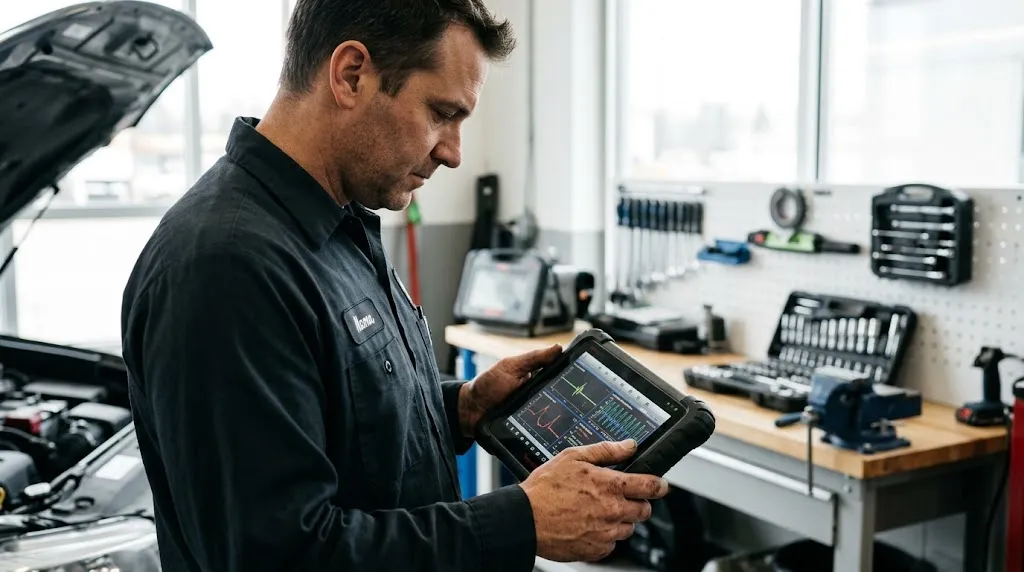
If you need to diagnose an ABS fault yourself, follow a logical troubleshooting sequence to isolate whether the limitation lies in your hardware, software, or vehicle wiring:
- Verify Tool Capabilities: Check your scanner user manual or manufacturer website to confirm whether it explicitly supports ABS and chassis module diagnostics.
- Check Port Power and Fuses: Inspect interior fuse panels for any blown fuses linked to accessory power, diagnostics, or the data link connector.
- Ensure Proper Ignition State: Turn the ignition key to the ON position (engine off) so that all vehicle control modules receive active power and can broadcast data signals.
- Test with an ABS-Capable Scanner: If your basic reader continues to fail, upgrade to an all-system diagnostic tool or visit a local mechanic equipped with multi-module diagnostic software.
Related Product
All-System OBD2 Diagnostic Scanner
An advanced multi-system scan tool reads engine, ABS, transmission, and airbag control modules to pinpoint hidden brake faults.
As an Amazon Associate, we earn from qualifying purchases.
Frequently Asked Questions
Can auto parts stores read my ABS codes for free?
Most local auto parts stores use entry-level code readers that are restricted to reading powertrain emissions codes. Because of this, they usually cannot pull ABS, traction control, or airbag codes.
Do ABS codes clear automatically when fixed?
Some intermittent ABS codes clear on their own once the underlying fault is resolved and the vehicle completes several driving cycles. However, hard fault codes typically require an ABS-compatible scan tool to manually reset the warning light.
What does a “C” code mean compared to a “P” code?
“P” codes stand for powertrain issues relating to the engine and transmission. “C” codes stand for chassis issues, covering components like wheel speed sensors, hydraulic brake modulators, and ABS control modules.
Can a bad wheel speed sensor block scanner communication?
A failing or shorted wheel speed sensor usually generates an active diagnostic trouble code rather than blocking communication entirely. However, total module unresponsiveness points more toward power loss, a blown fuse, or a dead ABS module.
Why does my scanner say “Linking Error” when trying to read brakes?
A linking error indicates that the tool cannot complete a digital handshake with the target computer. This is usually caused by selecting the wrong vehicle profile, a loose port connection, or attempting to read a module the scanner does not support.
Is it safe to drive with the ABS light on?
Your standard hydraulic brakes will generally still function to stop the car, but the anti-lock feature will be disabled. This means your wheels can lock up during emergency braking on slippery roads, so you should have the system inspected promptly.
Conclusion
Failing to access your vehicle’s ABS system with an OBD2 scanner is almost always a matter of tool capability rather than a mysterious car failure. Because basic code readers only communicate with engine management computers, checking chassis modules requires an upgraded multi-system tool. By verifying your scanner specifications, inspecting diagnostic fuses, and confirming proper protocol support, you can successfully bypass communication barriers and diagnose brake system faults accurately.

I’m Alex Rahman, a car enthusiast and automotive writer focused on practical solutions, car tools, and real-world driving advice. I share simple and honest content to help everyday drivers make better decisions.
