How to Read OBD2 Freeze Frame Data: Step-by-Step Guide
Quick Answer
To read OBD2 freeze frame data, connect an OBD2 scanner or code reader to your vehicle’s under-dash diagnostic link connector (DLC), turn the ignition to the “On” position without starting the engine, and navigate your tool’s menu to select “Freeze Frame” or “Diagnostic Trouble Codes.” This snapshot captures vital engine parameters—such as RPM, coolant temperature, vehicle speed, and fuel trim—at the exact millisecond a diagnostic trouble code (DTC) was triggered, helping you diagnose intermittent faults.
What Is OBD2 Freeze Frame Data and Why Does It Matter?
When your vehicle’s Powertrain Control Module (PCM) detects an emissions or engine fault, it illuminates the Check Engine Light. Simultaneously, it records a digital snapshot of sensor values called freeze frame data. Think of it as a flight data recorder for your car’s computer.
Unlike live data, which shows what your engine is doing right now, freeze frame data preserves conditions from the exact moment the fault occurred. This distinction is critical because many engine problems are intermittent. An engine code might trigger when accelerating uphill on the highway, but when you pull over and plug in a scanner later, live data will show normal idle conditions. Freeze frame data bridges that gap by showing you what went wrong under load.
Tools Needed to Access Freeze Frame Data
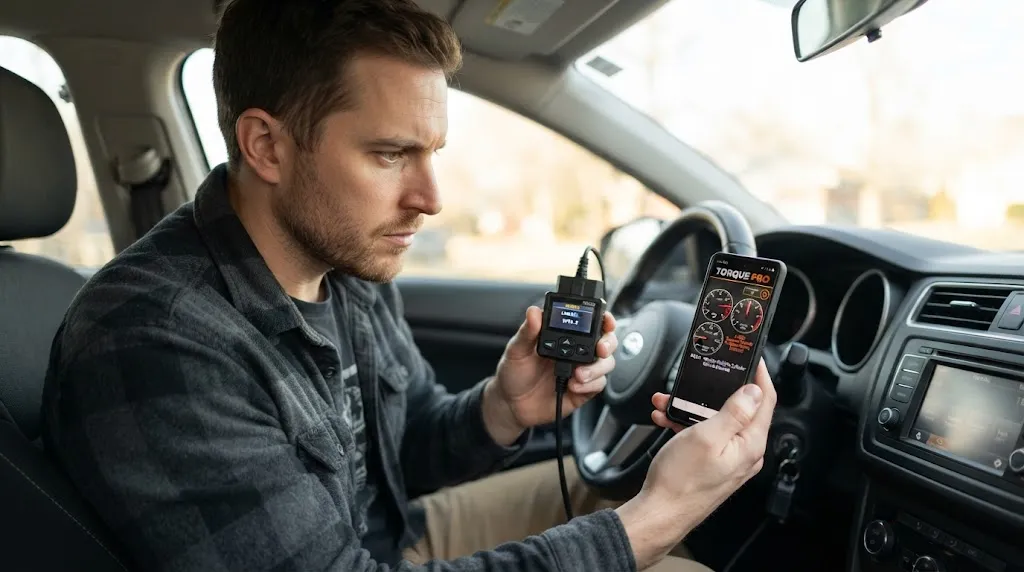
Reading freeze frame data requires basic automotive diagnostic hardware. You do not need a multi-thousand-dollar factory scan tool for basic access, but a simple code reader has limitations.
Basic OBD2 Code Readers
Standard entry-level code readers can read diagnostic trouble codes and retrieve basic freeze frame information (typically just the primary DTC and a few core PIDs like engine RPM and coolant temperature). They are inexpensive and user-friendly for DIYers.
Advanced Diagnostic Scanners and Smartphone Apps
Mid-range diagnostic tools or smartphone-based OBD2 dongles (paired with apps like Torque or OBD Fusion) often provide a much more comprehensive list of freeze frame parameters. They can display dozens of PIDs simultaneously, allowing you to see fuel trims, oxygen sensor voltages, and load percentages captured during the event.
Step-by-Step Guide to Reading Freeze Frame Data
Accessing this data is straightforward if you follow the correct sequence. Connecting your tool improperly or turning the ignition on at the wrong time can sometimes prevent the tool from establishing a proper link with the vehicle’s computer.
- Locate the Diagnostic Link Connector (DLC): Find the 16-pin OBD2 port under your vehicle’s dashboard, usually located beneath the steering column near the driver’s knees.
- Connect the Scan Tool: Plug your OBD2 scanner or Bluetooth adapter securely into the DLC port while the vehicle is turned off.
- Turn the Ignition On: Turn your vehicle’s ignition key to the “On” position (or press the start button twice without holding the brake pedal). Do not start the engine yet, as powering up the electrical systems is necessary to energize the data bus.
- Establish Communication: Power on your handheld scanner or open your diagnostic smartphone app. The tool will automatically communicate with the vehicle network and read any stored codes.
- Navigate to Diagnostics: Select the menu option labeled “Diagnostics,” “Read Codes,” or “Powertrain.”
- Select Freeze Frame: Look for a sub-menu titled “Freeze Frame.” Select it to load the saved snapshot associated with the active or pending fault code. If multiple codes are stored, the computer typically prioritizes the code that first set the MIL (Malfunction Indicator Lamp), designated as Code 0 (or the primary DTC).
Key Parameters to Look For in Freeze Frame Data
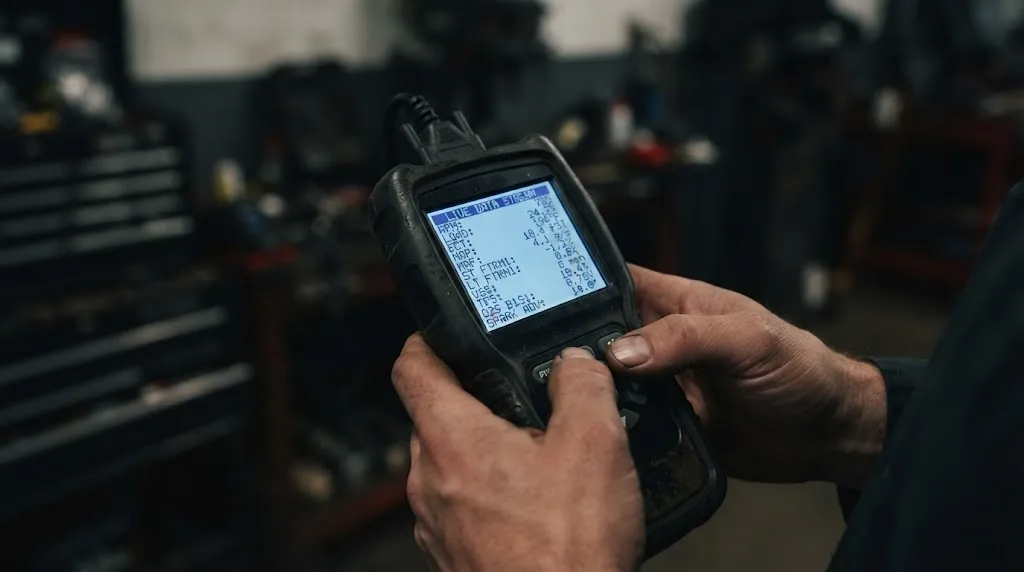
Once you pull up the freeze frame screen, you will see a list of parameter IDs (PIDs) paired with the values recorded at the moment of failure. Knowing which metrics matter most prevents diagnostic overwhelm.
| Parameter (PID) | What It Tells You | Diagnostic Clue |
|---|---|---|
| Engine RPM | Engine speed when the fault occurred. | Shows if the issue happened at idle, cruising speed, or high acceleration. |
| Calculated Load Value | Engine load percentage relative to maximum capability. | High load points toward acceleration or towing issues; low load points to idle/vacuum leaks. |
| Coolant Temperature | Engine operating temperature. | Reveals if the fault happened during a cold start or after reaching operating temp. |
| Short/Long Term Fuel Trim | Fuel delivery adjustments made by the computer. | High positive numbers indicate a lean condition (extra air or low fuel); high negative numbers indicate a rich condition. |
| Vehicle Speed | Speed of the vehicle at the exact trigger moment. | Helps differentiate stationary sensor issues from highway-speed transmission or airflow faults. |
Analyzing these parameters together paints a clear picture. For example, if you get a random misfire code, checking the RPM and engine load in the freeze frame will show you whether the misfire occurred under heavy acceleration or while idling at a stoplight.
Common Limitations and Misunderstandings
While freeze frame data is exceptionally useful, understanding its technical boundaries prevents wasted diagnostic time.
Warning
Clearing diagnostic trouble codes via your scanner will permanently erase stored freeze frame data. Always record or screenshot the freeze frame data before attempting to clear codes or disconnect the vehicle battery.
Another limitation is that standard OBD2 protocols generally only require vehicles to save one frame of data—the frame captured when the primary emissions fault occurred. If a second, unrelated code sets later, it may overwrite the original freeze frame unless your specific vehicle model supports multiple freeze frame buffers.
Related Product
OBD2 Diagnostic Scan Tools
A reliable OBD2 scanner allows you to read and record live sensor data, freeze frame metrics, and clear trouble codes quickly.
As an Amazon Associate, we earn from qualifying purchases.
Frequently Asked Questions
Can freeze frame data be viewed after clearing the check engine light?
No. Clearing diagnostic trouble codes with a scan tool or disconnecting the vehicle battery erases all stored freeze frame data from the computer’s memory. You must record the data before resetting the system.
What is the difference between freeze frame data and live data?
Freeze frame data captures a single, static snapshot of sensor values from the exact millisecond a fault code was triggered. Live data streams continuous, real-time sensor measurements while the engine is currently running.
Why does my scanner show freeze frame data for code P0300 but not another code?
OBD2 systems prioritize fault codes based on severity. Federal emissions regulations mandate that fuel system faults and misfire codes take priority and overwrite older or secondary freeze frame records in standard single-buffer computers.
Does every OBD2 scanner support freeze frame data?
Virtually all modern OBD2 scan tools support generic freeze frame data retrieval because it is mandated by the OBD2 emissions standard. However, ultra-basic code readers may only display a limited subset of basic PIDs.
Can freeze frame data help diagnose intermittent engine problems?
Yes. Because intermittent issues often disappear by the time you hook up a scanner, freeze frame data gives you the exact engine load, speed, and temperature conditions that were present when the intermittent fault actually happened.
What does Fuel Trim mean in a freeze frame report?
Fuel trim indicates how much the computer has to adjust fuel delivery to maintain an optimal air-fuel ratio. High positive percentages mean the engine is running lean (too much air), while negative percentages mean it is running rich (too much fuel).
Conclusion
Reading OBD2 freeze frame data is one of the most effective ways to look past a generic trouble code and see the exact conditions that triggered your vehicle’s check engine light. By capturing crucial parameters like engine load, speed, and fuel trim at the millisecond of failure, you can eliminate guesswork and diagnose intermittent issues much faster. Always capture and record your freeze frame data before clearing codes, and use these insights to guide your mechanical troubleshooting effectively.

I’m Alex Rahman, a car enthusiast and automotive writer focused on practical solutions, car tools, and real-world driving advice. I share simple and honest content to help everyday drivers make better decisions.
