Is It Safe to Leave an OBD2 Scanner Plugged In?
Quick Answer
Yes, it can be safe to leave an OBD2 scanner plugged in, but only if the device is designed for continuous connection and enters a reliable low-power sleep mode. Basic scanners and some Bluetooth or Wi-Fi adapters can drain the car battery while parked. If you are unsure about your device, unplug it after use, especially before leaving the vehicle unused for several days.
Leaving an OBD2 scanner connected can be convenient when you want to monitor vehicle data or check diagnostic information regularly. However, the diagnostic port may remain powered after the engine is switched off, allowing some connected devices to continue drawing electricity.
The safest approach depends on the scanner’s design, your vehicle’s electrical system, the condition of the battery, and how long the car will remain parked. Understanding these factors helps you decide whether to leave the device connected or remove it after each diagnostic session.
Can You Leave an OBD2 Scanner Plugged In Overnight?
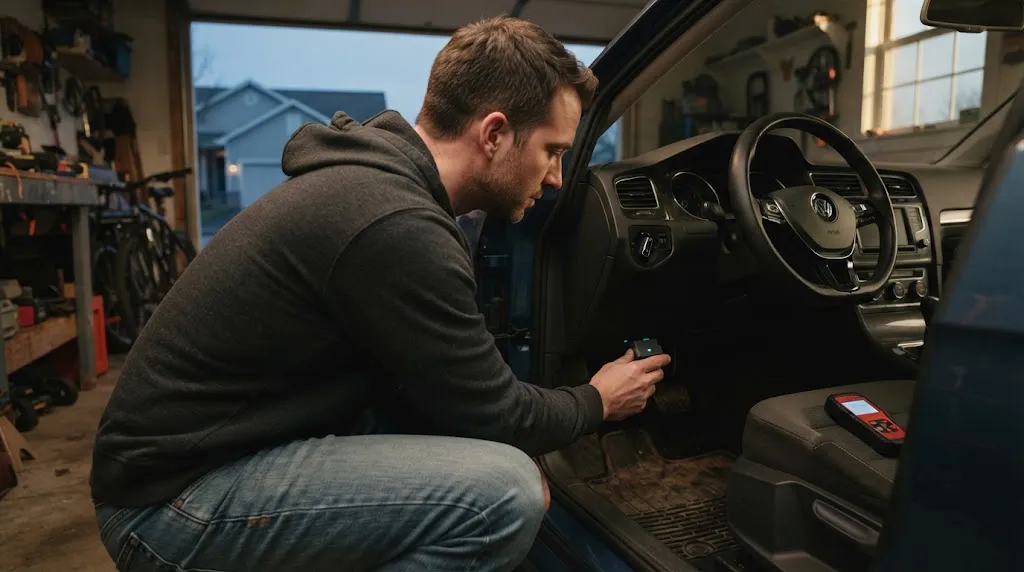
Usually, a brief overnight connection will not cause a problem with a healthy battery and a low-power scanner. However, there is no universal guarantee that every OBD2 device is safe to leave connected overnight.
Some scanners enter sleep mode when the ignition is switched off. Others remain active, maintain a wireless connection, or continue communicating with the vehicle’s electronic systems. The extra power consumption can become significant when the car is parked for an extended period.
Consider these situations:
- Handheld code reader: Unplugging it after reading diagnostic trouble codes is the simplest way to eliminate its ongoing power draw.
- Bluetooth or Wi-Fi adapter: Check whether the adapter automatically enters a low-power sleep mode when the vehicle shuts down.
- Permanent monitoring device: Follow the manufacturer’s installation instructions and verify that the device is designed for continuous use.
- Older vehicle or weak battery: Unplug the scanner when it is not needed because even a relatively small additional electrical load may contribute to starting problems.
If you do not know how your scanner behaves after shutdown, disconnecting it before leaving the vehicle overnight is a sensible precaution.
Why Can an OBD2 Scanner Drain a Car Battery?
An OBD2 scanner receives electrical power through the vehicle’s diagnostic connector. On many vehicles, the connector’s battery supply remains active even when the ignition is off. This allows compatible diagnostic equipment to operate without the engine running.
When a scanner stays connected, it may continue consuming a small amount of electricity. That consumption is known as an electrical load, and the additional drain accumulates while the vehicle is parked and the alternator is not recharging the battery.
Continuous power consumption
A scanner that remains fully active can use considerably more electricity than one that enters a proper sleep mode. Wireless adapters may also keep their Bluetooth or Wi-Fi circuitry active while waiting for a phone or tablet to connect.
The amount of power consumed varies by model. Do not assume that all inexpensive adapters have the same power requirements or that every premium scanner automatically uses negligible power.
A vehicle may not enter its normal sleep state
Some vehicles shut down or reduce power to electronic modules after the ignition is switched off and the vehicle has been undisturbed for a period of time. An incompatible or continuously communicating adapter may interfere with that process on certain vehicles.
If this happens, the total electrical drain may be greater than the scanner’s own consumption. A device that appears small and harmless can therefore contribute to a battery problem if it prevents other systems from settling into their normal low-power state.
Battery condition and driving habits matter
A healthy, fully charged battery generally has more reserve capacity than an old, damaged, or undercharged battery. A car that is driven infrequently or only for short trips may also have less opportunity to recover the energy consumed during starting and parking.
This is why the same scanner might cause no noticeable issue in one vehicle but contribute to a no-start condition in another.
Which Types of OBD2 Scanners Are Safer to Leave Connected?
The device’s intended use and power-management design are more important than whether it is marketed as a professional or consumer scanner.
| Device type | Main consideration | Practical approach |
|---|---|---|
| Handheld code reader | May remain powered while connected | Unplug after diagnosis |
| Basic Bluetooth adapter | Sleep behavior varies | Check specifications; unplug if uncertain |
| Wi-Fi adapter | Wireless activity may continue after shutdown | Verify standby power behavior |
| Low-power monitoring adapter | Designed for extended connection, but compatibility matters | Follow the manufacturer’s guidance |
The table provides general guidance rather than a guarantee for every model. Check the exact device’s manual for sleep mode, standby power consumption, and permanent-installation recommendations.
How Long Can You Leave an OBD2 Scanner Plugged In?
There is no reliable number of hours or days that applies to every scanner and vehicle. The answer depends on the device’s current draw, the car’s normal parked electrical consumption, battery capacity, battery health, temperature, and whether the vehicle enters its usual sleep state.
- A short diagnostic session: Connecting a scanner to retrieve codes and live data is normally routine. Disconnect it when you finish if it is not intended to remain installed.
- Overnight parking: A properly designed low-power adapter may be suitable, but an unknown device should not be assumed safe.
- Several days without driving: Unplug a scanner that is not required for continuous monitoring, particularly if the battery is older or the vehicle has a history of starting problems.
- Long-term storage: Remove ordinary diagnostic adapters unless the manufacturer and vehicle documentation specifically support leaving the device connected.
Even a low-current device can contribute to discharge over time. Avoid relying on a generic estimate of battery life because the starting condition of the battery and the vehicle’s other electrical loads can change the result considerably.
Practical Tip
If you are leaving your car parked for a few days and do not need continuous monitoring, remove the OBD2 adapter. This eliminates the adapter’s direct power consumption and helps rule it out as a contributor to battery drain.
How to Check Whether Your Scanner Is Draining the Battery
If your battery repeatedly goes flat or the engine cranks slowly after the car has been parked, the scanner may be contributing to the problem. You can start with a few simple checks before arranging an electrical diagnosis.
- Unplug the scanner. Remove the device when the vehicle is switched off and leave it disconnected during the next comparable parking period.
- Observe the starting behavior. Note whether the vehicle starts normally after sitting unused. One successful start does not prove the scanner was responsible, but repeated observations may reveal a pattern.
- Check the manufacturer’s specifications. Look for standby current, automatic sleep mode, and guidance on whether the adapter can remain connected indefinitely.
- Consider battery condition. An aging battery, poor terminal connections, or a charging-system problem can produce similar symptoms.
- Arrange a parasitic-draw test if necessary. If the battery continues to discharge with the scanner removed, an automotive technician can measure the vehicle’s parked current draw and identify other possible causes.
A controlled comparison can be helpful, but it is not a substitute for measuring electrical current. Avoid repeatedly running a weak battery flat as a test, because deep discharge can further damage it.
Should you use a multimeter?
A multimeter can help measure electrical current, but a parasitic-draw test requires the correct procedure and suitable equipment. Incorrectly connecting a meter in current mode can blow its fuse, damage the meter, or create an electrical hazard.
Do not disconnect the battery or insert a meter into a circuit without understanding the vehicle-specific procedure. Modern vehicles may need time to enter sleep mode, and opening doors or activating the key fob can wake electronic modules and change the reading.
Can Leaving a Scanner Plugged In Damage Your Car?
Battery drain is the most straightforward concern, but it is not the only consideration. A well-designed, compatible scanner used according to its instructions is generally intended to communicate with the vehicle safely. However, no generic assurance applies to every aftermarket device.
Potential issues include:
- Battery discharge: Continued power consumption can leave the battery unable to start the engine.
- Communication problems: An incompatible, faulty, or poorly designed adapter may interfere with vehicle communications or trigger diagnostic communication errors.
- Physical interference: A large adapter or dangling cable near the driver’s footwell can obstruct pedals or catch on footwear. Never allow the device to interfere with safe driving.
- Wireless access: A permanently connected wireless adapter creates an additional connection point. Use reputable hardware, secure pairing where available, and disconnect it when continuous access is unnecessary.
These risks are not inevitable consequences of leaving every scanner plugged in. They are reasons to choose compatible equipment and avoid assuming that a device is suitable for permanent installation simply because its connector fits.
Warning
Never leave an OBD2 scanner or cable positioned where it can restrict brake or accelerator pedal movement. If your scanner becomes unusually hot, smells burnt, or shows signs of electrical damage, disconnect it when safe to do so and stop using it until the problem is assessed.
When Should You Always Unplug Your OBD2 Scanner?
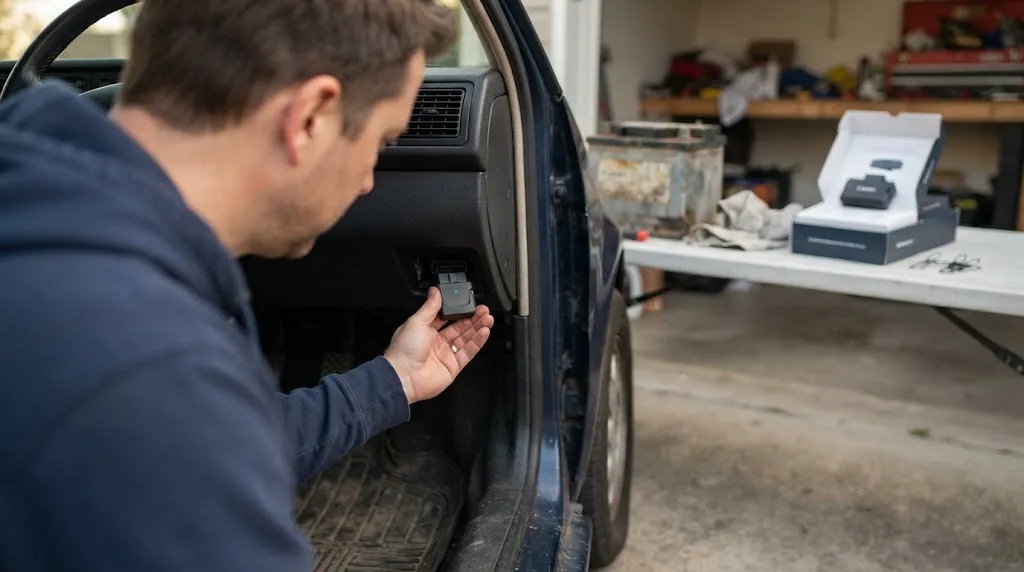
For an ordinary diagnostic code reader, unplugging it after use is a simple default practice. It is particularly sensible in the following circumstances:
- You do not know whether the scanner has a sleep mode.
- Your car will remain unused for several days or longer.
- The battery is old, weak, or repeatedly losing charge.
- The adapter stays active or continues communicating after the vehicle shuts down.
- The device is loose, damaged, overheating, or interfering with driving controls.
- The vehicle or scanner manufacturer advises removing it when not in use.
If you rely on continuous vehicle monitoring, do not automatically remove a device that is required for that function. Instead, confirm that the manufacturer supports permanent use, that the installation is appropriate for your vehicle, and that battery protection is adequate for the expected parking period.
Frequently Asked Questions
1. Is it safe to leave an OBD2 scanner plugged in all the time?
It can be safe when the scanner is designed for permanent connection, uses an appropriate low-power sleep mode, and is compatible with the vehicle. If those conditions are unknown, unplugging it after use is the more cautious option.
2. Can a Bluetooth OBD2 adapter drain a car battery overnight?
Yes, it can contribute to battery drain if it continues drawing power or prevents vehicle modules from entering their normal sleep state. The actual risk depends on the adapter, vehicle, battery condition, and parking duration.
3. Should I unplug my OBD2 scanner when I turn off the engine?
For a standard code reader, unplugging it after the diagnostic session is a sensible habit. A scanner specifically designed for continuous monitoring may remain connected if its instructions permit it.
4. Can a scanner drain a new car battery?
Yes. A new battery can also discharge if an attached device consumes too much power or interferes with the vehicle’s sleep state. A new battery reduces neither the need for compatibility nor the importance of appropriate power management.
5. Will unplugging the scanner erase my diagnostic trouble codes?
Simply unplugging a typical OBD2 scanner does not normally erase the vehicle’s stored diagnostic trouble codes. However, data stored only within the scanner or its companion app may depend on that device or software, so save any information you need before disconnecting it.
6. What should I do if my car battery keeps dying after I unplug the scanner?
Check the battery condition, terminal connections, and charging system. If the battery continues to discharge while parked, arrange a parasitic-current test to look for another electrical load or fault rather than assuming the scanner is still responsible.
Conclusion
Leaving an OBD2 scanner plugged in is not automatically dangerous, but the device must be suitable for continuous use. Battery drain depends on its power consumption, sleep behavior, the vehicle’s electronics, and the condition of the battery.
For occasional diagnostics, unplug the scanner when you finish. If you need permanent monitoring, follow the manufacturer’s guidance and confirm compatibility with your vehicle. If the battery repeatedly loses charge, investigate the battery and the vehicle’s electrical system instead of assuming the scanner is the only cause.

I’m Alex Rahman, a car enthusiast and automotive writer focused on practical solutions, car tools, and real-world driving advice. I share simple and honest content to help everyday drivers make better decisions.
