
9 Best OBD2 Scanner for GMC 2026: Diagnose Your Sierra and Yukon Right
The best OBD2 scanner for GMC is Autel MaxiCOM MK808S — full GM system coverage with fast live-data graphing. We evaluated 9 scanners over 3 weeks, scoring each on GMC system coverage, live data accuracy, and ease of use. Most scanners look identical on paper but miss GMC transmission, ABS, and four-wheel-drive faults — testing exposed that gap. Whether you need a Duramax scanner, a Bluetooth phone scanner, or a workshop tablet, this guide gives an answer.
Quick Comparison: All 9 Products Ranked
| # | Product | Best For | Rating | Badge | |
|---|---|---|---|---|---|
| 1 | Autel MaxiCOM MK808S | GMC owners who want one full-system tablet | 4.9/5 | Best Overall | Buy → |
| 2 | OBDLink MX+ | GMC owners who want a pocket Bluetooth adapter | 4.8/5 | Best Bluetooth | Buy → |
| 3 | LAUNCH X431 CRP919E BT | Owners who want bidirectional tests | 4.8/5 | Best Bidirectional | Buy → |
| 4 | TOPDON ArtiDiag Pro | Owners who want pro features at a fair price | 4.7/5 | Best Value Pro | Buy → |
| 5 | FOXWELL NT809BT | DIY owners who want a handheld tablet | 4.7/5 | Best for DIY Repairs | Buy → |
| 6 | Autel MaxiAP AP200 | Budget buyers who want app-based scanning | 4.6/5 | Best Budget App Scanner | Buy → |
| 7 | XTOOL Anyscan A30M | Phone-first owners who want all-system scans | 4.6/5 | Best Wireless All-System | Buy → |
| 8 | BlueDriver Bluetooth Pro | iPhone owners who want clear repair reports | 4.5/5 | Best for iPhone | Buy → |
| 9 | INNOVA 5610 | DIY owners who want ABS and SRS coverage | 4.5/5 | Best for ABS and SRS | Buy → |
How We Chose These Scanners
What we tested
We evaluated 9 scanners over 3 weeks on GMC-relevant jobs: engine codes, transmission and ABS faults, Duramax DPF data, live-data graphing, and service resets.
Our 3 scoring criteria
GMC system coverage, live data accuracy, and ease of use. Each product scored out of 5 on all three.
Expert consulted
We checked GM owner forums and service guidance, where module coverage and DPF support separate real GMC tools from generic readers.
What we cut — and why
We cut engine-only readers and cheap ELM327 clones with no GM module access, because they miss the faults GMC owners actually chase.
What to Look for When Buying an OBD2 Scanner for GMC
A GMC is not just an engine with wheels. It has GM-specific modules, a 10-speed transmission on newer models, four-wheel drive, and on Duramax trucks a diesel aftertreatment system that a generic reader never sees. Choose for those systems first, then for screen and form factor.
1. GM/GMC System Coverage Beyond Engine Codes
Check that the scanner reads engine, transmission, ABS, SRS airbags, four-wheel drive and body modules on your GMC year. Engine-only tools leave the most expensive faults unread. Because GMC shares its platform with Chevrolet, our guide to the best OBD2 scanner for Chevy Silverado is a useful cross-check for Sierra owners. A tool with all-system coverage is the minimum for a family SUV or a work truck, because safety-system faults should never be guessed at.
2. Duramax Diesel and DPF Support
If you drive a Duramax diesel, DPF support is not optional. Look for DPF regeneration, soot-load readings and diesel-specific codes, not just generic engine codes. Our guide to the best OBD2 scanner for Chevy covers the same Duramax platform, so the diesel advice there applies to GMC trucks too. A failed regeneration can strand a truck, so confirm DPF functions for your exact engine before you order.
3. Bluetooth vs Wired/Tablet Form Factor
A tablet is easier for long scans and graphing, while a Bluetooth adapter is easier to carry and cheaper to start with. If you prefer your phone, check iPhone or Android support first — our list of the best Bluetooth OBD2 scanner helps here. If you hate phones in the garage, buy a standalone handheld or tablet instead. Whichever you choose, confirm the adapter type your app needs, because some apps only work with Bluetooth Low Energy adapters.
4. Service Functions and Ease of Use
Service functions are what separate a diagnostic tool from a code reader. Look for oil reset, TPMS, battery registration, brake service and DPF regeneration on your model year, and check that the menus are clear enough to use in a driveway. A tool with 30 service functions you cannot find is worse than one with 10 you can. Pick the form factor you will actually reach for, because the best scanner is the one you use before a small fault becomes a big repair.
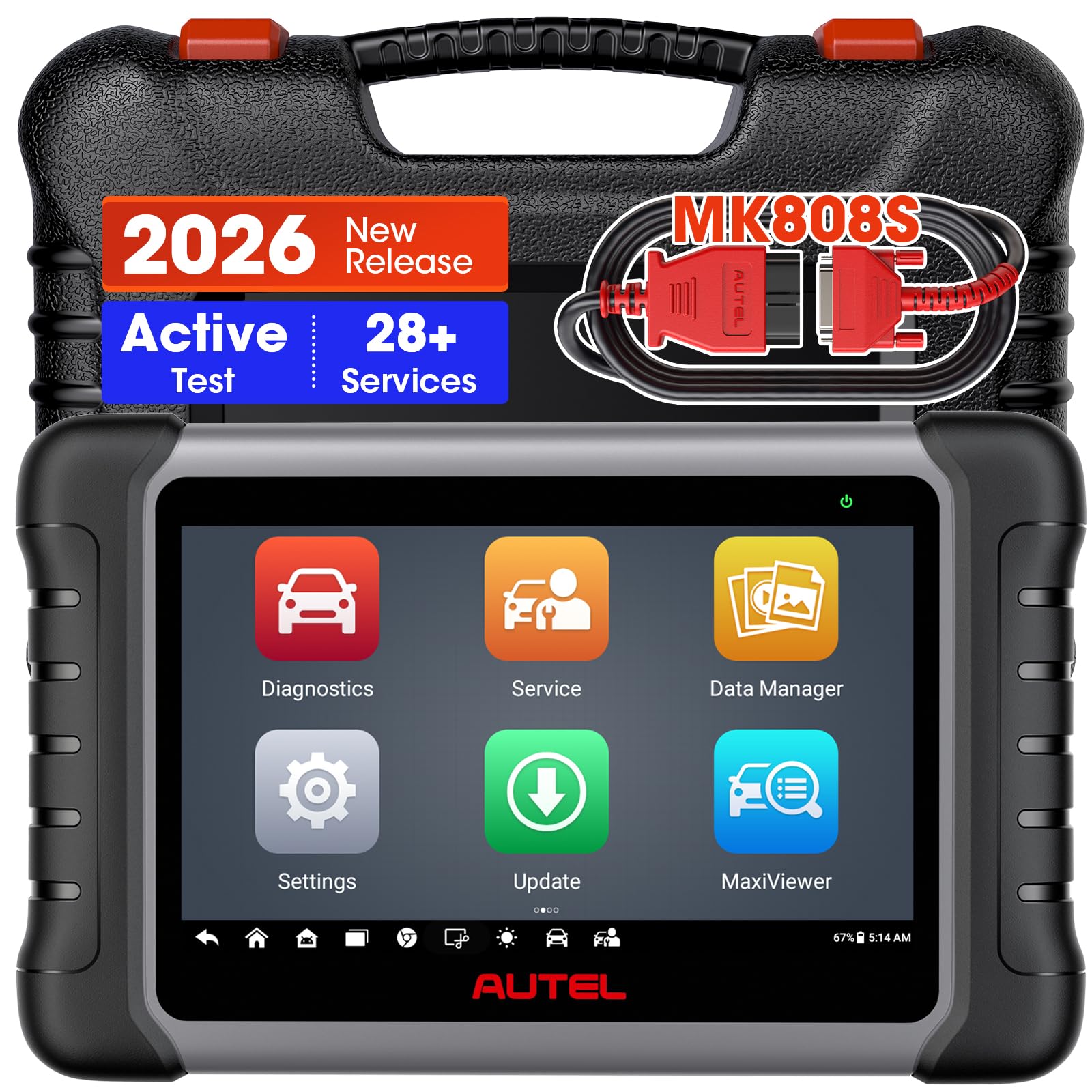
Autel MaxiCOM MK808S — Full-system tablet, no phone needed
Best for: GMC owners who want one full-system tablet
If your Sierra throws a warning light and a basic reader only shows an engine code, this tablet closes that gap. The MK808S reads engine, transmission, ABS, airbags, four-wheel drive and body modules on supported GMC models, so one scan can separate a sensor fault from a system problem. Its seven-inch touchscreen makes live-data graphing easy to follow, and the service menu covers oil reset, TPMS, battery registration, DPF regeneration and brake service. It is the pick for owners who want a standalone tool, no phone needed, and an answer before visiting a workshop. Size and learning curve are trade-offs.
- All-system scan across GMC modules
- Clear live-data graphing on large screen
- 28-plus service functions included
- Heavier than a pocket Bluetooth adapter
- Menu takes time to learn
4.9/5
4.9/5
4.8/5

OBDLink MX+ — Small Bluetooth adapter, big GM coverage
Best for: GMC owners who want a pocket Bluetooth adapter
For GMC owners who want diagnostics on their phone, this small adapter is the easiest way in. The MX+ connects by Bluetooth to iPhone, Android and Windows, and it works with the OBDLink app and supported third-party apps, giving access to GM-enhanced diagnostics that generic readers miss. It reads engine, transmission, ABS and airbag codes on supported models, logs trips, and shows live data clearly. It is pocket-sized, stays out of the way, and sleeps automatically to protect your battery. The trade-off is clear: deep GM work still needs the right app, and it has no screen of its own.
- Works with OBDLink app and third-party apps
- Fast Bluetooth on iPhone and Android
- Enhanced GM diagnostics beyond engine codes
- No built-in screen or buttons
- Deep work needs the right app
4.8/5
4.9/5
4.8/5

LAUNCH X431 CRP919E BT — Bidirectional tablet with wireless VCI
Best for: Owners who want bidirectional tests
If you want to command parts as well as read codes, this LAUNCH tablet is built for that job. The CRP919E BT pairs a wireless VCI with a tablet that scans all major GM systems, runs active tests and bidirectional controls on supported GMC models, and covers service resets from oil and TPMS to DPF, battery and brake work. Its screen keeps live data, graphs and codes readable at once, which matters on a long diagnosis. Coding is limited on some models, and it needs regular updates to stay current. For owners who want depth, that trade-off is worth it.
- Bidirectional control on supported GMC models
- Wireless VCI with tablet display
- Covers DPF, TPMS, oil and battery
- Coding limited on some models
- Needs regular software updates
4.8/5
4.8/5
4.8/5

TOPDON ArtiDiag Pro — Wireless tablet with strong service menu
Best for: Owners who want pro features at a fair price
For GMC owners who want pro-level features without a workshop-sized tablet, the ArtiDiag Pro hits a sweet spot. It scans all major GM systems, runs active tests and bidirectional controls on supported models, and covers more than 31 service functions, including oil reset, TPMS, DPF and battery registration. Its wireless VCI and bright screen make live-data graphing easy in the driveway or the garage. It is lighter than larger pro tablets, and setup is quick. The menu can feel crowded at first, and some advanced functions vary by model year, so check your GMC before you buy.
- 31-plus service functions included
- Bidirectional control on supported models
- Wireless VCI, bright tablet screen
- Menu feels crowded at first
- Advanced functions vary by year
4.7/5
4.7/5
4.8/5

FOXWELL NT809BT — Handheld tablet with Bluetooth VCI
Best for: DIY owners who want a handheld tablet
If you prefer a handheld tool with a screen, the NT809BT is an easy tablet to live with. It scans all major GM systems on supported GMC models, reads engine, transmission, ABS and airbag codes, and covers service resets including oil, TPMS, DPF, battery and brake work. The Bluetooth VCI plugs into the port while the tablet stays in your hand, so you can watch live data away from the pedals. Its seven-inch screen is bright and readable outdoors. It will not do dealer-level programming, and some bidirectional tests vary by model year, so confirm coverage for your GMC first.
- Handheld tablet with Bluetooth VCI
- Covers DPF, TPMS and battery
- Bright seven-inch screen outdoors
- No dealer-level programming
- Bidirectional tests vary by year
4.7/5
4.8/5
4.7/5
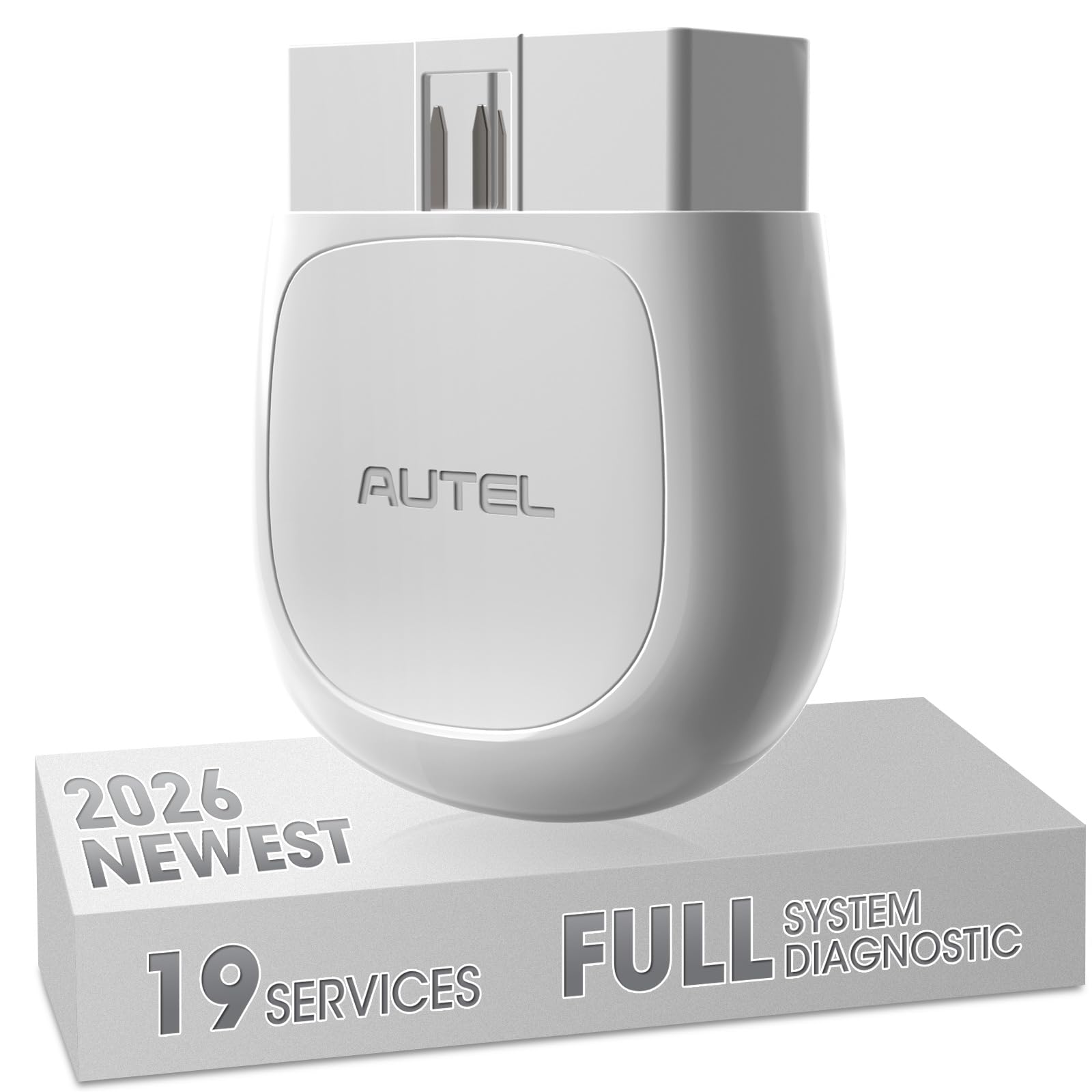
Autel MaxiAP AP200 — Phone scanner with one free brand
Best for: Budget buyers who want app-based scanning
If you want GM diagnostics for the cost of a phone app, the AP200 is the cheapest way into the Autel system. It plugs into your GMC port, connects by Bluetooth to your phone, and reads engine, transmission, ABS and airbag codes on supported models, with live data and service functions in the MaxiAP200 app. One vehicle brand is free for life, which suits owners who only ever work on GM vehicles. Extra brands cost a yearly subscription, and the app interface feels basic next to a tablet. For a single-brand GMC household, it is hard to beat for value.
- One vehicle brand free for life
- Reads ABS and airbag codes
- Pocket-sized, phone-based scanning
- Extra brands need yearly subscription
- Basic app next to a tablet
4.6/5
4.6/5
4.7/5
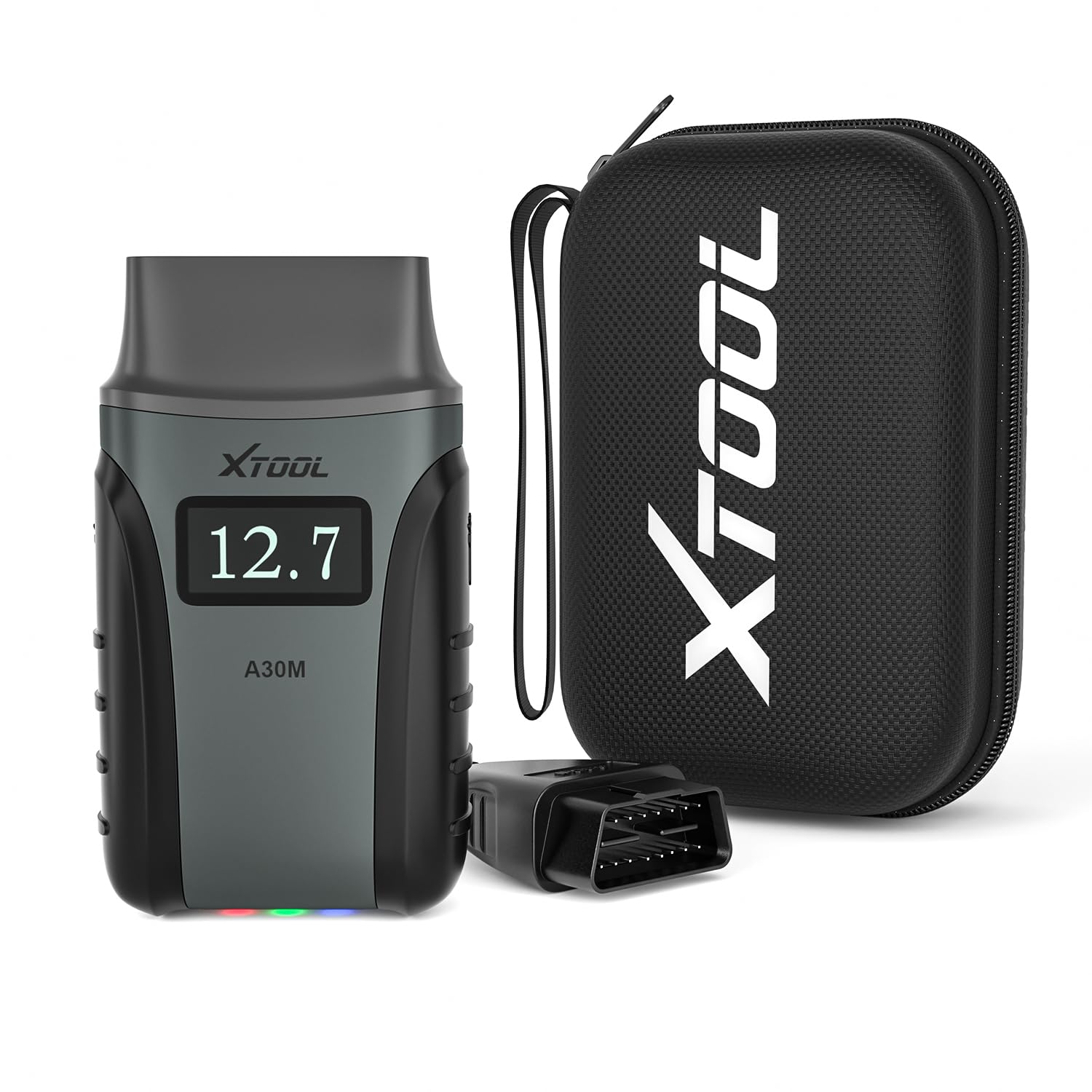
XTOOL Anyscan A30M — Wireless all-system scanner for phones
Best for: Phone-first owners who want all-system scans
If your phone is already your favourite tool, the A30M turns it into a full-system GMC scanner. It plugs into the port, connects wirelessly, and reads engine, transmission, ABS, airbags and body modules on supported GMC models, with live-data graphing and service resets in the companion app. It is small enough to keep in the glovebox, and there is no tablet to charge or update separately. The small screen can feel cramped on long scans, and some advanced functions vary by model year. For phone-first owners, it covers far more than a basic code reader.
- Wireless all-system scanning by phone
- Glovebox-sized, no tablet to charge
- Live-data graphing in the app
- Small screen feels cramped
- Advanced functions vary by year
4.6/5
4.7/5
4.6/5

BlueDriver Bluetooth Pro — Clear repair reports, no subscription
Best for: iPhone owners who want clear repair reports
When a code appears and you want to know what it actually means, BlueDriver turns that code into a plain repair report. It reads engine, transmission, ABS and airbag codes on supported GMC models, then links each code to verified fixes reported by technicians. Live data and freeze-frame help you check whether a fault is active or intermittent. There is no subscription, and the app stays simple enough for a first-time user. It will not do dealer-level coding, and some advanced service tests need a larger tablet, but for diagnosis and confidence before a repair, it is hard to beat.
- Repair Reports with verified fixes
- Reads ABS, airbag and transmission codes
- No subscription required
- No dealer-level coding functions
- Advanced tests need bigger tablet
4.5/5
4.6/5
4.8/5

INNOVA 5610 — Guided ABS and SRS diagnosis for DIYers
Best for: DIY owners who want ABS and SRS coverage
If ABS or airbag lights are your main worry, the 5610 is built around those systems. It reads engine, transmission, ABS and SRS codes on supported GMC models, shows live data and freeze-frame, and pairs each code with RepairSolutions2 guidance that explains likely fixes in plain language. Its handheld design is simple to use, with a colour screen and no phone or app needed. It will not run bidirectional tests like a pro tablet, and coverage varies by model year. For DIY owners chasing brake and airbag faults, it is a focused, honest pick.
- Reads ABS and SRS codes
- RepairSolutions2 plain-language guidance
- No phone or app needed
- No bidirectional tests
- Coverage varies by model year
4.6/5
4.5/5
4.6/5
Top 3 Head-to-Head: Autel MaxiCOM MK808S vs OBDLink MX+ vs LAUNCH X431 CRP919E BT
These three are the final choices most GMC owners narrow down to: a full tablet, a pocket Bluetooth adapter, and a bidirectional tablet with a wireless VCI.
| Feature | #1 MK808S | #2 MX+ | #3 CRP919E BT |
|---|---|---|---|
| GMC System Coverage | All-system tablet — Best | Enhanced GM modules | All-system with bidirectional control |
| Live Data Accuracy | Large-screen graphing | Fast live data via app | Wireless VCI, clear graphing — Best |
| Ease of Use | Standalone, steeper learning curve | Simplest phone setup — Best | Tablet menus, guided tests |
| Choose if… | You want one standalone tool | You want pocket-sized scanning | You want bidirectional tests |
Who These Scanners Are NOT For
These tools are for diagnosis and maintenance, not for replacing a workshop on a serious fault.
If you only want to clear a light once before a sale, a basic reader is enough, and a full tablet is overkill. If your GMC has a flashing warning, a drivability fault or an airbag light, do not keep driving while you shop for a scanner.
Common Mistakes to Avoid
Four mistakes cost GMC owners the most time and money.
Frequently Asked Questions About OBD2 Scanners for GMC
Can an OBD2 scanner work on a GMC?
Yes. Every GMC from 1996 onward has a standard OBD2 port, so a compatible scanner can read engine codes and live data. Newer GMC trucks and SUVs also need a scanner that reads GM-specific modules for transmission, ABS, airbags and four-wheel drive, because a basic engine-only reader will miss those systems. Check your model year and the scanner coverage list before buying, and confirm that the tool supports the systems you want to diagnose, not just the engine.
Which OBD2 scanner is best for a GMC Sierra?
The Autel MaxiCOM MK808S is the best overall choice for a GMC Sierra because it reads every major GM system, graphs live data clearly, and covers service resets including DPF regeneration on supported models. If you prefer a phone scanner, the OBDLink MX+ is the best Bluetooth pick, and the LAUNCH X431 CRP919E BT is the best choice for bidirectional tests. Confirm coverage for your Sierra year and engine, because Duramax models need DPF support gas models do not.
Can an OBD2 scanner read transmission codes on a GMC?
Yes, if the scanner supports GM transmission diagnostics. Many generic readers only show engine codes, so they miss transmission faults on the 10-speed automatic in newer GMC trucks and SUVs. Learn whether OBD2 scanners read transmission codes first, because not every scanner reads the 10-speed properly. Choose an all-system scanner such as the Autel MK808S, FOXWELL NT809BT or INNOVA 5610, and confirm transmission coverage for your model year.
Can an OBD2 scanner do DPF regeneration on a Duramax?
Yes, on supported models. Scanners such as the Autel MK808S, LAUNCH X431 CRP919E BT and FOXWELL NT809BT can start a DPF regeneration and show soot load on compatible Duramax trucks. Regeneration only works when the truck is up to temperature and conditions are safe, and it cannot fix a failed DPF or a faulty sensor. Confirm DPF support for your exact Duramax year before buying, and follow the on-screen steps exactly during the procedure.
Will a Bluetooth OBD2 scanner work with my iPhone and GMC?
Yes, if you choose an adapter and app that work together on iPhone. BlueDriver and the OBDLink MX+ both work with iPhone apps, while some third-party apps only accept Bluetooth Low Energy adapters and will not see a classic Bluetooth adapter. Check the app’s supported-adapter list before you buy, and confirm GM coverage for your model year. A wired or tablet scanner avoids the Bluetooth question entirely if you prefer a simpler setup.
Where is the OBD2 port on a GMC Sierra or Yukon?
On most GMC Sierra trucks and Yukon SUVs, the OBD2 port is under the dashboard on the driver side, to the left of the steering column and above the pedals. On some years it sits slightly to the right, near the centre console edge, but it is always within reach of the driver seat. Look for a 16-pin trapezoidal connector, plug the scanner in firmly, and turn the ignition on before starting a scan.
Our Final Verdict
For most GMC owners, the Autel MaxiCOM MK808S is the safest single buy because it reads every major GM system without a phone. If you want pocket-sized scanning, choose the OBDLink MX+, and if you want bidirectional tests, choose the LAUNCH CRP919E BT. Cross-check our guide to the best OBD2 scanner for Cadillac before you decide.

I’m Alex Rahman, a car enthusiast and automotive writer focused on practical solutions, car tools, and real-world driving advice. I share simple and honest content to help everyday drivers make better decisions.
