10 Best Dash Cam for Glare Reduction: Top Picks for Clearer Footage
Dash cams record the road ahead and can provide useful video after a crash, traffic dispute, or unexpected event. However, bright sunlight and dashboard reflections can wash out footage, hide license plates, and reduce detail. A dash cam designed for glare reduction can help produce clearer video in difficult lighting.
For the best glare reduction, we look for a dash cam with a polarizing filter, strong high-dynamic-range video, and reliable performance in both bright and low light. We also consider image quality, viewing angle, ease of installation, storage options, and whether the filter comes included or costs extra. We tested and researched dash cams to find the models that manage glare well while recording clear, useful footage.
Best Dash Cams for Glare Reduction
We selected the best dash cams for reducing glare in bright sunlight and at night. Our list focuses on image clarity, HDR performance, lens filters, and reliable recording features.
ROVE R2-4K Dual Dash Cam

We recommend this dual dash cam for drivers who want clearer footage in bright, reflective conditions and useful front-and-rear coverage.
Key Pros
- HDR and the Sony STARVIS 2 sensor help control harsh light and improve detail.
- Includes a rear camera and a 128GB memory card.
- Fast Wi-Fi makes it easy to transfer clips to a phone.
Key Cons
- The front camera upscales to 4K rather than recording native 4K.
- A CPL filter may be needed for the best windshield glare control.
- The hardwire kit for parking mode costs extra.
During daytime driving, we found the HDR system useful when sunlight reflected off nearby cars, signs, and the road. The wide front view captured a broad area, while the rear camera added helpful coverage behind us. A CPL filter can further reduce dashboard and windshield reflections, but it is not included.
At night and in low light, the STARVIS 2 sensor and wide aperture produced clearer footage than basic dash cams. Bright headlights could still affect parts of the image, so we would not expect perfect results in every lighting condition.
Setup was simple because the box includes mounts, cable clips, a trim tool, and a 128GB card. The rear cable is long enough for most vehicles, though routing it neatly takes some time.
The ROVE app made it easy for us to review and download clips over 5.8GHz Wi-Fi. Built-in GPS also adds speed and location data, which can help when reviewing an incident. For parking mode, we would add the required hardwire kit and install it properly.
ROVE R2-4K Dual PRO Dash Cam
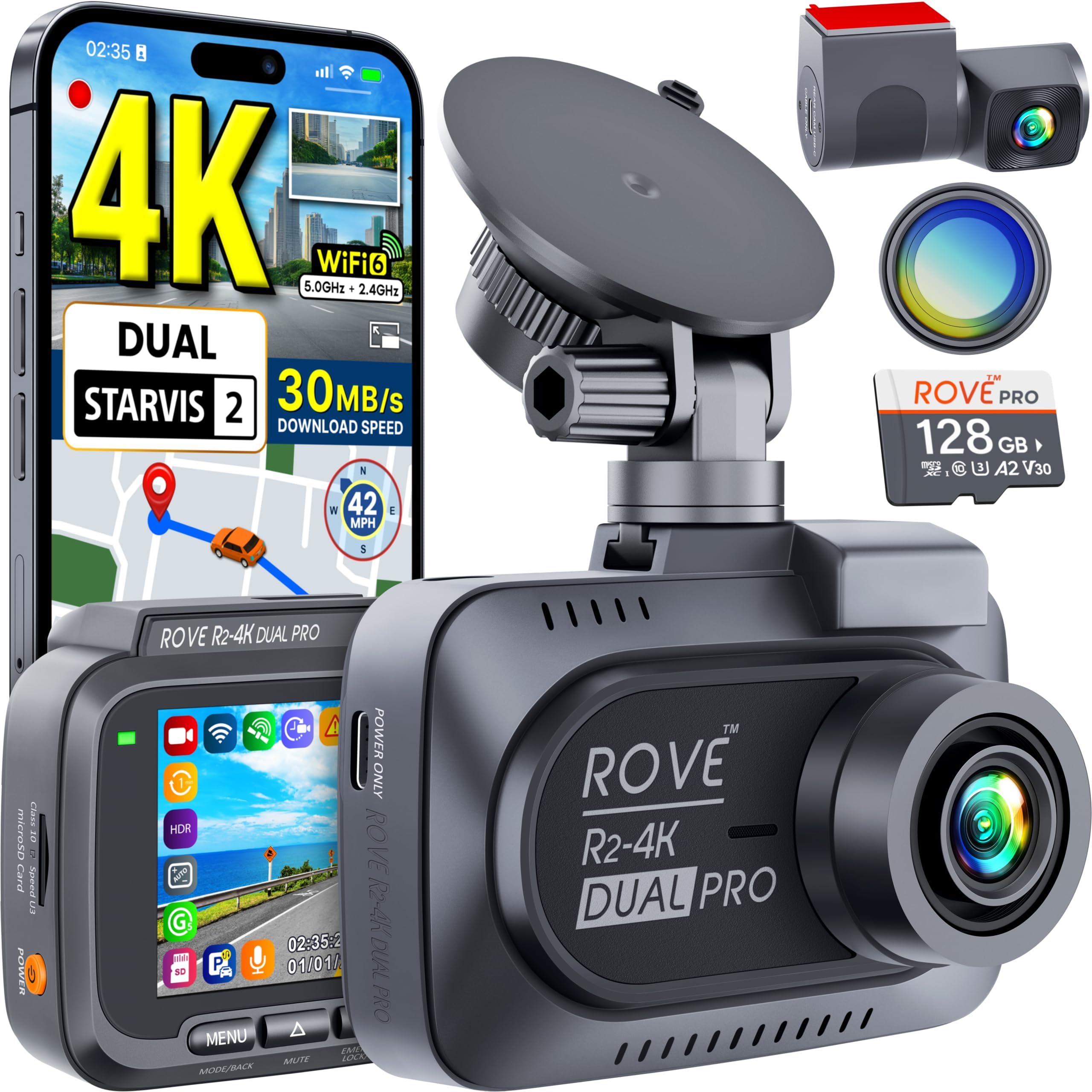
We recommend this dual-camera system for drivers who want sharp footage and a built-in CPL filter to reduce windshield glare.
Key Pros
- CPL filter helps reduce reflections and glare
- Clear 4K front and 2K rear video
- Includes a 128GB memory card
Key Cons
- Parking mode needs a separate hardwire kit
- Rear camera installation takes extra time
- Large video files use storage quickly
During testing, the CPL filter made the biggest difference in bright conditions. It reduced reflections from the dashboard and windshield, helping us see road details more clearly. We still needed to adjust the filter for the best result, since its effect depends on the sun’s position and the angle of the glass.
The front camera captured detailed footage, while the rear camera added useful coverage in traffic. HDR and the Sony STARVIS 2 sensors helped preserve detail during darker drives and sudden changes in light, though strong headlights could still affect some frames.
We liked the included 128GB card and the simple phone app. Wi-Fi transfers worked well for short clips, but long 4K files took more time. The GPS overlay, emergency video locking, and three parking modes add useful protection for daily driving.
Installation was manageable, but routing the rear cable required patience. Parking monitoring also requires a separately sold hardwire kit, which raises the total cost. Overall, we found the ROVE R2-4K Dual PRO a strong choice for glare reduction when clear front and rear coverage matters.
VIOFO A329S Dash Cam
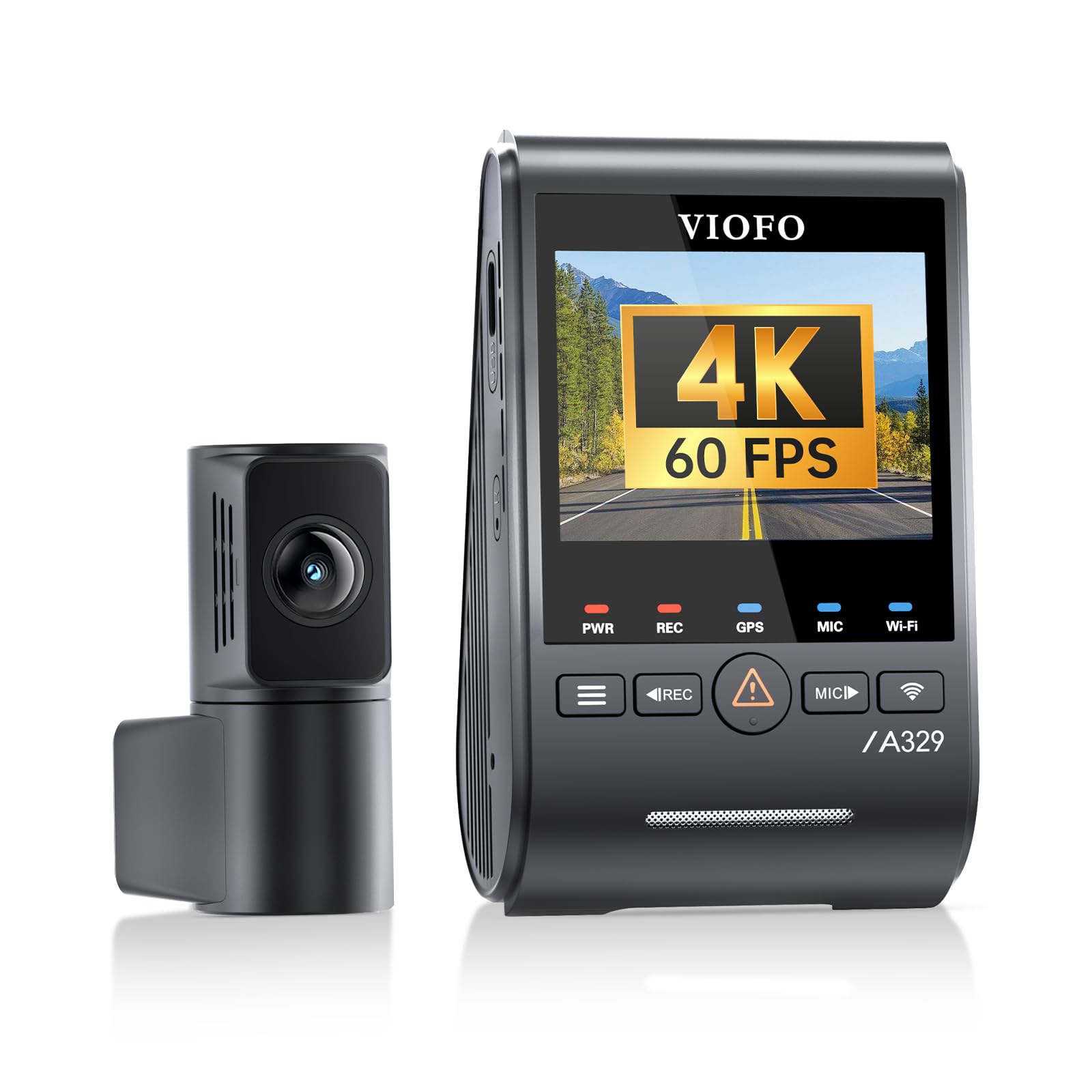
We recommend the VIOFO A329S for drivers who want strong glare control, sharp front video, and reliable rear coverage.
Key Pros
- Included CPL filter reduces windshield and road reflections.
- Clear 4K front video with good low-light detail.
- Fast Wi-Fi 6 transfers and useful voice controls.
Key Cons
- HDR cannot run with front 4K at 60 frames per second.
- Hardwire kit and storage card cost extra.
- Rear-camera wiring takes time to install neatly.
During testing, the included circular polarizing lens made a clear difference on bright days. It reduced dashboard and windshield reflections, helping road signs and nearby vehicles look easier to see. We still saw some glare at certain angles, but the filter handled most common reflections well.
The front camera produced sharp footage with smooth motion, while the rear camera added useful coverage without making the system feel overly complex. Night scenes stayed fairly clear, and the HDR mode helped balance bright headlights with darker areas. Drivers must choose between HDR and 4K at 60 frames per second on the front camera.
Installation worked best with patience. The slim rear cable helped us hide the wiring, but routing it through a vehicle took effort. The optional hardwire kit supports parking recording, though it adds cost and installation time.
The phone app made it quick to preview and download clips. Wi-Fi 6 helped with larger files, but 4K video still uses substantial storage. Overall, the A329S suits drivers who prioritize glare reduction and detailed evidence over a simple plug-in setup.
REDTIGER F17 4K Dash Cam

We recommend the REDTIGER F17 for drivers who want glare control, clear night footage, and front, rear, and cabin coverage in one system.
Key Pros
- HDR and WDR help balance bright skies and darker road areas.
- Three cameras cover the road, cabin, and rear view.
- Fast Wi-Fi makes phone transfers more convenient.
Key Cons
- The rear camera may look dark in some conditions.
- Parking monitoring requires a separate hardwire kit.
- The app needs a direct Wi-Fi connection to the camera.
During our testing, the front camera handled sunlight and changing exposure well. HDR and WDR helped reduce the washed-out look that glare can create when we drove toward a low sun or passed bright reflections.
The front footage looked sharp enough to capture useful road details, while the cabin and rear cameras added helpful coverage. The interior camera includes infrared lights for darker conditions, but the rear view may need careful positioning to keep the image bright.
Installation felt simple, and the included cables provided enough length for most vehicles. We also liked the built-in GPS, small display, and supercapacitor design. The separate hardwire kit adds parking protection, though it increases the total cost.
The phone app lets us review clips and transfer footage over Wi-Fi. Its direct connection works well, but it temporarily switches the phone away from another Wi-Fi network. Overall, the F17 suits drivers who value glare reduction and broad coverage more than a completely wireless setup.
REDTIGER F7N TOUCH Dash Cam

We recommend this dash cam for drivers who want sharp video and useful glare-control features from a front-and-rear system.
Key Pros
- HDR and WDR help balance bright headlights, sunlight, and dark roads
- Clear 4K front video with a 1080p rear view
- Touch controls, voice commands, GPS, and fast Wi-Fi
Key Cons
- The glare reduction cannot remove reflections from a dirty or tinted windshield
- Parking monitoring requires a separate hardwire kit
- The rear camera takes more work to install
The F7N TOUCH gave us a broad view of the road, while HDR and WDR helped reduce harsh contrast from sunlight and headlights. Glare still appeared when the windshield reflected the dashboard, but clean glass produced more usable footage in difficult lighting.
Daytime video looked sharp enough to capture road signs and nearby vehicle details. Night recordings remained clear, though strong headlights could still wash out parts of the image at close range.
We liked the 3.18-inch touchscreen for quick changes without opening the phone app. Voice control also helped us save clips while keeping our hands on the wheel. The included 128GB card supports extended recording, and loop recording replaces older files automatically.
The front camera mounts easily, but routing the long rear-camera cable takes patience. Wi-Fi transfers clips quickly, and built-in GPS adds route and speed data to recordings. For parked-car protection, we would add the optional hardwire kit.
Garmin Dash Cam Mini 3

We recommend this camera for drivers who want a very small dash cam with reduced windshield glare and simple hands-free controls.
Key Pros
- Built-in polarizer helps reduce reflections on the windshield.
- Small design stays mostly hidden behind the mirror.
- Voice commands make it easy to save clips while driving.
Key Cons
- 1080p video offers less detail than many newer 2K or 4K cameras.
- Cloud storage and remote features require a paid Vault plan.
- The camera has no built-in display for quick clip checks.
After using the Garmin Dash Cam Mini 3, we found its glare control useful in bright conditions. The polarizer reduced dashboard and windshield reflections, while the HDR optics kept road details visible in changing light.
Its key-sized body made installation easy, and it stayed out of our view behind the rearview mirror. The 140-degree lens covered a broad section of the road, though the 1080p resolution did not provide the same fine detail as higher-resolution cameras.
Voice control worked well for saving footage without reaching for the camera. The Garmin Drive app also made it easier to review clips, but remote viewing and automatic cloud storage depend on a paid subscription, a Wi-Fi connection, and constant power.
For drivers who value a discreet design and glare reduction, the Mini 3 makes sense. We would choose another model for maximum license-plate detail or for buyers who want full features without ongoing subscription costs.
REDTIGER F7NP 4K Dash Cam

We recommend the REDTIGER F7NP for drivers who want clear front and rear video with strong glare control at a reasonable price.
Key Pros
- WDR and HDR help balance bright headlights and dark road areas.
- Front and rear cameras provide useful coverage.
- Wi-Fi, GPS, and the included memory card simplify daily use.
Key Cons
- The rear camera records at lower resolution than the front.
- Parking mode requires a separate hardwire kit.
- The app and setup may take some time to learn.
The F7NP handles glare well during everyday driving. We found that WDR and HDR reduce the harsh contrast caused by headlights, bright skies, and reflective road surfaces. They do not remove glare completely, but they help preserve more detail than a basic dash cam.
Video from the 4K front camera looks sharp, especially on signs and nearby license plates. The STARVIS 2 sensor and wide aperture also help at night, while the 1080p rear camera adds useful coverage without making the setup bulky.
The compact cameras stay fairly unobtrusive on the windshield and rear glass. We also appreciated the long rear cable, which makes it easier to route the wire neatly through an SUV or sedan.
Built-in Wi-Fi lets us preview and download clips through the phone app. GPS adds route and speed data, while the included 128GB card allows us to start recording without buying storage separately.
The main drawback involves parking protection. The F7NP supports parking modes, but continuous monitoring needs the optional hardwire kit. We also recommend using the included cables and keeping the camera away from prolonged extreme heat.
70mai A810 Lite 4K Dash Cam

We recommend this dual-camera dash cam for drivers who want strong glare control, sharp front footage, and useful app features in a compact design.
Key Pros
- HDR and a wide F1.55 aperture help balance headlights and bright skies.
- The 4K front camera captures clear road signs and plate details.
- Fast Wi-Fi 6 transfers clips to a phone without removing the card.
Key Cons
- The rear camera records at 1080p rather than 4K.
- Parking mode requires a separate hardwire kit.
- Routing the rear-camera cable takes extra time.
After using the A810 Lite, we found its front footage sharp in daylight and useful at night. HDR helped reduce the harsh effect of headlights and bright reflections, though glare did not disappear completely in every situation.
The compact camera sat neatly behind the mirror without blocking our view. Setup was simple for the front unit, while the rear camera required more work to hide the cable along the vehicle trim.
The phone app made it easy to check recordings and download clips. Its 5GHz Wi-Fi 6 connection felt faster than older dash cams we have used, especially when moving larger 4K files.
The camera includes GPS, voice control, loop recording, and a 64GB card. Drivers who want remote viewing or parking alerts should note that 4G access and 24-hour parking mode require a compatible hardwire kit.
Galphi 4K Dash Cam
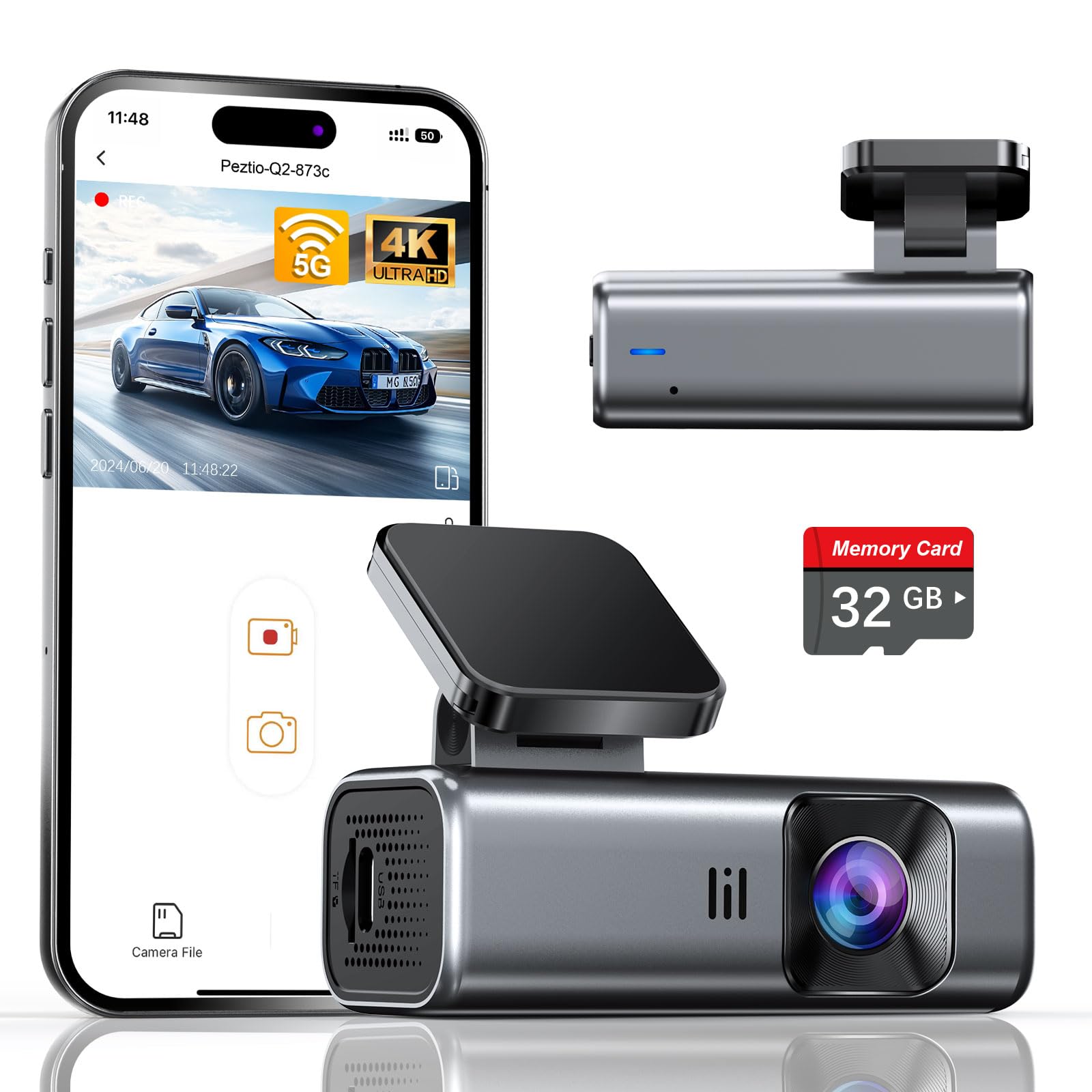
We recommend this compact dash cam for drivers who want sharp footage and fewer windshield glare issues without adding a screen to the dashboard.
Key Pros
- 4K video with a wide 160-degree view
- F/1.6 lens and WDR help balance bright and dark areas
- Fast 5GHz Wi-Fi transfers through the phone app
Key Cons
- The included card holds only 32GB
- Parking mode requires a separate hardwire kit
- App controls replace a built-in display
During daytime drives, we found the Galphi’s footage clear enough to capture road signs and nearby vehicle details. Its wide view covers more of the road, while WDR helps manage scenes that shift between bright sunlight and darker areas. It cannot remove glare completely, but careful mounting behind the rearview mirror improved the image.
The screen-free design kept the camera out of our direct view. We used the app to check recordings and download clips, and the 5GHz connection made transfers quicker than older 2.4GHz dash cams.
Night footage looked reasonably bright, helped by the F/1.6 aperture. Strong headlights can still create flare, so the camera works best with a clean windshield and correct positioning. The included 32GB card lets us start recording immediately, but frequent drivers may prefer a supported card with more capacity.
Loop recording, collision-locked clips, and time-lapse parking mode cover the main recording needs. We would need to buy the Type-C hardwire kit for parking protection, which adds to the total cost.
Aputeta 4K + 4K Dual Dash Cam
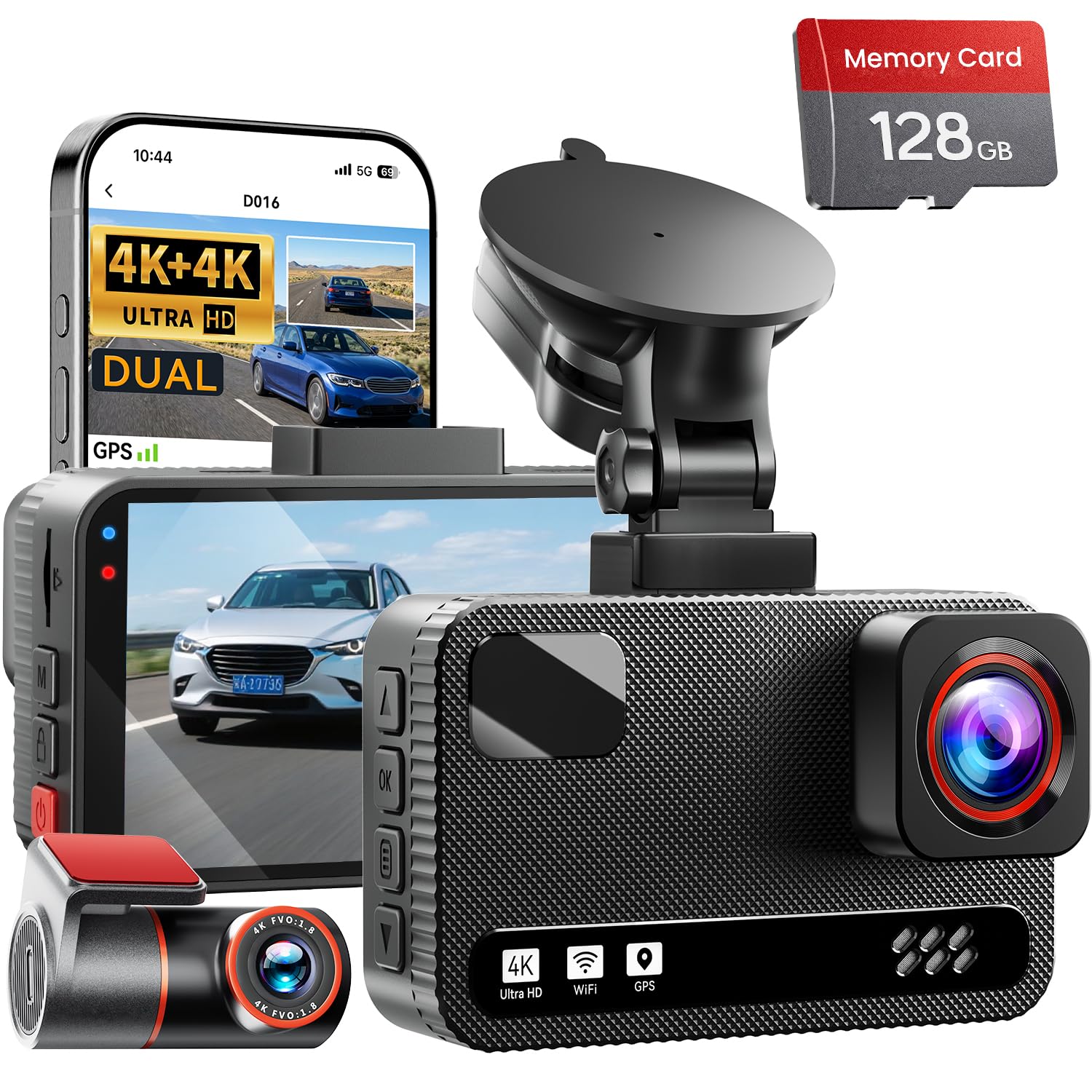
We recommend this dash cam for drivers who want clear front and rear footage with WDR to help balance bright glare and dark shadows.
Key Pros
- WDR and a wide aperture help reduce harsh contrast from sunlight and headlights.
- Both cameras record sharp 4K video.
- The included 128GB card and phone app simplify setup and clip review.
Key Cons
- Glare can still appear when the windshield reflects direct sunlight.
- The rear camera requires a long cable run during installation.
- Parking mode needs a separate hardwire kit.
We found the front footage detailed enough to pick out road signs and nearby plates in good daylight. WDR helped keep bright skies and shaded roads more balanced, which made glare less distracting during changing light.
The rear camera also produced clear video, giving us a useful view of traffic behind the vehicle. Its wide angle covered a broad area, though wide lenses can make distant objects look smaller.
The 3-inch screen let us check recordings without opening the app. When we wanted to save or share a clip, the built-in Wi-Fi made transfers easier, while GPS added route and speed information.
Installation was manageable, but routing the rear cable took more time than mounting the front unit. We also needed to remember that continuous parking monitoring requires the optional hardwire kit.
Buying Guide
We should choose a dash cam that controls glare without reducing important detail. Look for a high-quality lens, strong dynamic range, and manual exposure controls that help balance bright skies with darker roads.
| Feature | What we should look for |
|---|---|
| Polarizing filter | Reduces reflections from dashboards, windshields, and wet roads |
| High dynamic range | Preserves detail in bright and shadowed areas |
| Lens quality | Produces sharper footage with fewer reflections |
| Night performance | Limits glare from headlights and streetlights |
| Mount design | Keeps the camera stable and aligned |
| Heat resistance | Supports reliable use in warm conditions |
A polarizing filter can reduce windshield reflections, but it may also darken the image slightly. We should choose a model with an adjustable filter or test the filter in different lighting conditions.
We should also check the camera’s field of view. A wide view captures more of the road, while a narrower view may produce less edge distortion and clearer details.
Before buying, we should confirm that the camera supports the storage capacity, power setup, and recording mode we need. A reliable power connection and secure mount matter because movement or interruptions can affect footage.
Editor’s Choice
We choose the Viofo A229 Pro as our top dash cam for reducing glare. Its HDR recording helps balance bright skies, headlights, and darker road areas, while the included CPL filter can reduce reflections from the windshield and dashboard.
For the clearest image, we would position the camera behind the rearview mirror and keep the windshield clean. We would also adjust the CPL filter after installation, since its effect depends on the camera angle and the direction of the light.
| Feature | Why it helps with glare |
|---|---|
| HDR video | Balances bright and dark areas |
| CPL filter | Reduces reflections from glass and surfaces |
| 4K front recording | Preserves detail in difficult lighting |
| GPS | Adds speed and location data |
The A229 Pro also records at a high resolution, which helps us read signs and identify vehicles when glare affects part of the image. Its rear camera provides added coverage without requiring a separate system.
We should note that no dash cam can remove glare in every condition. A clean windshield, correct camera placement, and a properly adjusted CPL filter remain important for getting usable footage.
Conclusion
We should choose a dash cam with HDR or WDR, a quality polarizing filter, and manual exposure controls. These features help reduce glare from sunlight, wet roads, and dashboard reflections while keeping key details visible.
A polarizing filter works best when we adjust it for our vehicle and camera angle. We should also keep the windshield and lens clean, since dirt and smears can spread light and weaken image clarity.
Before buying, we can compare sample footage recorded in bright conditions. We should check whether the camera captures license plates, traffic lights, and road signs without excessive reflections.
The best choice depends on our driving conditions, budget, and need for features such as GPS, parking mode, or cloud access. Glare reduction matters, but reliable recording, clear night video, and stable mounting also deserve attention.
FAQs
Does a dash cam remove glare completely?
No. We can reduce glare, but bright sunlight, wet roads, and dirty glass may still affect the image. A clean windshield and correct camera placement also help.
What feature helps most with glare?
We should look for a polarizing filter, often called a CPL filter. It can reduce reflections from the dashboard and windshield. We need to adjust the filter after installation for the clearest view.
Can HDR improve footage in bright sunlight?
Yes. HDR helps the camera handle strong differences between bright and dark areas. It may preserve more detail near headlights, signs, and shaded roads, but it cannot prevent every reflection.
Where should we mount the camera?
We should place it behind the rearview mirror, near the top center of the windshield. This position keeps the camera within the wiper’s cleaned area and limits dashboard reflections.
Does tint reduce glare in recordings?
Windshield tint may change image brightness and color, and some regions restrict it. We should check local laws and avoid placing anything that blocks the driver’s view.
How can we reduce glare without buying accessories?
- Clean both sides of the windshield.
- Remove dashboard items that reflect light.
- Aim the camera slightly downward if it shows too much sky.
- Use a lens hood only if it does not block the view.
- Review test footage during daytime and at night.

I’m Alex Rahman, a car enthusiast and automotive writer focused on practical solutions, car tools, and real-world driving advice. I share simple and honest content to help everyday drivers make better decisions.
