Skip to content
leadfootautomotive
  • Home
  • Car MaintenanceExpand
    • Car Jump Starter
  • Car ElectronicsExpand
    • Dash Cams
    • OBD2 Scanner
  • Car Accessories
  • Car Cleaning
  • Car Safety
  • Car Calculators
leadfootautomotive
  • How to Connect Your Vantrue Dash Cam to Wi-Fi (Step-by-Step)
    Dash Cams

    How to Connect Your Vantrue Dash Cam to Wi-Fi (Step-by-Step)

    ByAlex Rahman July 9, 2026July 9, 2026

    Quick Answer Turn on your Vantrue dash cam, open the free Vantrue app, and select your camera’s Wi-Fi name from the app’s device list. Enter the default password (usually printed on the camera or in the manual), and the app connects in under 30 seconds. No internet or router is needed. You just pulled over…
    Read More How to Connect Your Vantrue Dash Cam to Wi-Fi (Step-by-Step)Continue

  • Dash Cams

    How to Use a Vantrue Dash Cam: A Complete Setup and Feature Guide

    ByAlex Rahman July 9, 2026July 9, 2026

    Quick Answer To use a Vantrue dash cam, mount it behind the rearview mirror, plug it into a 12V outlet or hardwire kit, format a microSD card in the camera’s menu, then set the date, time, and resolution. Turn on parking mode for 24/7 protection. Your car got hit in a parking lot last week….

    Read More How to Use a Vantrue Dash Cam: A Complete Setup and Feature GuideContinue

  • Dash Cams

    How to Connect a Vantrue Dash Cam to Your Computer

    ByAlex Rahman July 9, 2026July 9, 2026

    Quick Answer Plug your Vantrue dash cam into your computer with its USB cable, then select “Mass Storage” on the camera screen. It shows up as a removable drive. Open the DCIM folder to find and copy your video files. Your car got clipped in a parking lot and you need that footage tonight. You…

    Read More How to Connect a Vantrue Dash Cam to Your ComputerContinue

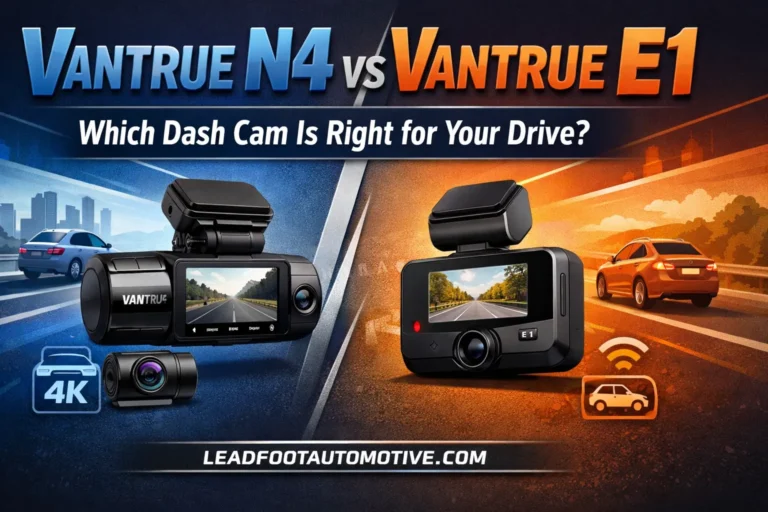
  • Vantrue N4 vs Vantrue E1 — Which Dash Cam Is Right for Your Drive
    Dash Cams

    Vantrue N4 vs Vantrue E1 — Which Dash Cam Is Right for Your Drive?

    ByAlex Rahman July 9, 2026July 9, 2026

    Quick Answer The Vantrue N4 wins for complete 3-channel coverage and premium build. The Vantrue E1 wins for budget-friendly simplicity and faster Wi-Fi transfers. Both accept up to 512GB SD cards and use the same side-slot loading design. The N4 captures front, cabin, and rear simultaneously. The E1 focuses on a single ultra-crisp front view…

    Read More Vantrue N4 vs Vantrue E1 — Which Dash Cam Is Right for Your Drive?Continue

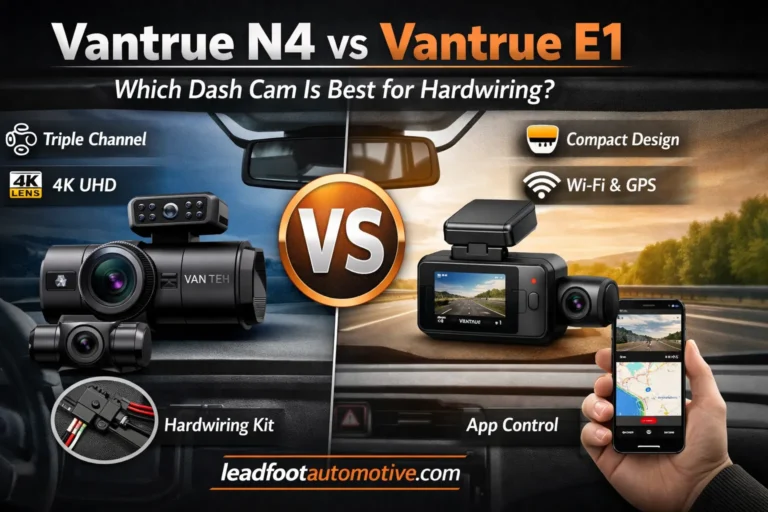
  • Vantrue N4 vs Vantrue E1 — Which Dash Cam Is Best for Hardwiring
    Dash Cams

    Vantrue N4 vs Vantrue E1 — Which Dash Cam Is Best for Hardwiring?

    ByAlex Rahman July 9, 2026July 9, 2026

    Quick Answer The Vantrue N4 wins for rideshare drivers and families needing interior footage; it records 4K front and full cabin. The Vantrue E1 is better for solo drivers who only need front and rear coverage at a lower price. Both use the same reliable hardwire kit, and the E1’s smaller body makes cable tucking…

    Read More Vantrue N4 vs Vantrue E1 — Which Dash Cam Is Best for Hardwiring?Continue

  • Vantrue N4 vs N2 Pro — Which Dash Cam Is Worth Your Money
    Dash Cams

    Vantrue N4 vs N2 Pro — Which Dash Cam Is Worth Your Money?

    ByAlex Rahman July 9, 2026July 9, 2026

    Quick Answer The Vantrue N4 wins for total vehicle coverage because it adds a dedicated rear camera that the N2 Pro lacks. Buy the N4 if you need protection from all angles, especially for ride‑share or family cars. The N2 Pro is the smarter buy if you only need front and cabin recording and want…

    Read More Vantrue N4 vs N2 Pro — Which Dash Cam Is Worth Your Money?Continue

  • Vantrue N4 vs Vantrue E1 — Which Dash Cam Is Right for Your Drive
    Dash Cams

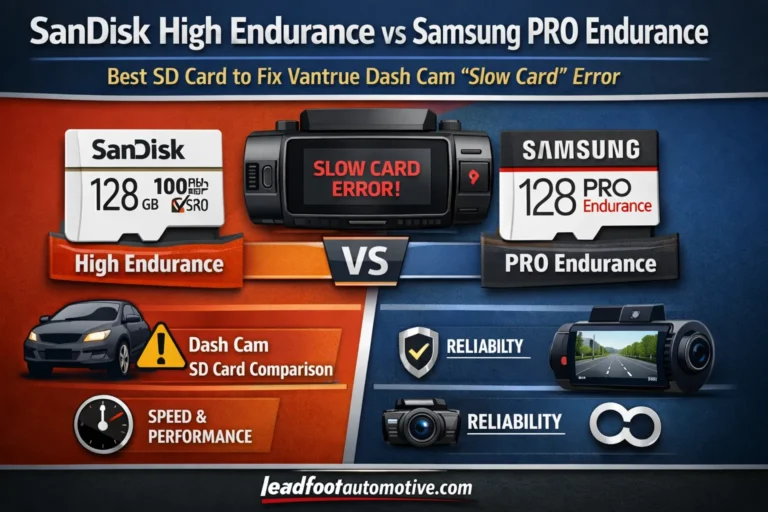
    SanDisk High Endurance vs Samsung PRO Endurance: Best SD Card to Fix Vantrue Dash Cam “Slow Card” Error

    ByAlex Rahman July 9, 2026July 9, 2026

    Quick Answer Samsung PRO Endurance wins for most Vantrue owners. It costs about $2 less, lasts up to 140,160 hours, and completely stops the “Slow Card” error. SanDisk High Endurance is better if you record at maximum 4K bitrate and want a bit more write speed headroom. Both guarantee the V30 speed your dash cam…

    Read More SanDisk High Endurance vs Samsung PRO Endurance: Best SD Card to Fix Vantrue Dash Cam “Slow Card” ErrorContinue

  • Windshield vs Dashboard Where to Mount Your Vantrue Dash Cam for Best Results
    Dash Cams

    Windshield vs Dashboard: Where to Mount Your Vantrue Dash Cam for Best Results

    ByAlex Rahman July 9, 2026July 9, 2026

    Quick Answer The windshield, specifically behind the rearview mirror on the passenger side, wins for 90% of drivers. It provides a more stable, vibration-free platform and superior video clarity with fewer reflections than a dashboard mount. The dashboard is only better if your state has strict windshield obstruction laws and your dash cam cannot be…

    Read More Windshield vs Dashboard: Where to Mount Your Vantrue Dash Cam for Best ResultsContinue

  • How to Connect Your Vantrue Dash Cam to Your Phone (Step-by-Step)
    Dash Cams

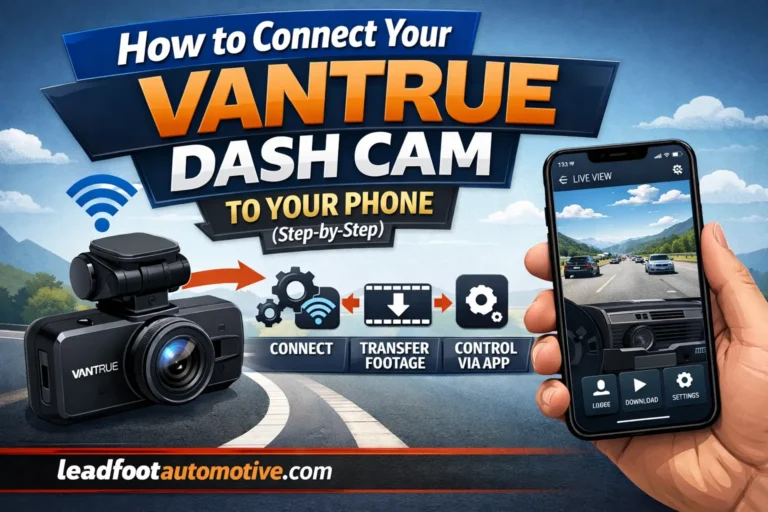
    How to Connect Your Vantrue Dash Cam to Your Phone (Step-by-Step)

    ByAlex Rahman July 8, 2026July 8, 2026

    Quick Answer Turn on your Vantrue dash cam’s WiFi from the menu or hotkey, then join its WiFi network on your phone using the default password 12345678. Open the Vantrue Cam app, tap the plus icon, pick your model, and tap Connect. You’ll see live video within seconds. Your Vantrue dash cam just caught something…

    Read More How to Connect Your Vantrue Dash Cam to Your Phone (Step-by-Step)Continue

  • How to Update Firmware on a Vantrue Dash Cam (Step-by-Step)
    Dash Cams

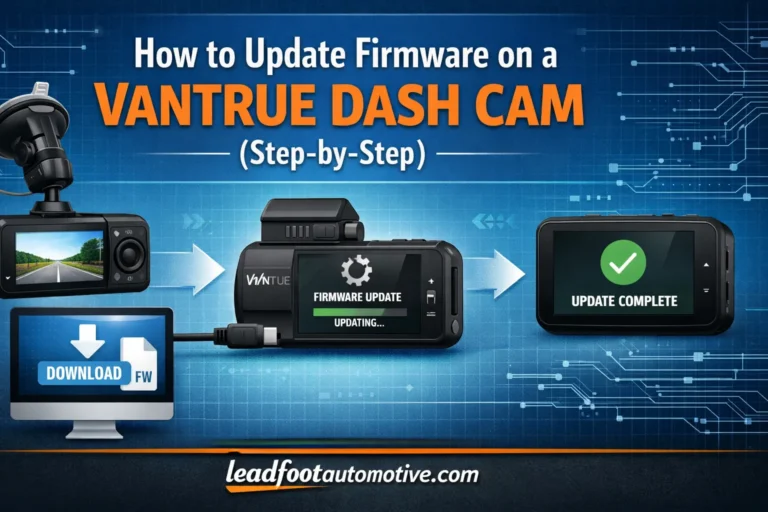
    How to Update Firmware on a Vantrue Dash Cam (Step-by-Step)

    ByAlex Rahman July 8, 2026July 8, 2026

    Quick Answer Download your model’s firmware file from Vantrue’s site, copy it to a freshly formatted microSD card, insert the card, then plug the camera into a power charger. It auto-installs in under a minute. Your dash cam froze last week. Or maybe the parking mode stopped saving clips.I’m Alex Rahman, and I’ve flashed firmware…

    Read More How to Update Firmware on a Vantrue Dash Cam (Step-by-Step)Continue

  • How to Register Your Vantrue Dash Cam (Step-by-Step Guide)
    Dash Cams

    How to Register Your Vantrue Dash Cam (Step-by-Step Guide)

    ByAlex Rahman July 8, 2026July 8, 2026

    Quick Answer To register a Vantrue dash cam, go to vantrue.net, create a free account, then click “My Products” in your profile. Enter your dash cam’s model number, order number, and purchase date. Click “Save” to complete registration and unlock 6 extra months of warranty — for a total of 18 months. You just got…

    Read More How to Register Your Vantrue Dash Cam (Step-by-Step Guide)Continue

  • Thinkware ARC vs F200 Pro Which Dash Cam Wins
    Dash Cams

    Thinkware ARC vs F200 Pro: Which Dash Cam Wins?

    ByAlex Rahman July 8, 2026July 8, 2026

    Quick Answer Thinkware ARC wins for most drivers because it records 1440p from both cameras, includes a 2.7-inch touchscreen, and currently costs $229.99. Thinkware F200 PRO records 1080p front and rear and costs $249.99, but it suits buyers who want a lighter 55.4-gram, screen-free dash cam. Which captures clearer crash evidence: Thinkware ARC or F200…

    Read More Thinkware ARC vs F200 Pro: Which Dash Cam Wins?Continue

  • Where to Mount a Vantrue Dash Cam (Best Spot + Legal)
    Dash Cams

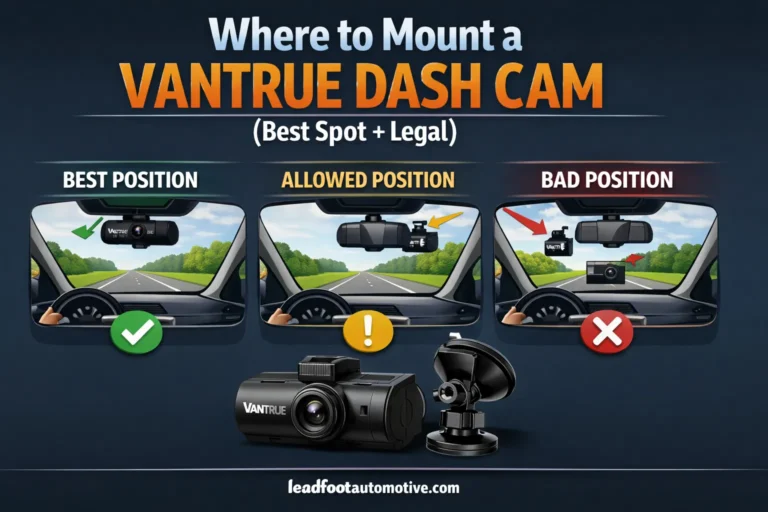
    Where to Mount a Vantrue Dash Cam (Best Spot + Legal)

    ByAlex Rahman July 8, 2026July 8, 2026

    Quick Answer Mount your Vantrue dash cam directly behind the rearview mirror, centered or slightly to the driver’s side, low enough to stay out of the wiper sweep. This spot is legal in all 50 states, keeps the lens out of your sightline, and gives the widest unobstructed view of the road. How to find…

    Read More Where to Mount a Vantrue Dash Cam (Best Spot + Legal)Continue

  • Vantrue Dash Cam Price Guide — Every Model Compared
    Dash Cams

    Vantrue Dash Cam Price Guide — Every Model Compared

    ByAlex Rahman July 8, 2026July 8, 2026

    Quick Answer Vantrue offers 10 current dash cam models priced from $99.99 to $459.95. The E1 Lite fits tight budgets. The N4 Pro at $379.99 is the best 3-channel option. The N5 at $399.99 covers all four angles. Every model uses Sony STARVIS sensors and no subscription fees — ever. Which Vantrue model is right…

    Read More Vantrue Dash Cam Price Guide — Every Model ComparedContinue

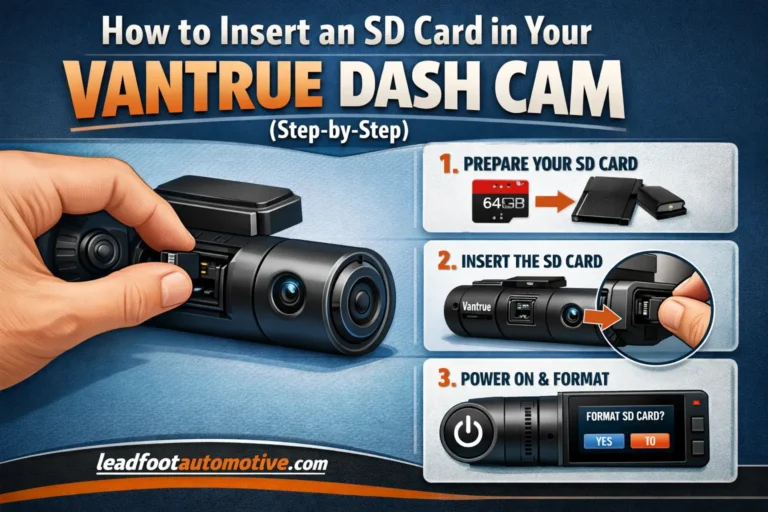
  • How to Insert an SD Card in Your Vantrue Dash Cam (Step-by-Step)
    Dash Cams

    How to Insert an SD Card in Your Vantrue Dash Cam (Step-by-Step)

    ByAlex Rahman July 8, 2026July 8, 2026

    Quick Answer Power off your Vantrue dash cam. Slide the microSD card into the slot, label facing the correct way, until it clicks. Power the camera back on, then format the card through System Setup so it’s ready to record. Your Vantrue dash cam screen flashes “Please Insert TF Card,” even though a card is…

    Read More How to Insert an SD Card in Your Vantrue Dash Cam (Step-by-Step)Continue

Page navigation

Previous PagePrevious 1 … 48 49 50 51 52 … 76 Next PageNext

© 2026 LeadFootAutomotive. All Rights Reserved. Driving Your Passion with Expert Automotive Insights.

  • Home
  • About US
  • Contact Us
  • Privacy Policy
  • Terms & Conditions
  • Affiliate Disclosure
Facebook X Instagram
Verification: 2af652633347f1f4
×
REDTIGER 4K Dash Cam Built-in WiFi GPS
Recommended Product
REDTIGER 4K Dash Cam Built-in WiFi GPS
Check Amazon →
  • Home
  • Car Maintenance
    • Car Jump Starter
  • Car Electronics
    • Dash Cams
    • OBD2 Scanner
  • Car Accessories
  • Car Cleaning
  • Car Safety
  • Car Calculators