How to Stop Recording on Vantrue Dash Cam (Quick Button Fix)
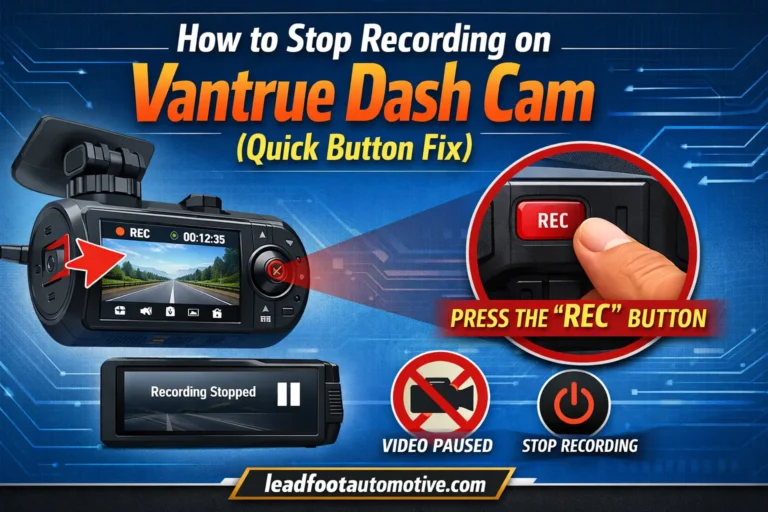
Quick Answer To stop recording on a Vantrue dash cam, press the physical “OK” or “Confirm” button once. This is the most reliable method across all models. The screen will show a pause icon, and the flashing red recording light will turn solid or off. I’m Alex Rahman. I’ve spent years testing dash cams, and…