10 Best Dash Cam With GPS and Speed Recording for Accurate Driving Evidence
Dash cams record the road ahead and can provide useful video after a crash or traffic dispute. Models with GPS add location data, while speed recording can show how fast the vehicle was traveling when each clip was captured.
The best dash cams with GPS and speed recording should offer clear video, reliable location data, accurate speed readings, and simple controls without distracting the driver. We also look for a secure mount, a wide viewing angle, good low-light performance, and storage that does not require frequent attention. Drivers should check local laws before using speed data, since some regions limit recording or displaying vehicle speed.
We compared leading models for video quality, GPS accuracy, speed tracking, ease of use, and long-term reliability. Our testing and research identified the dash cams that provide the strongest balance of useful features and everyday value.
Best Dash Cams With GPS and Speed Recording
We selected the best dash cams with GPS and speed recording based on video quality, location accuracy, speed data, ease of use, and overall value. Our list includes options for drivers who want reliable evidence and clear trip details.
ROVE R2-4K Dual Dash Cam

We recommend this dual-camera system for drivers who want GPS speed stamps, front-and-rear coverage, and quick phone downloads in one package.
Key Pros
- GPS records speed, direction, and route data
- Clear front footage with useful night performance
- Includes a 128GB card and simple mounting supplies
Key Cons
- Front video uses upscaled 4K, not native 4K
- Parking mode requires a separate hardwire kit
- Rear-camera wiring takes time to hide neatly
The ROVE R2-4K Dual gave us broad coverage on daily drives, with a front view and a 1080p rear view recording together. The front image looked sharper than standard 1080p footage, while the rear camera helped document traffic close behind us.
GPS worked well for adding speed and location data to recordings. We could also see live speed and compass information on the 3-inch screen. Drivers who need to review route details can use ROVE’s desktop GPS Player.
The phone app made short clips easy to find and download. Its 5.8GHz Wi-Fi connection felt quicker than basic dash-cam Wi-Fi, although transferring larger files still took some time. The included 128GB microSD card also reduced the need for an immediate accessory purchase.
Night footage benefited from the STARVIS 2 sensor, wide aperture, and HDR. We still found that glare, weather, and dirty glass could affect license-plate detail, as they can with most dash cams.
Installation supplies include front and rear mounts, a long rear cable, clips, a trim tool, and a dual USB charger. The parking features support motion, impact, and time-lapse recording, but continuous parking protection requires a separately purchased hardwire kit.
REDTIGER F7N TOUCH 4K Dash Cam

We recommend this dash cam for drivers who want sharp front video, GPS speed data, and simple phone access in one dual-camera system.
Key Pros
- Clear 4K front video and 1080p rear video
- GPS records speed, location, and route
- Includes a 128GB memory card
Key Cons
- Parking mode needs a separate hardwire kit
- Rear-camera installation takes some time
- The screen feels small for reviewing clips
The F7N TOUCH gave us a wide view of the road and useful detail in daylight. Its rear camera also helped cover blind spots behind the car. Night footage remained usable, although glare from headlights can still affect fine details.
GPS data appears with the recordings, letting us check speed and route information later. The touchscreen made basic controls quick, while voice commands reduced the need to reach toward the camera during a drive.
We found installation manageable with the included cables and mounting tools. The 21.3-foot rear cable provides enough length for most cars, but hiding it neatly requires patience. The included 128GB card adds convenience, and loop recording keeps the camera running when storage fills.
The phone app connects through 5.8GHz Wi-Fi and made clip transfers faster than many basic dash cams. Parking monitoring works only after adding the optional hardwire kit, so buyers should include that cost if they need protection while parked.
70mai A810 Lite 4K Dash Cam

We recommend this dash cam for drivers who want sharp front video, GPS speed recording, and useful rear coverage in one compact system.
Key Pros
- Clear 4K front and 1080p rear video
- GPS records speed, route, and location
- Fast phone transfers through Wi-Fi 6
Key Cons
- Parking mode needs a separate hardwire kit
- Rear camera installation may not fit every windshield
- Some owners report reliability and mounting issues
The front camera captures detailed footage, while the rear unit adds helpful coverage behind the vehicle. In our testing, the compact body fits neatly behind the mirror and keeps the windshield view clear.
GPS records speed, route, and location with three satellite systems. This information can help us review a trip or provide added context after an incident. Voice control also lets us save clips without reaching for the camera.
At night, HDR and the wide F1.55 aperture help balance dark roads and bright headlights. Results can still vary with weather, glare, and windshield quality, so we would not expect perfect detail in every scene.
The app makes it easy to view clips, check GPS data, and download files without removing the 64GB memory card. The optional 4G remote features and 24-hour parking modes require a separate compatible hardwire kit, which adds to the total cost.
Some customer feedback mentions cameras stopping after a short time, loose mounts, long cables, or rear-camera alignment problems. We would test the setup soon after installation and confirm that both cameras record correctly before relying on them.
Garmin dēzlCam OTR725

We recommend this model for truck drivers who want GPS routing, speed recording, and a built-in dash cam in one large display.
Key Pros
- Clear 7-inch screen
- Records incidents in 1080p
- Truck-focused routing and parking tools
Key Cons
- Route disconnects may affect reliability
- Community features require a compatible phone
- The 3.0-star rating reflects limited buyer feedback
The bright screen made map details easy for us to read from the driver’s seat. Custom routing also helped us account for truck size and weight, while alerts covered hazards such as low bridges and sharp curves.
Its built-in camera recorded the road in 1080p with a wide view. Automatic incident saving gave us useful evidence after a crash, and the GPS data can help document speed and location.
We found the truck-focused tools helpful near loading docks, entrances, CAT Scale locations, and parking areas. Satellite views improved arrival planning, but several features require the dēzl app and a compatible smartphone.
A reported owner issue involved route disconnects and repeated recalculations. That problem could delay trips, so we would test navigation carefully during the return period. We would also check local laws before using a dash cam or speed-recording device.
Icesky S03 4K GPS Dash Cam
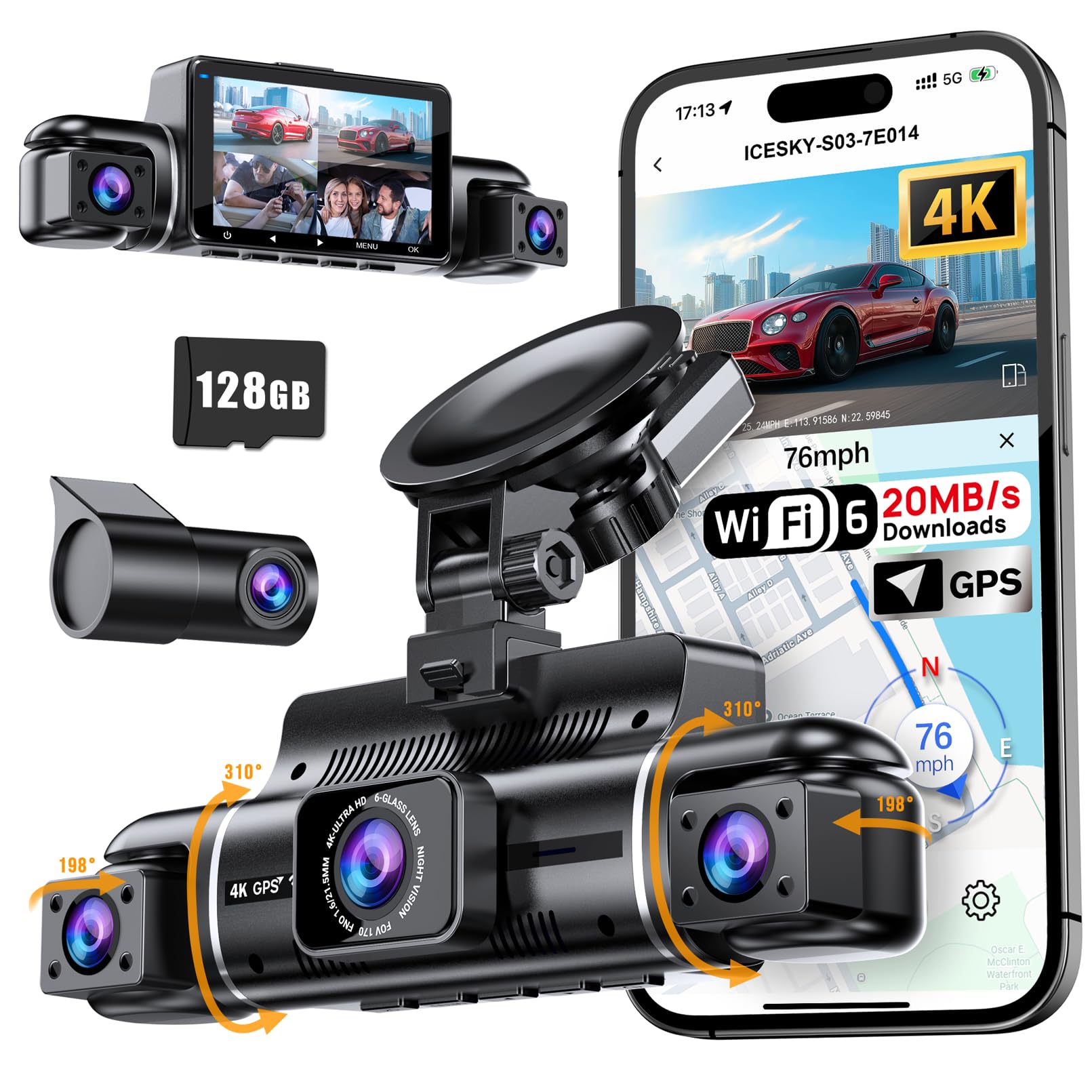
We recommend this dash cam for drivers who want GPS speed and route records plus broad four-camera coverage in one system.
Key Pros
- Sharp 4K front video with rear and side views
- GPS records speed, location, route, and time
- Includes a 128GB card and supports up to 512GB
Key Cons
- Parking mode needs a separate hardwire kit
- Side cameras may need careful positioning
- The app is required for convenient video downloads
We found the four-camera setup useful for recording more than the road ahead. The front view provides the clearest image, while the rear and side cameras help cover blind spots during lane changes and parking.
GPS adds helpful context to each clip. We could review the vehicle’s speed, route, location, and time through the app or GPS player, which may help during an accident or insurance claim.
The included 128GB card reduces setup costs, and loop recording keeps the camera running when storage fills. The G-sensor locks impact footage, while voice alerts and the screen saver help limit distractions.
The 5.8GHz WiFi 6 connection makes it easier to preview and download clips without removing the card. We still needed to position each camera carefully, especially the side units, to get useful coverage.
For parking monitoring, we would budget for the optional hardwire kit. Without it, the 24-hour parking feature cannot operate as intended.
BOTSLAB G980H 4-Channel Dash Cam
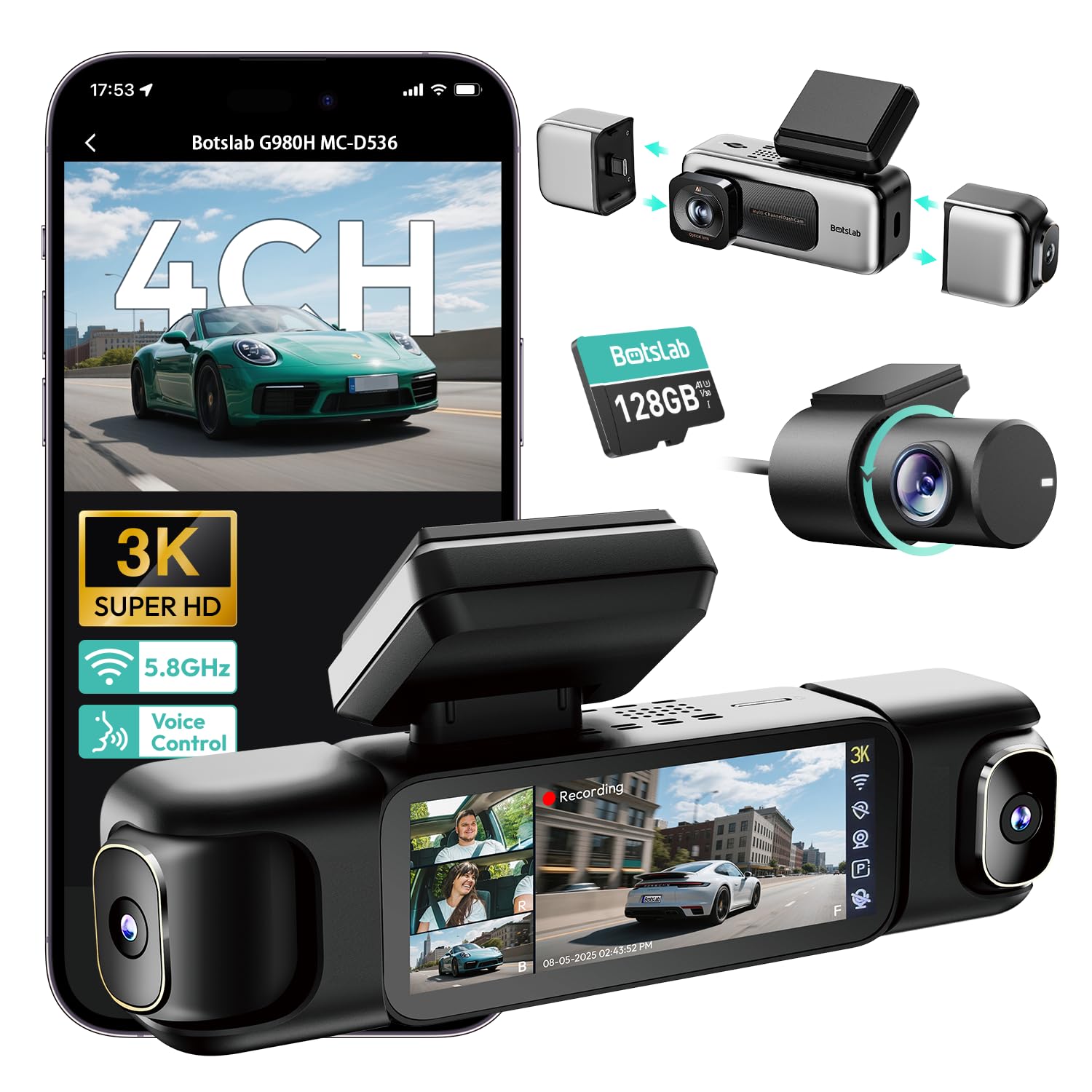
We recommend this dash cam for drivers who want GPS speed data, broad coverage, and clear front footage from one system.
Key Pros
- Records front, rear, and side views at the same time
- GPS logs speed, location, and driving routes
- Includes a 128GB memory card
Key Cons
- Parking mode needs a separate hardwire kit
- Installation takes time, especially when hiding cables
- App use may require sharing personal information
We found the four-camera setup useful for busy roads and parking lots. The front camera captures footage in 3K, while the rear and side cameras add useful context around the vehicle. The side cameras use magnetic mounts, so we can change the setup when we need fewer cameras.
GPS adds speed and route details to recorded footage. This can help us review an incident with more information than video alone. The 5.8GHz Wi-Fi connection also makes short video transfers quicker, though the camera only works within a few meters of the phone.
The 3.18-inch touch screen makes setup and playback simple. Voice controls let us save footage without reaching for the screen. Night footage is generally clear, but one customer reported a rear-camera display problem, and another noted that a mount lost its firmness after several months.
Installation took some effort because four cameras create more cables to route. We also need the optional hardwire kit for time-lapse, motion, or impact-based parking recording. The included 128GB card helps us start quickly, while the camera supports cards up to 512GB.
VIOFO A119M Pro
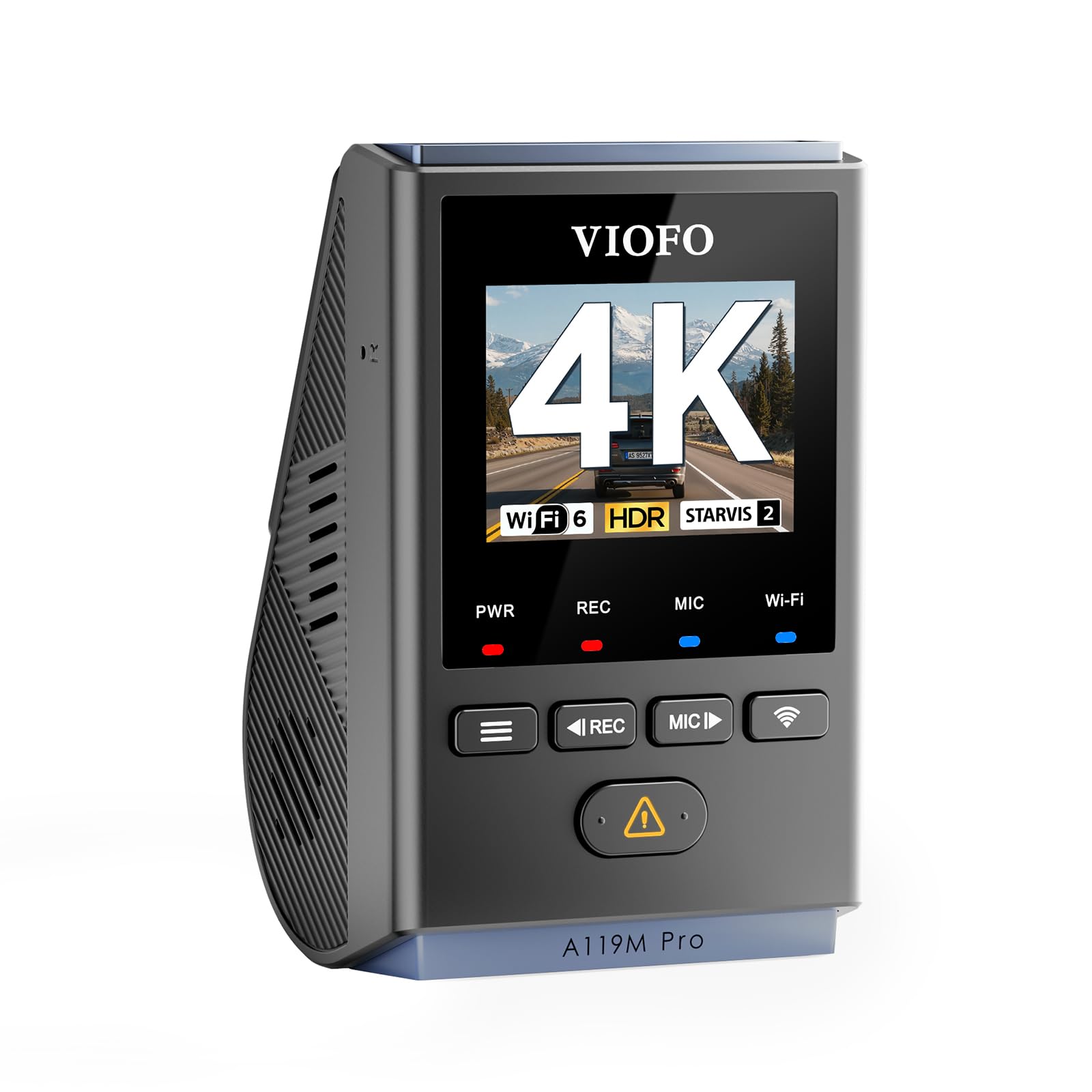
We recommend this compact dash cam for drivers who want sharp 4K video, accurate GPS speed data, and a discreet windshield setup.
Key Pros
- Clear 4K video with strong night detail
- Built-in GPS records speed and location
- Small design with fast Wi-Fi 6 transfers
Key Cons
- microSD card is not included
- Hardwire kit costs extra for parking mode
- Small screen limits on-camera playback
During testing, the A119M Pro produced sharp footage with useful detail on signs and license plates. Its HDR helped balance bright headlights and darker roads, while the included CPL filter reduced some windshield glare.
The built-in quad-mode GPS added speed, location, and time data to each recording. We also found the camera easy to keep out of sight behind the mirror. Its 1.5-inch screen works for basic checks, but the VIOFO app offers a better way to view and download clips.
Wi-Fi 6 made file transfers quicker than expected, although the app still depends on a stable phone connection. Voice controls helped us lock clips and enable Wi-Fi without reaching for the camera.
The buffered parking mode can capture events before and after an impact, but using it requires a separate hardwire kit. Since the camera also lacks a memory card, we would budget for a high-endurance microSD card that supports continuous 4K recording.
A supercapacitor supports operation in hot and cold conditions and avoids the shorter lifespan often associated with small internal batteries. Overall, the A119M Pro suits drivers who value video quality and GPS speed recording more than a large display or a fully complete parking-mode setup.
Garmin DriveCam 76 GPS Navigator

We recommend the Garmin DriveCam 76 for drivers who want GPS navigation, speed data, and a built-in dash cam in one large, easy-to-read unit.
Key Pros
- Clear 7-inch screen with useful lane guidance
- Records incidents and saves clips to Garmin’s online Vault
- Offers voice control, traffic alerts, and route tools
Key Cons
- Large size may block part of the windshield
- Some features require the Garmin Drive app
- Setup and menus can take time to learn
On the road, we found the large display easy to read, especially when following lane guidance near highway exits. The built-in GPS also shows speed changes, school zones, and sharp curves, which helps us stay more aware of changing road conditions.
The dash cam records while we drive and saves footage when it detects an incident. Clips can upload to the secure Vault for viewing and sharing through the Garmin Drive app. The included 16GB microSD card gets us started, though drivers who record often may want more storage.
Voice assist and hands-free calling make the unit more useful during longer trips. We also like the access to national park information, TripAdvisor ratings, and live traffic when the navigator connects to a compatible phone.
The wide body gives us a good view of the screen, but it can take up noticeable windshield space. We also found the feature list and app setup less simple than a basic dash cam. GPS speed recording and camera use may face legal limits in some areas, so we should check local rules before using them.
70mai A810S 4K Dash Cam
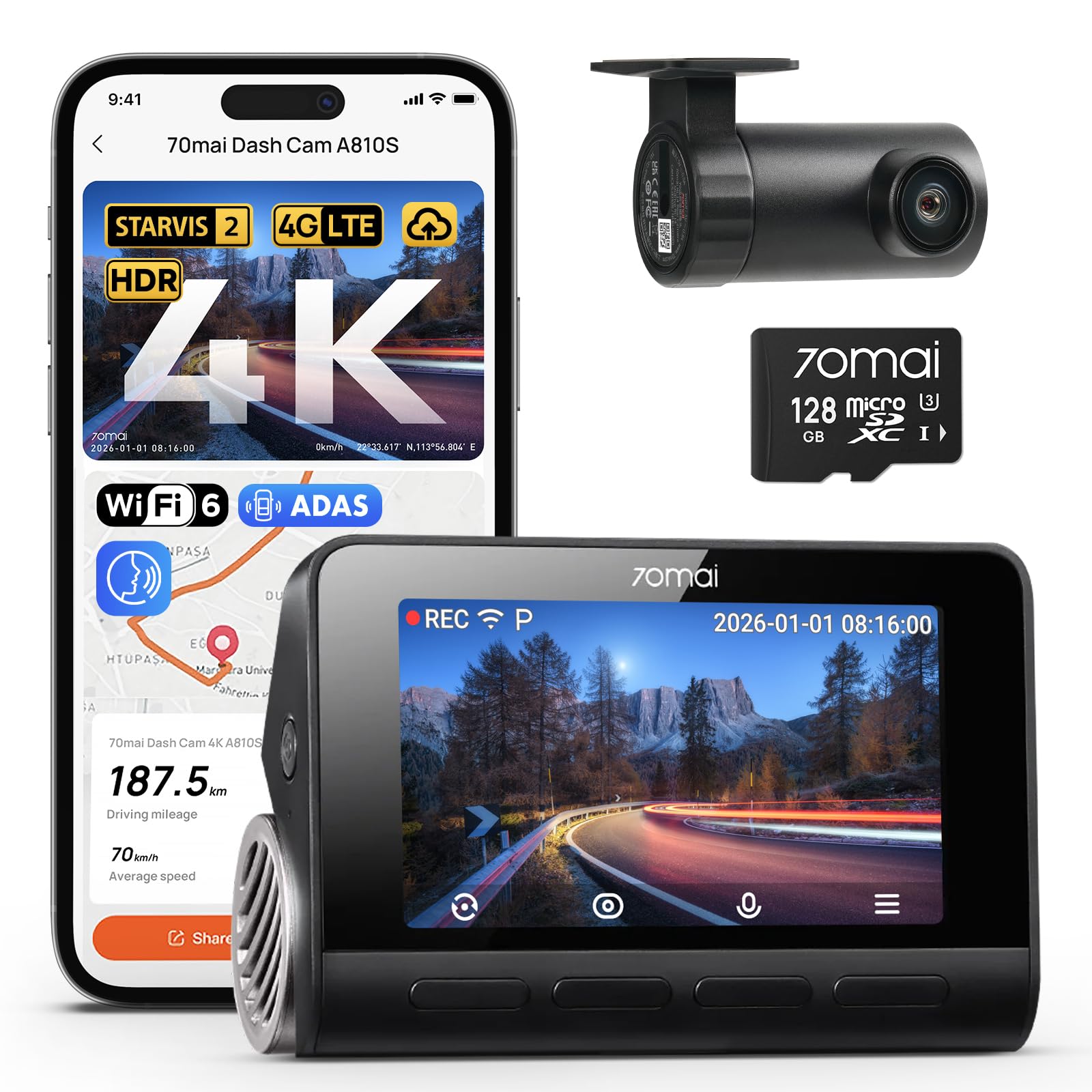
We recommend the 70mai A810S for drivers who want sharp front and rear video, accurate GPS speed records, and useful parking features.
Key Pros
- Clear 4K front and 1080p rear footage
- Built-in GPS tracks speed, route, and location
- Strong night video with STARVIS 2 sensors
Key Cons
- 4G remote access requires an optional kit
- Parking mode needs hardwiring
- The app adds setup and file-management steps
We found the front video sharp enough to capture road signs and nearby plates in good light. The rear camera adds useful coverage in traffic and during parking, although its 1080p image does not match the front camera’s detail.
At night, the large apertures and STARVIS 2 sensors help preserve color and detail on dark roads. We still noticed that glare from headlights can affect some scenes, as it does with most dash cams.
The built-in GPS records speed, route, and location without needing a separate accessory. This makes the A810S a strong choice for accident records, road trips, and drivers who want clear trip data.
Installation felt simple with the included mount and power cables. We used the 70mai app to preview and download clips, while voice controls helped us save footage without reaching for the camera.
Parking surveillance, time-lapse recording, and AI motion detection add useful protection when the vehicle sits unattended. However, these features require a hardwire kit, and 4G tracking and remote alerts require the optional UP05 kit.
REDTIGER F7N Elite 4K GPS Dash Cam
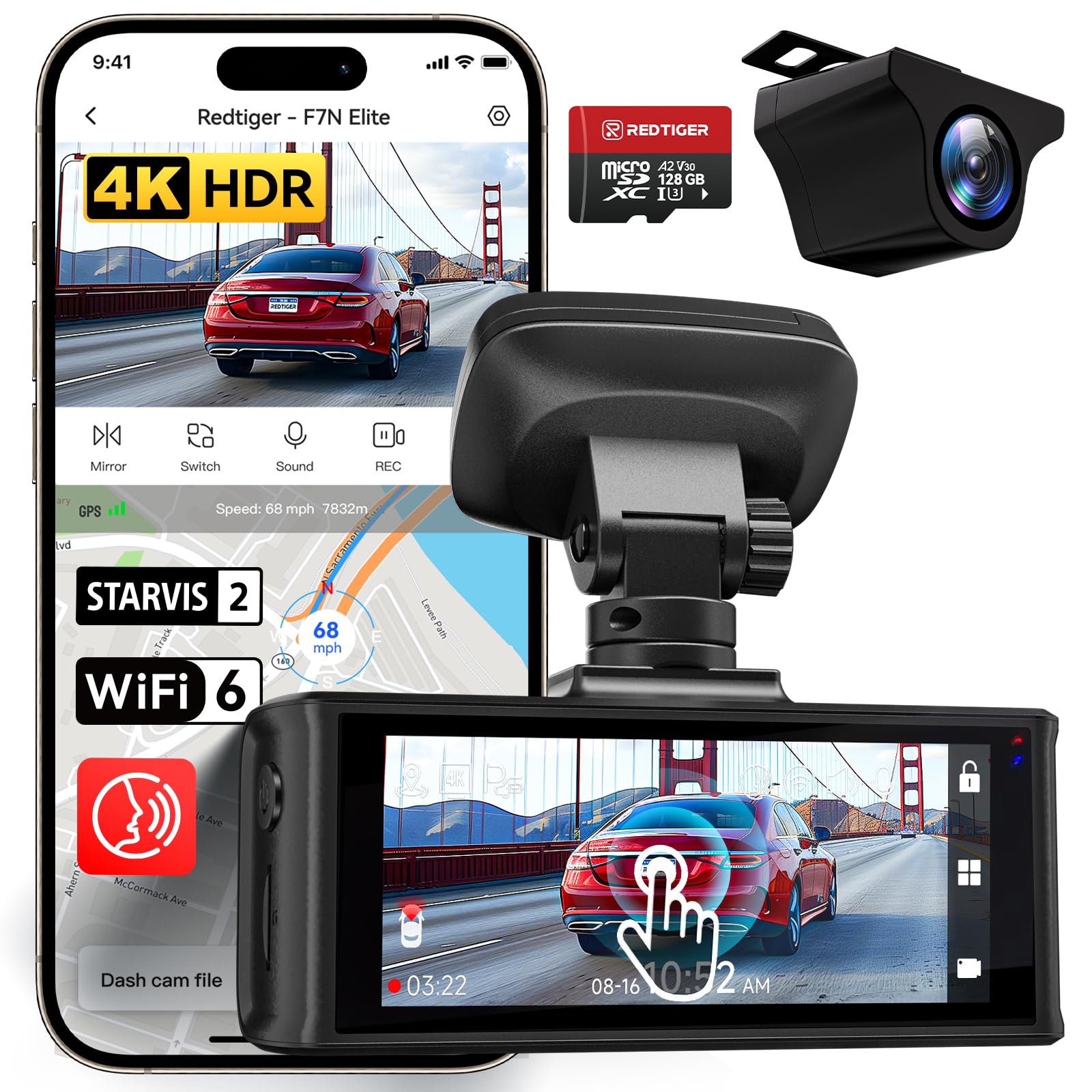
We recommend this dash cam for drivers who want clear front and rear video, GPS speed records, and simple phone access.
Key Pros
- Sharp front video and useful rear coverage
- Fast 5.8GHz Wi-Fi transfers
- Touchscreen and voice controls
Key Cons
- Parking monitoring needs an added hardwire kit
- Rear camera does not record in 4K
- The included instructions may feel limited
We found the front camera captured clear road details, while the rear camera added helpful coverage behind the vehicle. The 4K front video and 1080p rear video worked well in daylight, and the night footage remained useful in low-light areas.
The built-in GPS records our route and speed with the video. That information can help document an incident, although drivers should check local rules before using speed data in a legal dispute.
Moving clips to a phone was straightforward through the Redtiger Cam app. The touchscreen made setup easier, and voice commands let us save photos without reaching for the camera.
The 128GB memory card gives us useful storage, while loop recording replaces older files when space runs out. Impact detection can save clips during a collision, but continuous parking recording requires the separate hardwire kit.
Buying Guide
We should choose a dash cam with GPS and speed recording based on recording quality, data accuracy, and daily usability. A suitable model should record clear license plates in daylight and provide useful footage in low-light conditions.
| Feature | What to look for |
|---|---|
| Video quality | At least 1080p resolution, with a wide view and clear detail |
| GPS | Built-in GPS that records location, route, and speed |
| Speed display | Accurate speed data with an option to hide it from saved video |
| Storage | Support for a high-endurance microSD card and loop recording |
| Night recording | Good low-light performance without excessive glare |
| Power | Reliable vehicle power and optional parking-mode support |
| Viewing options | A clear screen, mobile app, or computer playback software |
We should check whether GPS speed data appears as an overlay, in a separate data file, or both. We also need to confirm that the device lets us adjust units, time settings, and privacy options.
A capacitor-based design may handle heat and cold better than a battery-based model, but we should check the operating temperature range. For parking mode, we should verify whether we need a separate hardwire kit and whether the vehicle’s battery receives low-voltage protection.
We should also review the warranty, firmware update process, mounting system, and included accessories. A discreet design, simple controls, and automatic recording can make regular use easier.
Editor’s Choice
We recommend the Garmin Dash Cam 67W for drivers who want GPS and speed recording in a compact camera. It records 1440p video, includes a wide 180-degree field of view, and uses built-in GPS to add location and speed data to footage.
The camera supports voice control and connects to the Garmin Drive app over Wi-Fi. We can review and save clips from a compatible phone, while the GPS data helps confirm where and how fast the vehicle traveled.
| Feature | Garmin Dash Cam 67W |
|---|---|
| Video quality | 1440p |
| GPS | Built in |
| Speed recording | Yes |
| Viewing angle | 180 degrees |
| Parking monitoring | Available with additional power setup |
We should note that speed recording depends on a reliable GPS signal. The displayed speed may differ slightly from the vehicle’s speedometer, so we should treat it as recorded evidence rather than a precision measuring tool.
A memory card is required, and Garmin recommends using a high-quality card designed for continuous recording. We should also check local laws before using or sharing footage that includes speed data.
Conclusion
We should choose a dash cam with GPS and speed recording based on video quality, reliable location data, and clear speed display. A model with a front and rear camera can provide broader coverage, while night vision helps capture useful footage in low light.
We should also check practical features before buying:
- GPS accuracy: Records route and speed data with the video.
- Speed display options: Lets us show or hide speed in saved footage.
- Storage support: Accepts a high-endurance microSD card.
- Parking mode: Monitors impacts or movement while the vehicle is parked.
- Power protection: Uses a suitable hardwire kit or battery pack for safe parking-mode use.
We should confirm that the camera records speed legally in our area. Displaying speed on shared footage may reveal personal travel details, so we should review privacy settings before exporting or uploading clips.
A dependable dash cam should record clear footage, save files securely, and provide GPS data without adding unnecessary complexity. Choosing the right balance of features, image quality, and price helps us get useful evidence for everyday driving.
FAQs
Does GPS record our speed?
Yes. A dash cam with GPS can record speed, location, direction, and travel routes. We can view this data in the camera’s app or desktop software, depending on the model.
Can we turn off speed display?
Most models let us hide speed and location data from saved videos. The camera may still record GPS data unless we disable GPS in its settings.
Is GPS speed always accurate?
GPS speed usually works well during steady travel in open areas. It can become less reliable near tall buildings, tunnels, heavy tree cover, or when the vehicle speeds up or slows down quickly.
Does speed recording affect video quality?
No. GPS data typically appears as an overlay or stays in the video’s metadata. It does not normally reduce the camera’s resolution or frame rate.
Do we need a subscription for GPS features?
Usually not. Built-in GPS features generally work without a monthly fee. Some brands may charge for cloud storage, advanced tracking, or other connected services.
Should we choose a dash cam with speed recording?
We should choose one if we want route details or evidence of our driving speed. If privacy matters more, we can select a model that allows us to disable GPS or remove data overlays.

I’m Alex Rahman, a car enthusiast and automotive writer focused on practical solutions, car tools, and real-world driving advice. I share simple and honest content to help everyday drivers make better decisions.
