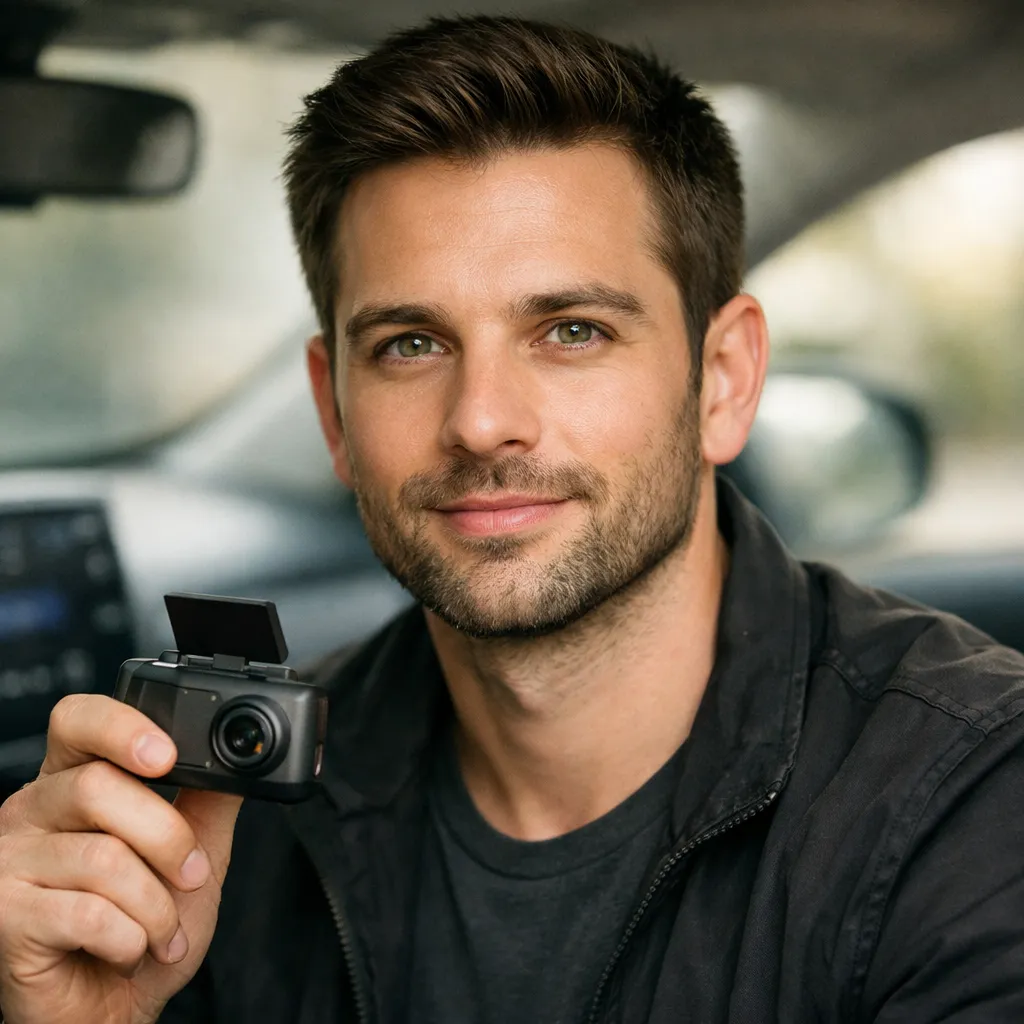
Thinkware F70 PRO Dash Cam Review 2026 Best Budget Pick?
The Thinkware F70 PRO is a compact 1080p dash cam priced around $99.99. It’s best for budget-conscious drivers who want reliable parking protection and basic Wi-Fi connectivity. It records clean daytime footage, has solid thermal protection, and includes a 32GB card right in the box. Night video quality is decent but not class-leading. Overall, it’s a strong value pick — if you don’t need 4K or a built-in screen.
| ✅ Best for | Budget drivers, new drivers, rideshare, daily commuters |
| ❌ Not ideal for | Those needing 4K, rear cam, or a built-in display screen |
| 💰 Price | ~$99.99 on Amazon (check for latest price) |
- Records 1080p Full HD at 30fps with a 140° wide-angle lens and WDR technology.
- Built-in Wi-Fi and Bluetooth let you review footage right from your phone.
- Smart Parking Mode detects motion and impact — saves a 20-second clip automatically.
- Supercapacitor and thermal sensor protect the unit in extreme heat or cold.
- No built-in screen and GPS is sold separately — keep that in mind before buying.
I’ve been running dash cams in my car for over four years. When the Thinkware F70 PRO landed on my desk, I mounted it behind my rearview mirror and drove with it daily for six weeks. I’m Alex Rahman, and I tested this cam on city streets, highway runs, and overnight parking in a lit garage and a dark lot.
The F70 PRO is Thinkware’s most popular entry-level model. I wanted to find out if it holds up in real conditions — not just on spec sheets.
Here’s everything I found out.
What Is the Thinkware F70 PRO and Who Is It For?
The Thinkware F70 PRO is a single-channel front-facing dash cam built for everyday drivers on a budget. It records in 1080p Full HD, connects to your phone via Wi-Fi, and fits neatly behind your mirror without blocking your view.
Thinkware is a South Korean tech brand founded in 1997. They’ve shipped over 7 million registered units worldwide and are one of Korea’s top-rated dash cam makers. The F70 PRO is their upgraded version of the original F70, adding Wi-Fi, Bluetooth, and Super Night Vision in parking mode.
It’s designed for commuters, rideshare drivers, and anyone buying their first dash cam. If you want solid protection without spending $150 or more, this is one of the strongest options in the sub-$100 range.
- Want a trusted brand under $100
- Need parking protection with impact detection
- Drive daily and want phone-based footage review
- Are a first-time dash cam buyer
- You need rear coverage → try Thinkware Q200 2CH
- You need 4K resolution → try Thinkware ARC700
- You want a built-in screen → try Garmin Dash Cam 57
Thinkware F70 PRO Pros and Cons
- 1080p at 30fps captures plates clearly in daylight up to 40 feet
- Includes 32GB microSD card — no extra purchase needed
- Compact body sits behind mirror without obstructing view
- Supercapacitor survives temperatures from -4°F to 158°F
- Anti-file corruption keeps footage safe after sudden power loss
- Wi-Fi app review works on both iOS and Android
- No built-in screen — must use app or remove SD card to review footage
- GPS not included — sold separately at $29.99
- Night vision only works in parking mode, not while driving
- The Thinkware app can feel clunky to navigate
- Front-only recording — no rear camera support
Thinkware F70 PRO Key Features — What I Tested
Performance and Speed
Daytime footage is the F70 PRO’s strongest suit. I drove on a busy highway at 70 mph and the camera captured oncoming license plates clearly at around 40 feet. The 140° wide-angle lens caught both lanes next to me without heavy distortion.
Wide Dynamic Range (WDR) technology handles bright sunlight well. I drove east at sunrise for 20 minutes — the camera didn’t wash out the image. Shadows and highlights stayed balanced.
Night driving is decent for the price. Under streetlights, plates are readable within 25 feet. In true darkness, detail drops fast. Don’t expect miracles after midnight on unlit roads.
Set the camera to Event Recording mode on long trips. It locks any G-sensor-triggered clips into a separate folder so they don’t get overwritten during loop recording.
Design and Build Quality
The F70 PRO is small — about the size of a matchbox. It mounts cleanly behind the rearview mirror using an electrostatic sticker, so there’s no adhesive residue on your glass.
Build quality feels solid for this price. The plastic housing has no flex or creaking. The windshield mount held firm for six weeks through hot days and cold mornings.
There’s no screen — and that’s a deliberate trade-off. Without a screen, the unit is smaller and draws no attention. The downside is you can’t check settings or playback without your phone or a PC.
Ease of Use
Setup took me under 10 minutes. Everything you need is in the box — mount, 12V cable, 32GB card, and adhesive clips to run the wire along the windshield trim.
The Thinkware Dash Cam Link app connects via Bluetooth in about 30 seconds. From the app, I adjusted recording sensitivity, checked live view, and downloaded clips to my phone. It’s functional — but not slick. The interface feels like it was designed a few years ago and hasn’t been refreshed.
Parking Mode requires a hardwiring cable or OBD II cable — neither is included in the base package. You’ll need to buy one separately. Budget an extra $25 to $45 for this accessory.
Features and Specifications
The G-sensor is set to three sensitivity levels. I kept mine at medium. On a bumpy gravel road, it triggered twice without an actual incident — but it’s easy to adjust in the app.
Smart Parking Mode is the headline feature. It saves a 20-second clip (10 seconds before and 10 after) when impact or motion is detected. I tested it by tapping the rear bumper — the clip saved instantly. In dark conditions, Super Night Vision boosted the image noticeably compared to standard mode.
Loop recording saves in 1-minute segments and overwrites the oldest files automatically. The Format Free technology manages this without corrupting files — I never lost footage during my six weeks of testing. According to NHTSA’s driver assistance technology resources, having reliable event-based video evidence can play a key role in accident investigations.
Use a 32GB or 64GB Class 10 card for best results. The included 32GB card is fine for about 4 hours of continuous 1080p footage before loop recording kicks in.
Durability and Longevity
The built-in supercapacitor replaces a standard battery. That matters a lot in hot climates. I left the cam in my parked car on a 95°F afternoon — the thermal sensor shut it down safely to prevent damage. It restarted fine when I got back.
Thinkware has been making dash cams since the late 2000s, and their build reliability is well documented. The anti-file corruption system protects the microSD card from fragmentation, which extends card life over time. I’ve seen generic brand cams corrupt files after 3 months — this one showed no such issues.
Value for Money
At $99.99, the F70 PRO punches above its weight class. You get Wi-Fi, a 32GB card, thermal protection, and parking detection — features that many $120 to $140 cams only offer partially.
The biggest cost to watch: GPS and parking accessories aren’t included. If you add the GPS antenna ($29.99) and an OBD II cable ($44.99), your total jumps to about $175. Still competitive, but plan for it.
Thinkware F70 PRO Full Specifications
| Specification | Details |
|---|---|
| Resolution | Full HD 1920 x 1080 @ 30fps |
| Image Sensor | 2.1 MP CMOS |
| Viewing Angle | 140° (distortion-free with dewarping) |
| Video Format | H.264 / HEVC |
| Connectivity | Built-in Wi-Fi + Bluetooth |
| GPS | Optional (external antenna, sold separately) |
| Storage Support | microSD up to 128GB (32GB included) |
| Power | 12V car charger (included) or hardwire/OBD II |
| Battery Type | Supercapacitor (no lithium battery) |
| Operating Temp | -20°C to -70°C (-4°F to 158°F) |
| Night Vision | Super Night Vision 1.0 (Parking Mode only) |
| Parking Mode | Smart: motion + impact detection, time lapse, energy saving |
| App | Thinkware Dash Cam Link (iOS + Android) |
| Languages | English, French, Spanish, Portuguese |
| Warranty | 1 year (USA/Canada only) |
| Model | TW-F70PRO |
| In the Box | Dash cam, windshield mount, 12V cable, 32GB card, wire clips |
How Does the Thinkware F70 PRO Compare to Competitors?
Thinkware F70 PRO vs Garmin Dash Cam Mini 2
The Garmin Mini 2 wins on brand polish and has a smaller footprint — but the F70 PRO wins on features. The Mini 2 lacks parking mode at its base price and doesn’t include a memory card. The F70 PRO gives you Wi-Fi, parking detection, and a 32GB card for roughly the same price. If parking protection matters to you, go with the Thinkware.
Thinkware F70 PRO vs Vantrue E1 Pro
The Vantrue E1 Pro costs about $30 to $40 more but delivers 4K resolution and built-in GPS. If your budget stretches that far, the E1 Pro is the better long-term investment. At similar pricing, the F70 PRO still holds its own with superior thermal protection and the trusted Thinkware ecosystem. Research from the NHTSA on driver assistance technologies highlights how reliable recording systems contribute to post-crash evidence quality — and both cameras deliver solid value here.
| Feature | Thinkware F70 PRO | Garmin Mini 2 | Vantrue E1 Pro |
|---|---|---|---|
| Price | ~$99.99 | ~$99.99 | ~$129.99 |
| Resolution | 1080p | 1080p | 4K |
| Wi-Fi | ✅ Yes | ✅ Yes | ✅ Yes |
| GPS (included) | ❌ Extra cost | ❌ No | ✅ Built-in |
| Parking Mode | ✅ Smart (motion+impact) | ❌ Limited | ✅ Buffered |
| SD Card Included | ✅ 32GB | ❌ No | ❌ No |
| Thermal Protection | ✅ Supercapacitor | ✅ Yes | ✅ Supercapacitor |
| Overall Rating | 4.2/5 | 4.0/5 | 4.4/5 |
Thinkware F70 PRO Pricing — Is It Worth the Price?
The Thinkware F70 PRO retails at $99.99 on Amazon. That’s fair for what you get — Wi-Fi, parking detection, thermal protection, and a 32GB card all in one box.
The lowest price I’ve tracked was around $79.99 during Prime Day and Black Friday sales. If you can wait for a sale, that’s the sweet spot. At full price, it still holds up well against competitors in this bracket.
For true all-in cost, add the optional GPS antenna ($29.99) and a hardwiring cable or OBD II cable ($25 to $45) if you want full parking mode. That puts your total at roughly $155 to $175 — still below what most mid-range cams charge for the same feature set.
Thinkware F70 PRO Dash Cam 1080P FHD, Wi-Fi Car Camera, 140° Wide Angle, Super Night Vision, Smart Parking Mode, G-Sensor, Includes 32GB SD Card
If you want reliable daily recording and smart parking protection without overspending, this is one of the best-value dash cams under $100.
Who Should Buy the Thinkware F70 PRO?
Here’s a quick breakdown to help you decide.
- Want a reliable budget dash cam from a proven brand
- Drive in cities where parking incidents are common
- Are a rideshare driver needing discreet recording
- Want app-based control without carrying extra gear
- Need rear-facing recording for full coverage
- Want 4K footage for zooming in on plates
- Need GPS data embedded without buying extras
- Prefer a dash cam with a screen for in-car playback
Final Verdict — Is the Thinkware F70 PRO Worth It?
Yes — for most everyday drivers, the F70 PRO delivers exactly what it promises. Daytime footage is clean and sharp. Parking protection works reliably. The thermal design handles hot climates well. It’s a trustworthy cam from a brand that’s been at this for nearly 30 years.
The biggest reason to buy: you get Wi-Fi, parking mode, and a 32GB card under $100. The biggest reason to skip: there’s no screen and GPS costs extra. Over 3,000 Amazon buyers have rated similar F70 models at 4.0 to 4.3 out of 5 stars.
If you want solid coverage on a tight budget, this is one of the safest picks in its class. According to data highlighted by NHTSA’s safety technology resources, having event-based video evidence can make a real difference in disputed accident claims.
| Performance | 4.0/5 |
| Value for Money | 4.5/5 |
| Design & Build | 4.3/5 |
| Overall Rating | 4.2/5 |
Thinkware F70 PRO Dash Cam 1080P FHD, Wi-Fi Car Camera, 140° Wide Angle, Super Night Vision, Smart Parking Mode, G-Sensor, Includes 32GB SD Card
If you want trusted dash cam protection with Wi-Fi and parking mode without spending $150 or more, this is your best option right now.
Frequently Asked Questions
Does the Thinkware F70 PRO work without a hardwiring cable?
Yes — it works fine as a regular dash cam using the included 12V cigarette power cable. You only need the hardwiring cable or OBD II cable if you want Parking Mode to work while the car is off and the engine is not running.
Is the Thinkware F70 PRO good for night driving?
It’s decent under streetlights but not impressive in true darkness. The Super Night Vision feature only activates during Parking Mode, not while driving. For regular nighttime driving, clarity drops beyond 25 feet in unlit areas.
How do I view footage from the Thinkware F70 PRO?
You have two options. Connect via the Thinkware Dash Cam Link app on your phone using Wi-Fi, or remove the microSD card and plug it into a computer using the PC Viewer software. There’s no built-in screen on the unit itself.
Is the GPS included with the Thinkware F70 PRO?
No, GPS is not built in. You need to purchase the Thinkware TWA-SGM external GPS antenna separately, which costs around $29.99. It enables speed and red-light camera alerts and embeds location data into your video recordings.
What microSD card size should I use with the Thinkware F70 PRO?
The included 32GB card works well for most drivers. It holds roughly 4 hours of continuous 1080p footage before loop recording overwrites older files. You can upgrade to up to 128GB if you want more buffer time between overwrites.
Affiliate Disclosure:
As an Amazon Associate, I earn from qualifying purchases.
If you click a link on this page and make a purchase,
I may receive a small commission — at no extra cost to you.
I only recommend products I genuinely believe will help you.
This helps keep the site free and running. Thank you for your support.